MagicSlides AI Presentation Maker
From Idea to Deck in Just One Click
MagicSlides, a next-gen AI presentation tool, converts any prompt, topic, or content source into a professional PPT in seconds. Just input a prompt and get ready-to-use AI presentations in 136+ languages.
13.6k PPTs created in the last 30 days
Trusted by 2.6M+ professionals and teams worldwide
- Google
- Amazon
- Netflix
- LinkedIn
- Salesforce
- HubSpot
- Shopify
- Stripe
- ByteDance
- Cisco
- IBM
- Red Hat
- NVIDIA
- SpaceX


Not one slide. The whole deck.
Every slide designed to match, from the cover to the last page. Hover to flip through.
Get Started in 3 Simple Steps
Try It Free — Create Your First Presentation1. Input Idea
Type the topic, paste the content, upload a file, or drop a YouTube link, select or customise a template, and let the AI PPT maker take over.
Generating 1 slides...
2. Let AI Work Its Magic
Watch as our AI presentation maker instantly generates polished, well-structured, and visually stunning slides.

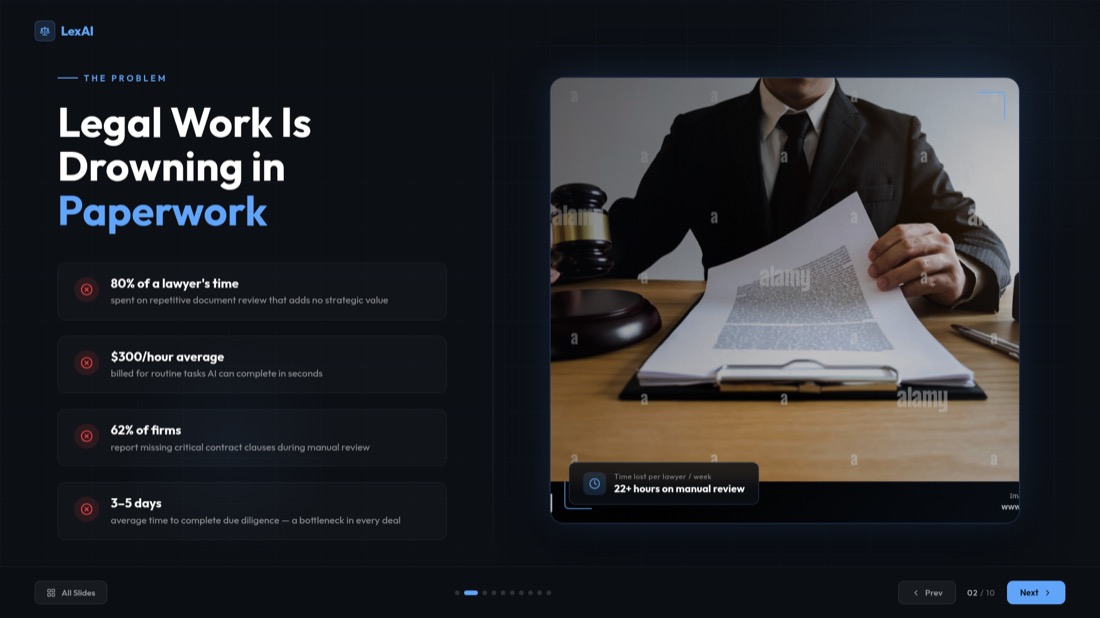
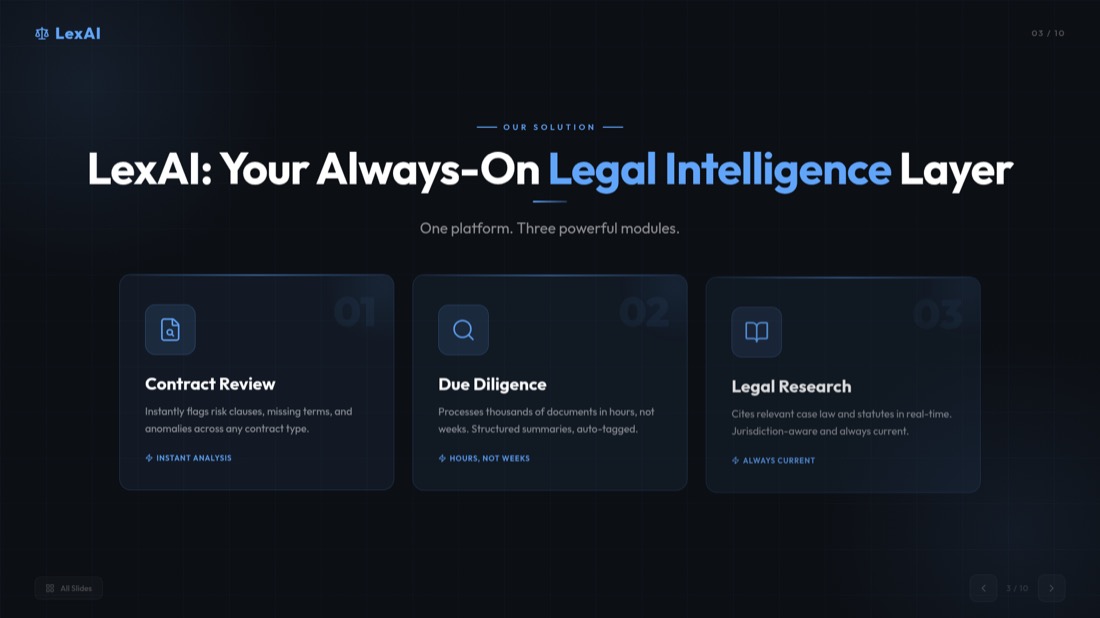

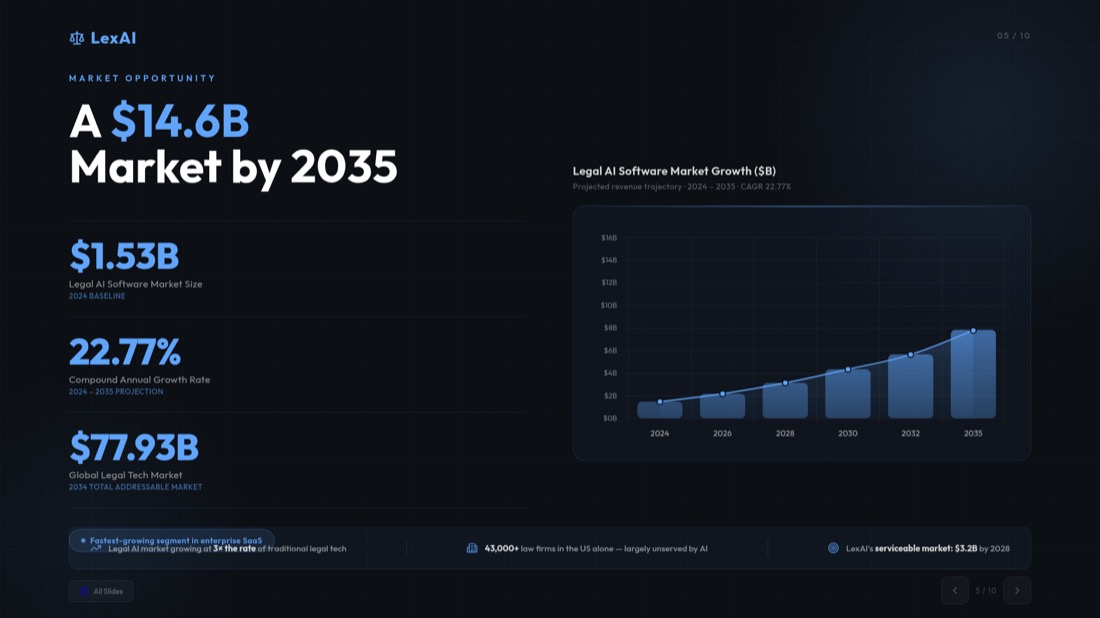
3. Download & Impress
Your presentation is ready to present or edit in PowerPoint, Google Slides, or directly in MagicSlides AI PPT maker.
Present Like a Pro In Just Seconds With AI Presentation Maker
With MagicSlides AI Presentation Maker, turn ideas, prompts, documents, or videos into ready-to-use AI PowerPoint slides instantly.
Text to PPT Converter
- Type/paste the prompt to generate the PPT.
- MagicSlides AI processes it instantly.
- Ready-to-use deck, just in a few seconds!
A teacher pastes Sunday night's lesson notes and walks into Monday's class with 12 slides, instead of building them one by one.
Topic to PPT Converter
- Write/Paste the desired topic.
- AI PPT Maker generates a PPT as desired.
- Professional slides right away!
A student types "Impact of social media on teens", picks 10 slides, and has a first draft for tomorrow's seminar in under a minute.
AI Pitch Deck Generator
- Enter/Paste your pitch content.
- AI PowerPoint Slide Creator instantly designs pitch decks.
- Professional and investor-ready!
A founder pastes the one-page memo they already sent to investors and gets the deck: problem, market, traction, the ask.
YouTube to PPT Converter
- Copy and paste any YouTube video link.
- AI converts it into a polished AI PowerPoint Slide.
- Get your desired PPT in less than a minute!
A sales team drops in the link to a 40-minute product webinar and sends a recap deck to everyone who missed it.
PDF to PPT Converter
- Click and upload any PDF document.
- AI PPT Maker generates it into a presentation.
- Now you have your stunning slides!
A consultant uploads a 50-page industry report and walks into the client call with a 10-slide summary.
Build Any PowerPoint Slide Type with AI
Impress any audience by turning your ideas into polished, professional presentations in seconds
Hello everyone, in this video I'll show you how to generate a pros and cons slide using AI.
Pros/Cons PowerPoint Slide
Make balanced decision-making easy with AI-powered pros and cons PowerPoint slides. Our AI presentation tool automatically structures your arguments and produces expected results.
A team lead lays out "build in-house or buy?" side by side, so the Friday decision meeting starts on the same page.
Bullet Point + Image Slide
Create presentations that are both informative and visually appealing. MagicSlides AI PPT maker combines key points with images and generates professional slides instantly.
A marketer turns a product's five key features into slides with a matching visual each, for the customer webinar.
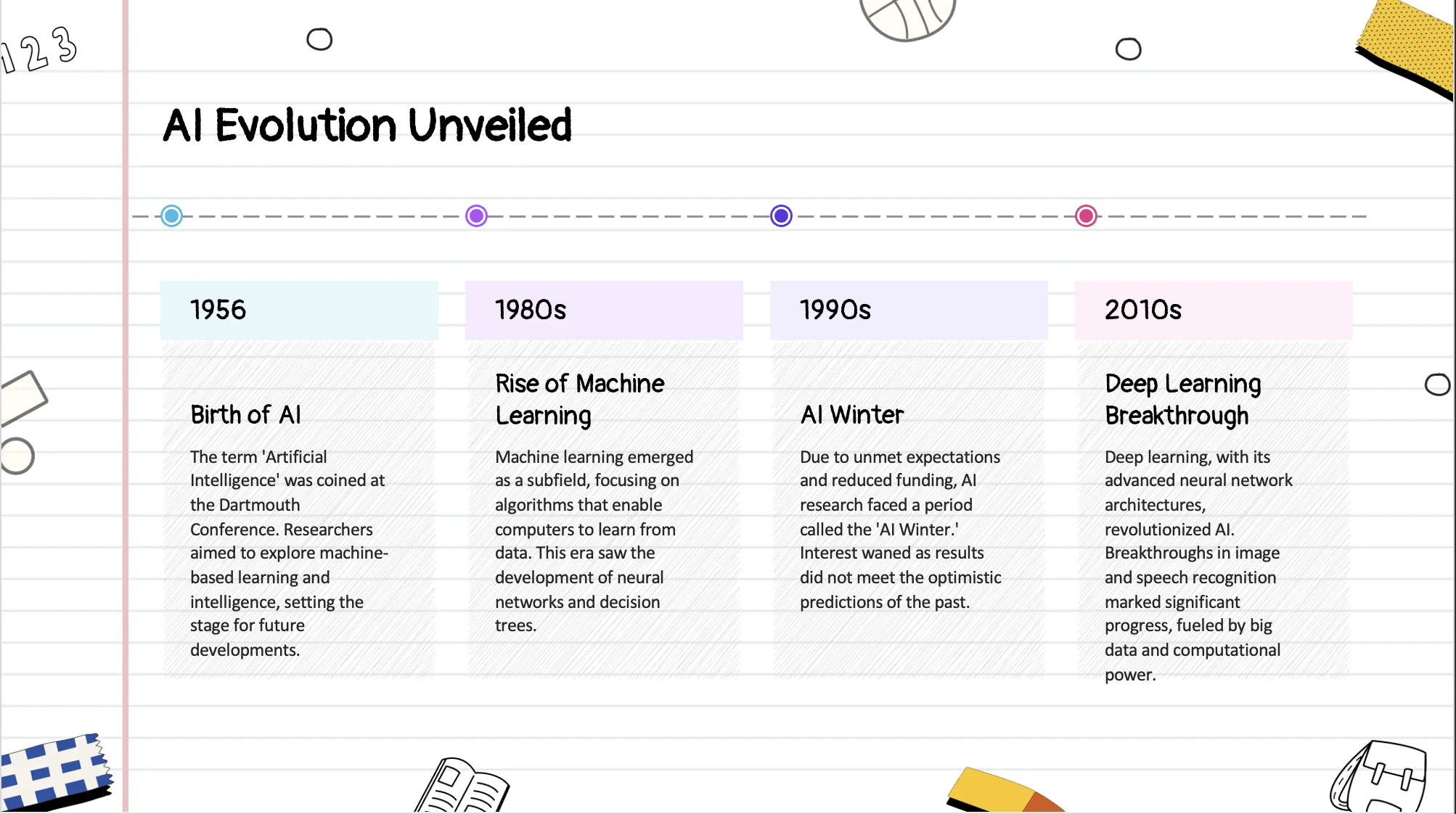
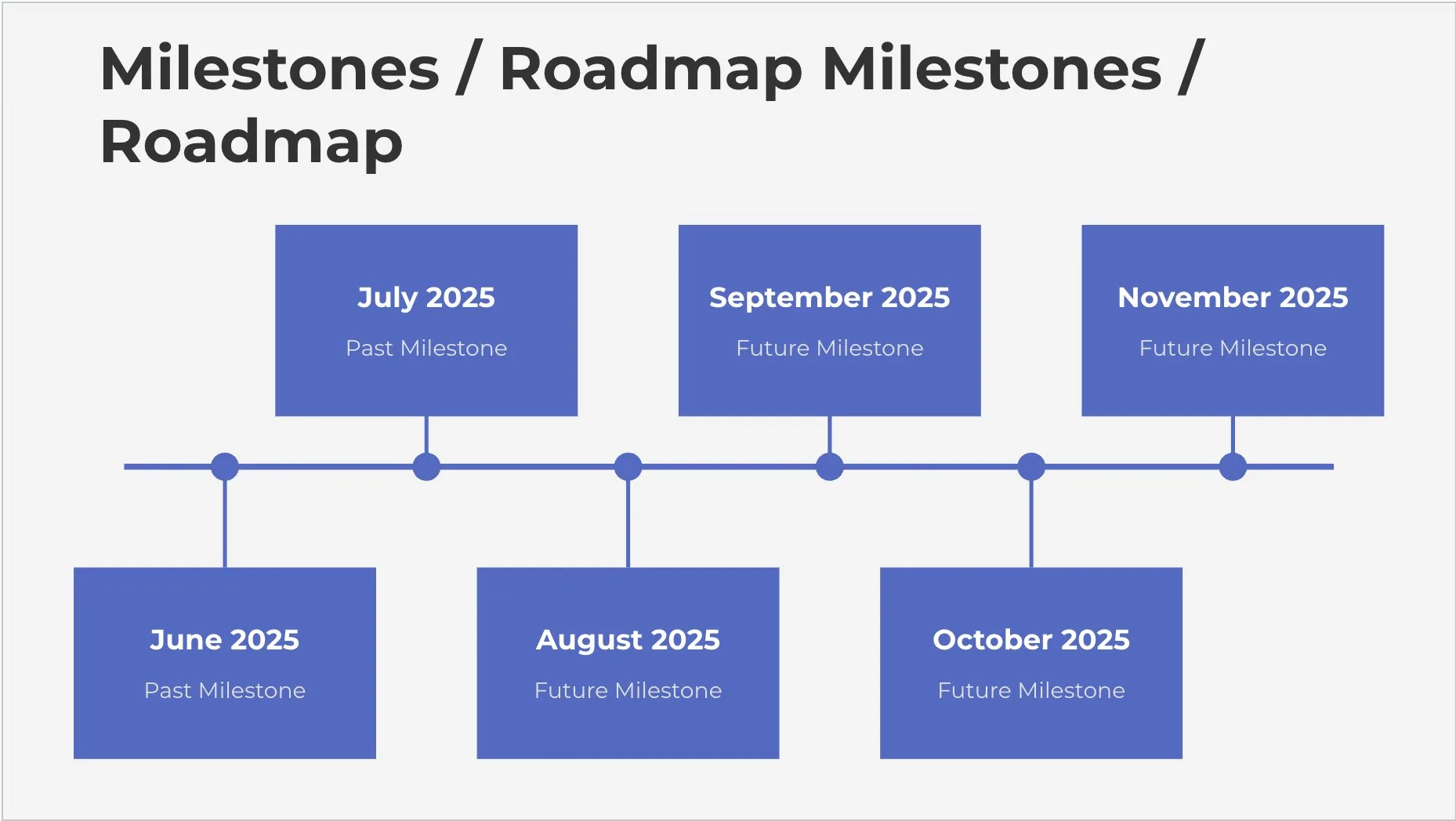
Timeline PowerPoint Slide
Easily create visually engaging timeline slides in the expected time. AI PPT Maker automatically organises events and designs polished slides.
A project manager turns a messy launch plan into one timeline slide the client can read in ten seconds.
Swot Analysis PowerPoint Slide
Make a SWOT analysis slide fast. The AI PPT maker organises your strengths and weaknesses and designs a neat, professional slide for you.
An MBA student pastes notes on a company case and gets a clean SWOT slide for the group presentation.
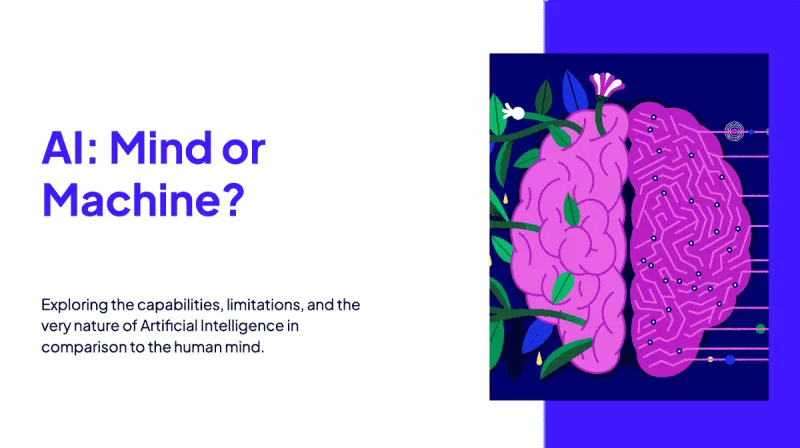

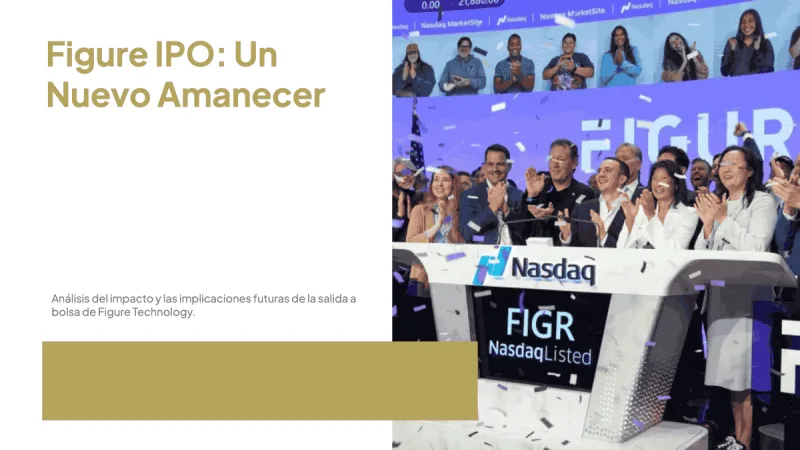
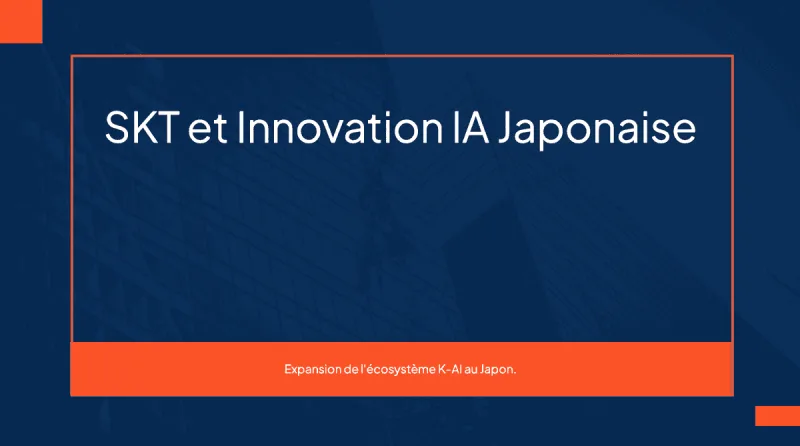
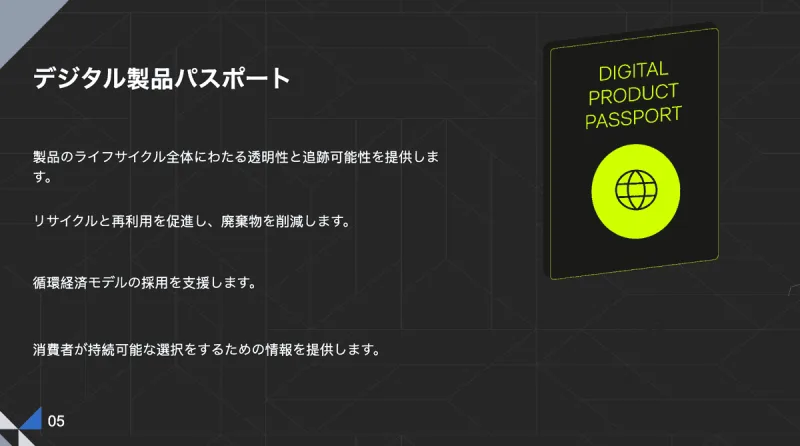
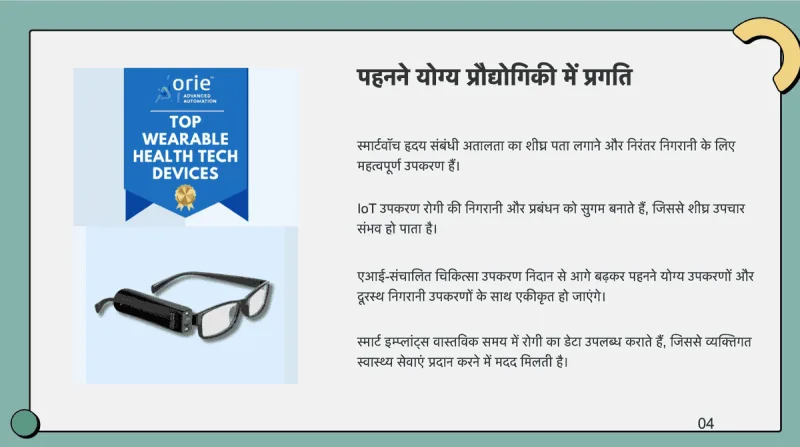
Presentations in 136+ languages
- Type your topic in any language.
- Get the whole deck in that language, or pick another one.
- Works in 136+ languages, including Hindi, Arabic and Japanese.
A school in Jakarta builds its parent-meeting deck in Bahasa Indonesia, then makes an English copy for the international families.
Let your AI agent make the presentation
Connect MagicSlides to Claude, ChatGPT, Grok or any agent that speaks MCP. Ask in chat, get a designed deck back with editor, PPTX and PDF links.
 ClaudeOpens Claude with MagicSlides filled in, click Add
 ChatGPTOpens Settings → Apps, paste the copied link
- Claude DesktopDownloads the extension, double-click to install
 CursorOpens Cursor and installs the server
 VS CodeOpens VS Code and installs the server
- Official MCP Registryio.github.theindianappguy/magicslides-mcp
Step-by-step for every app: Learn more
 Used MagicSlides · create_presentation_from_slots


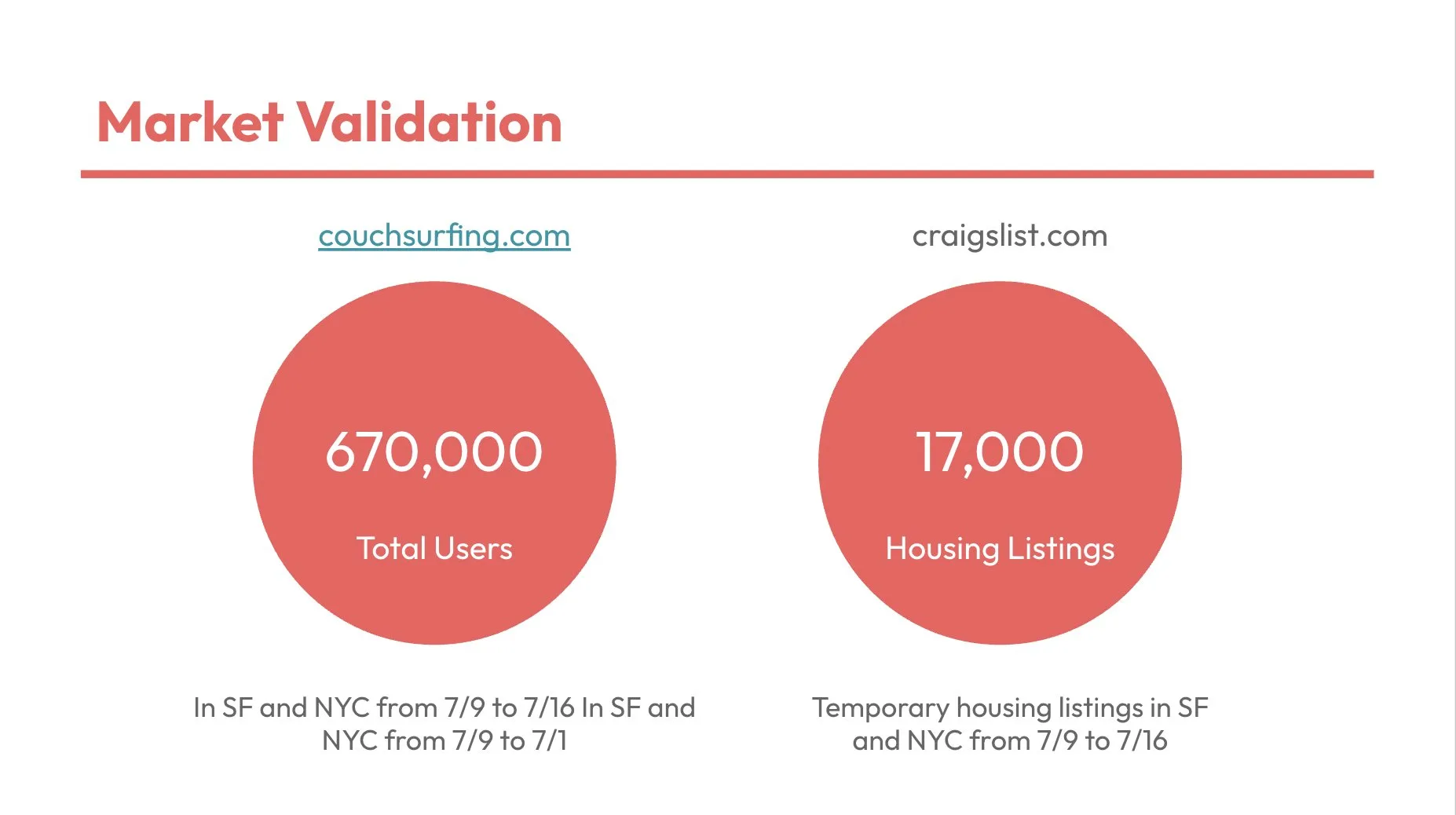
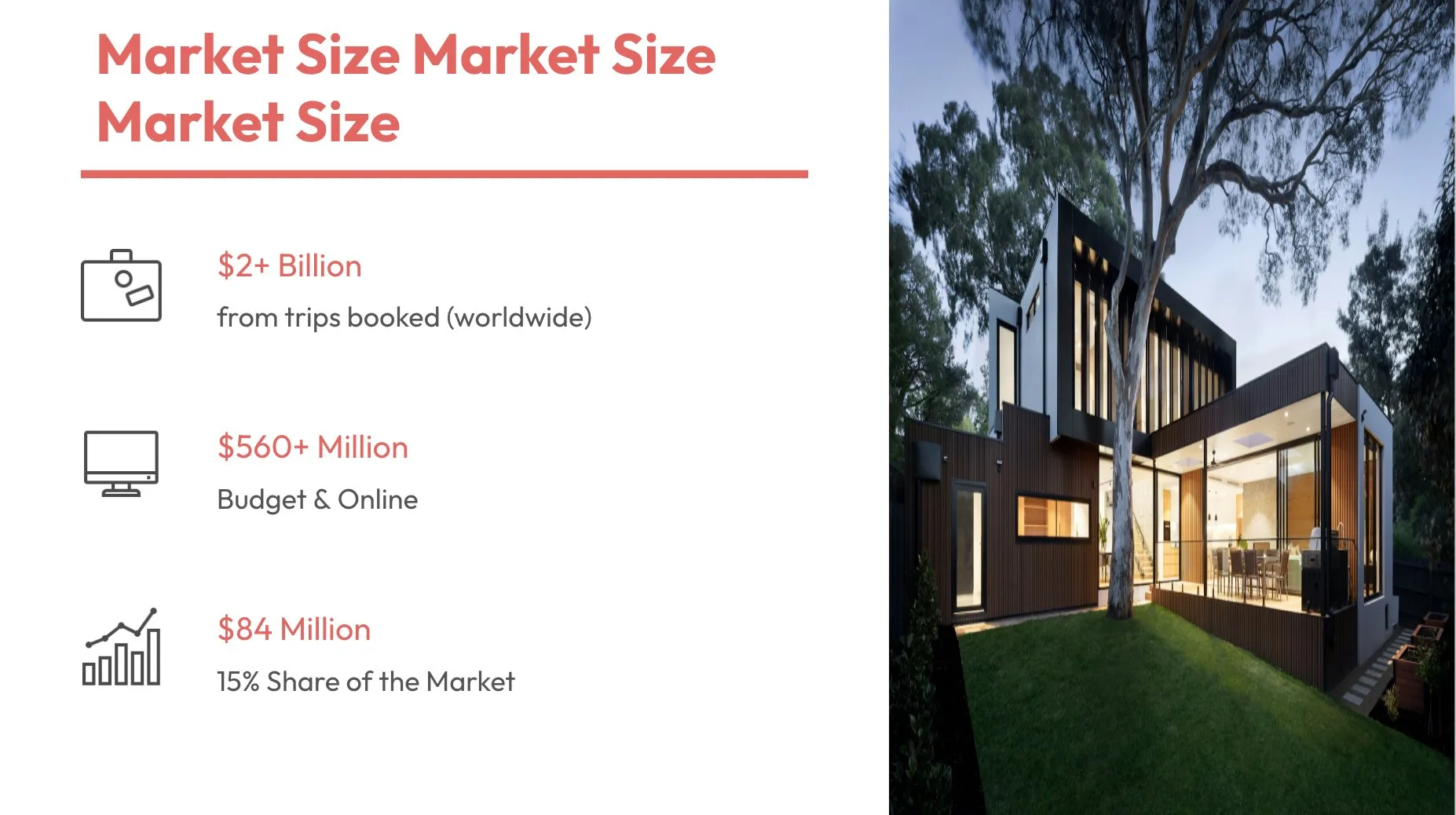
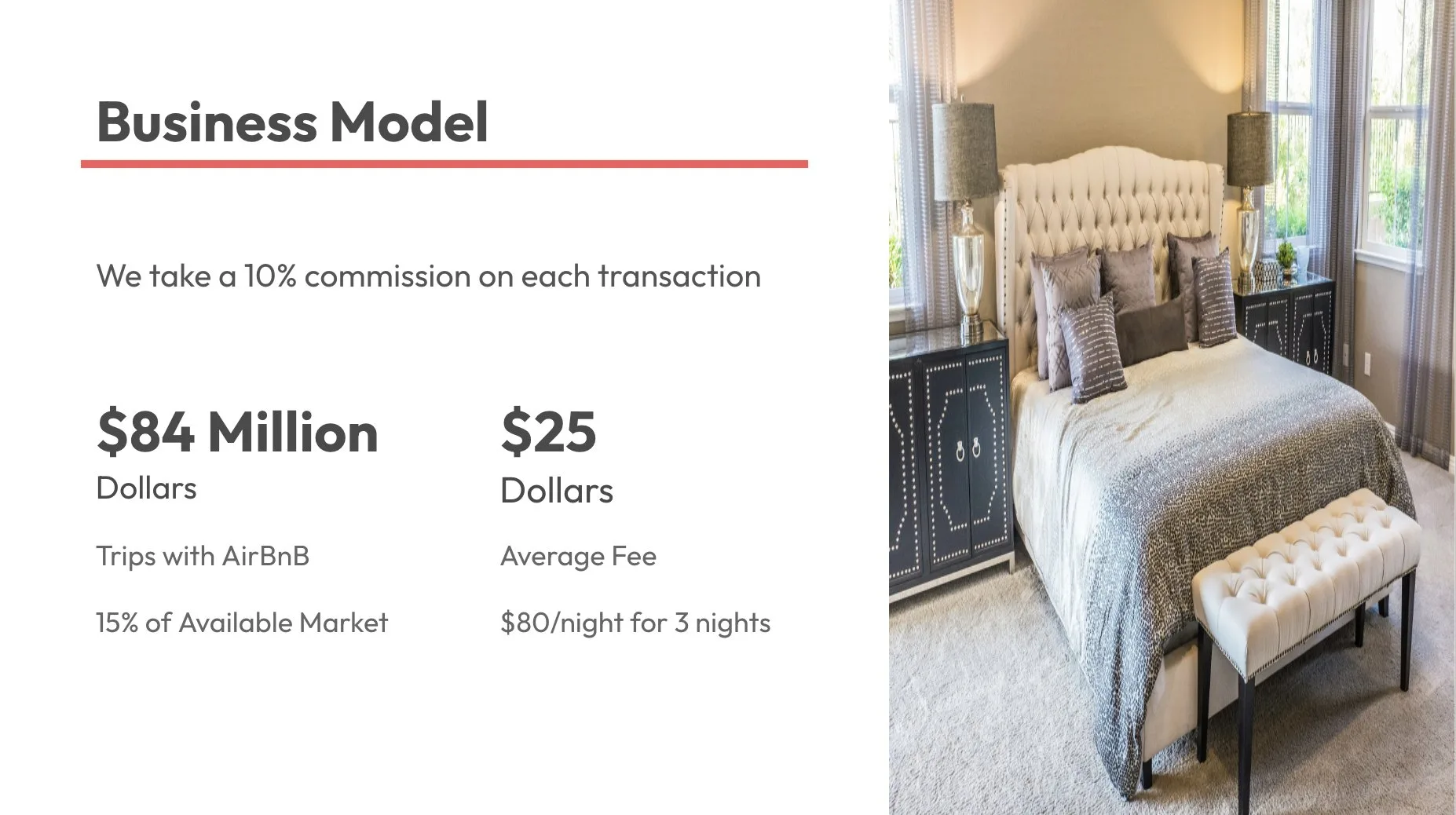
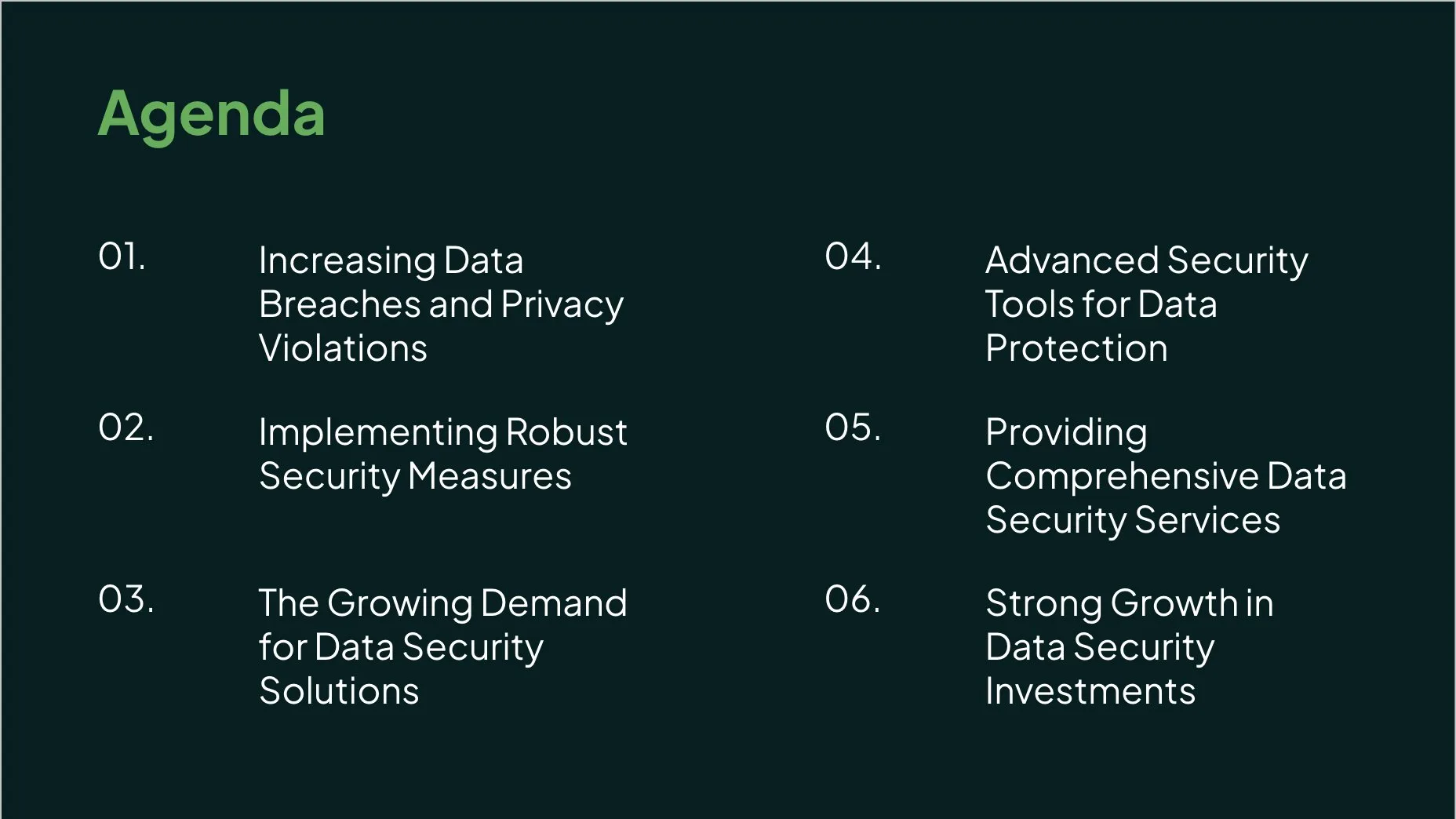
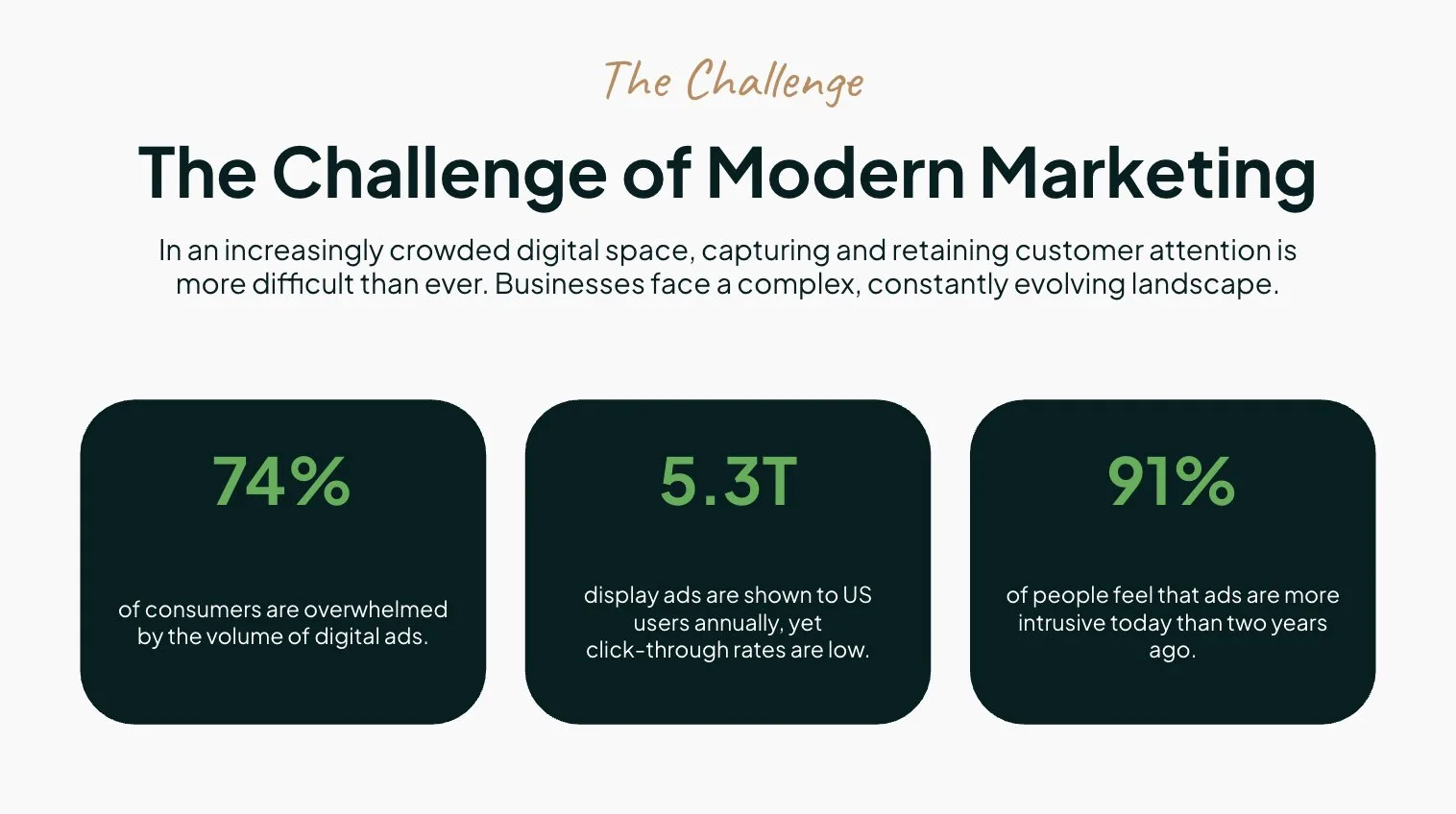
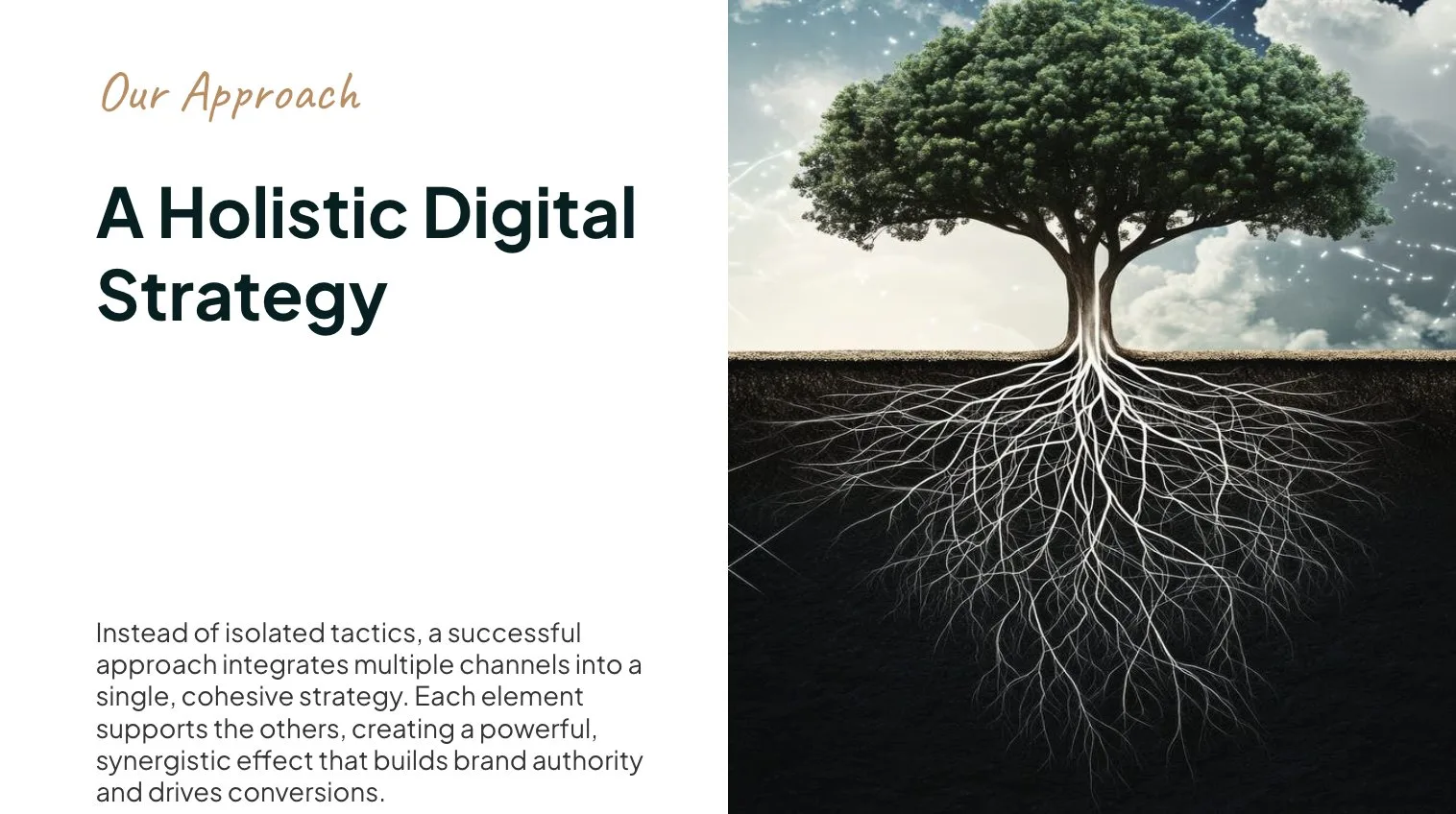
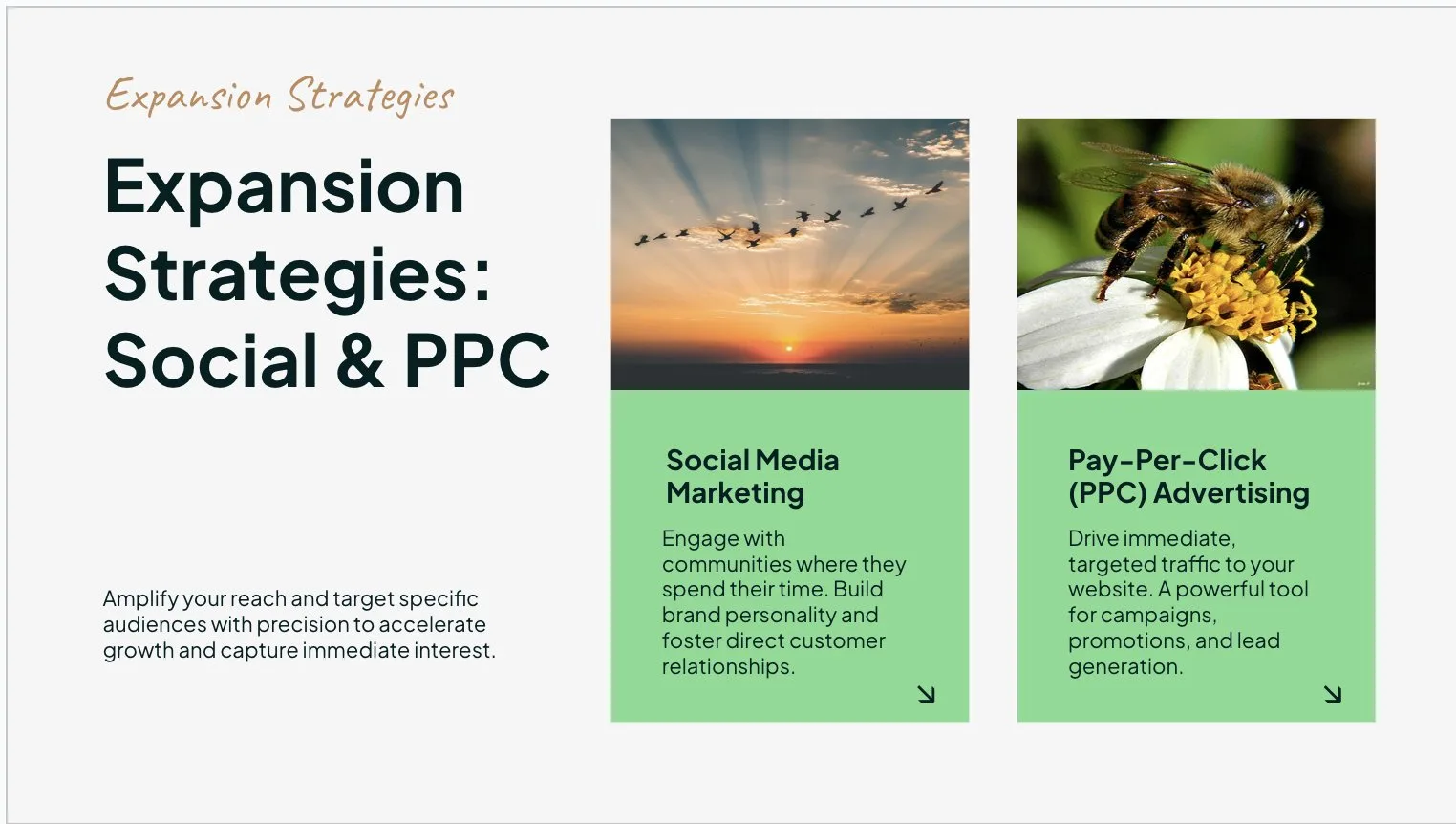
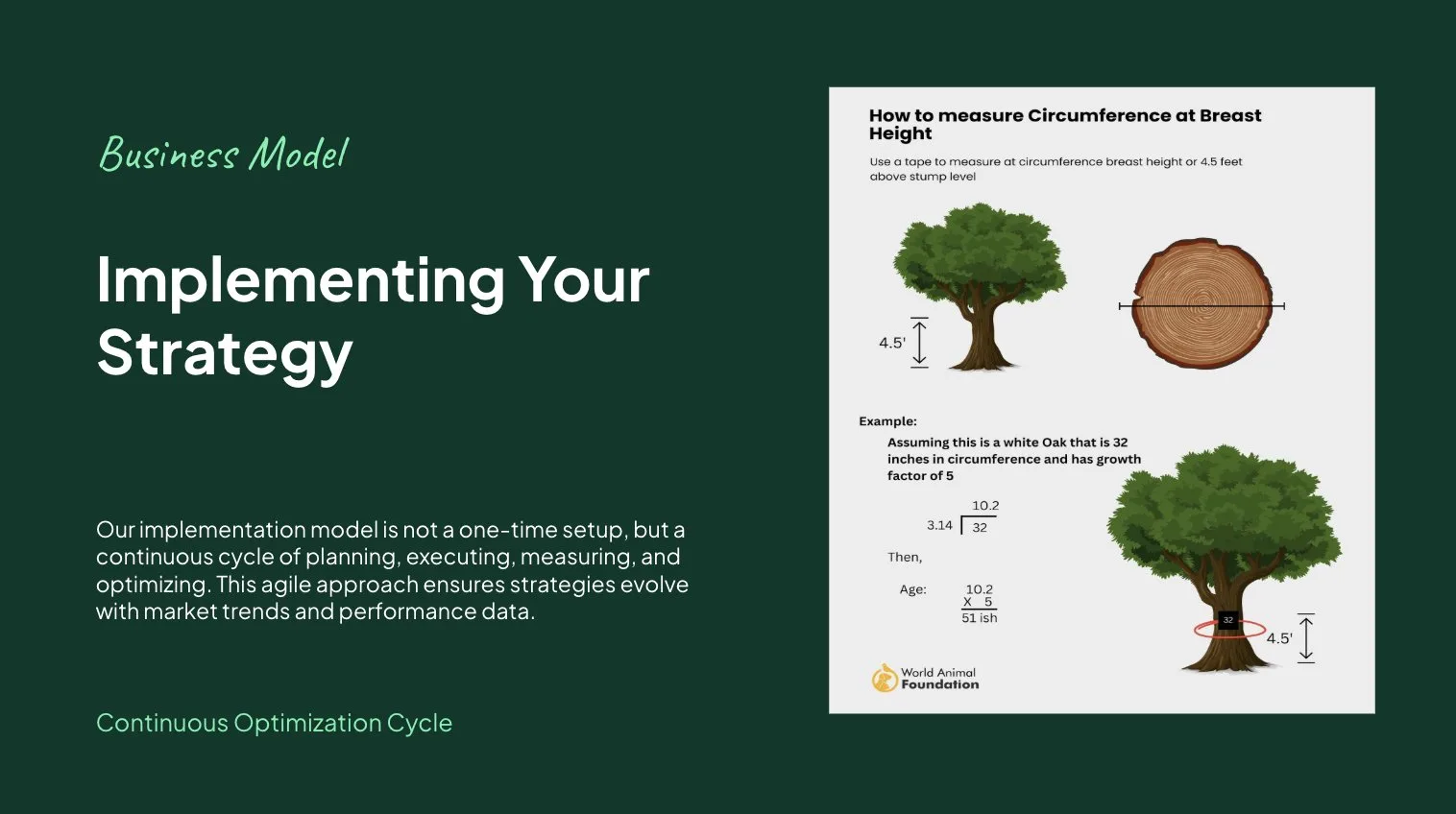
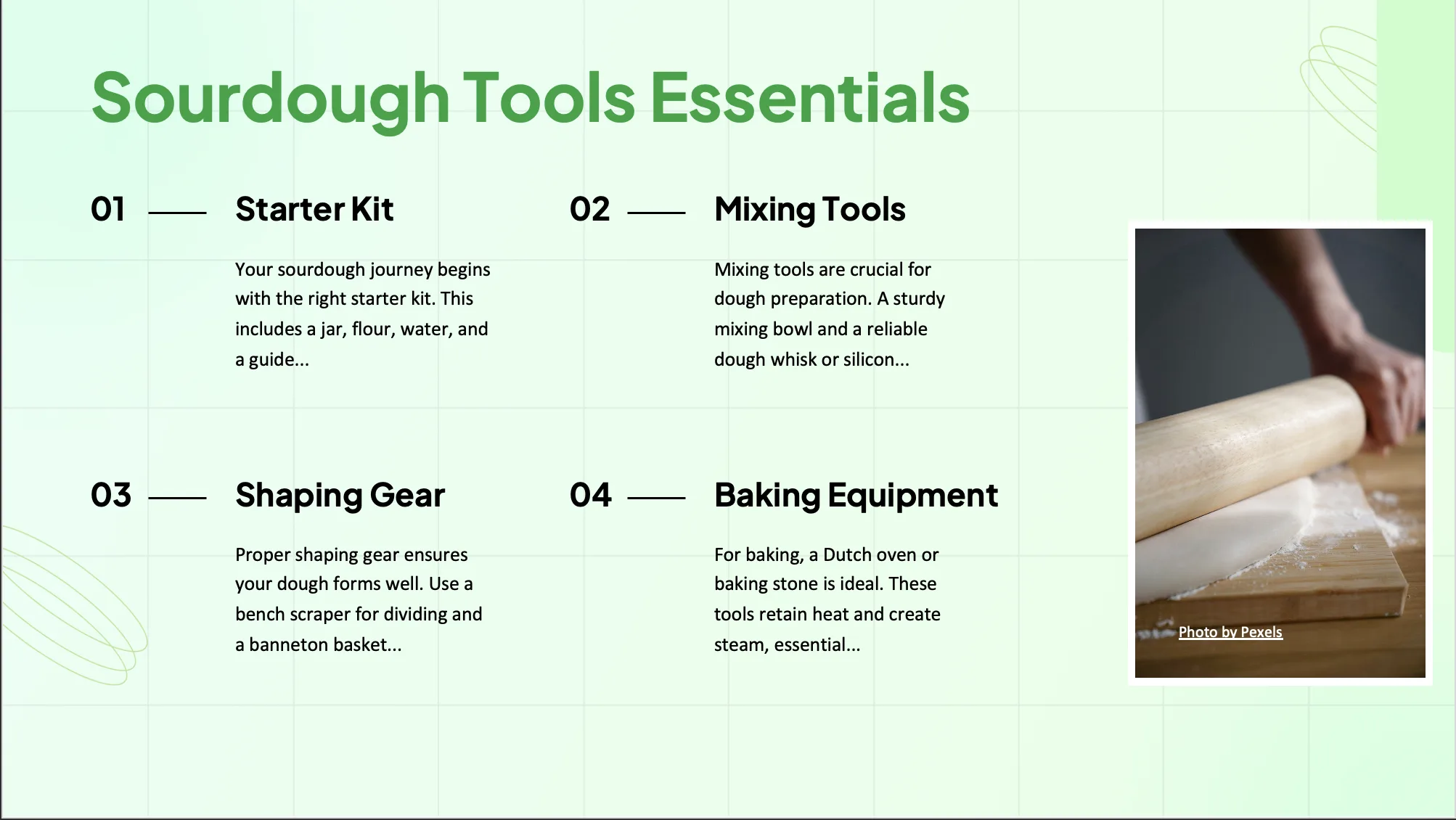
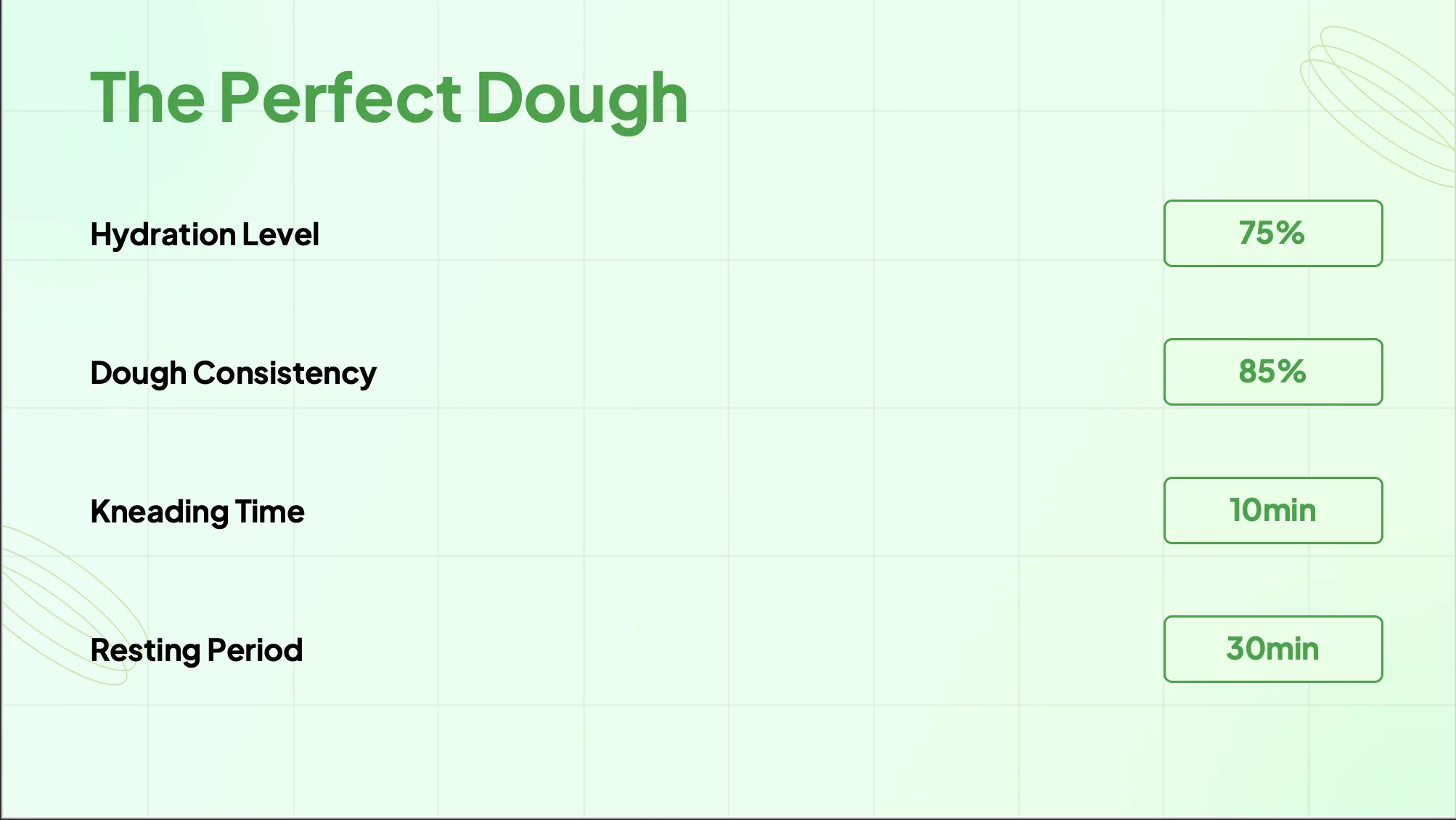
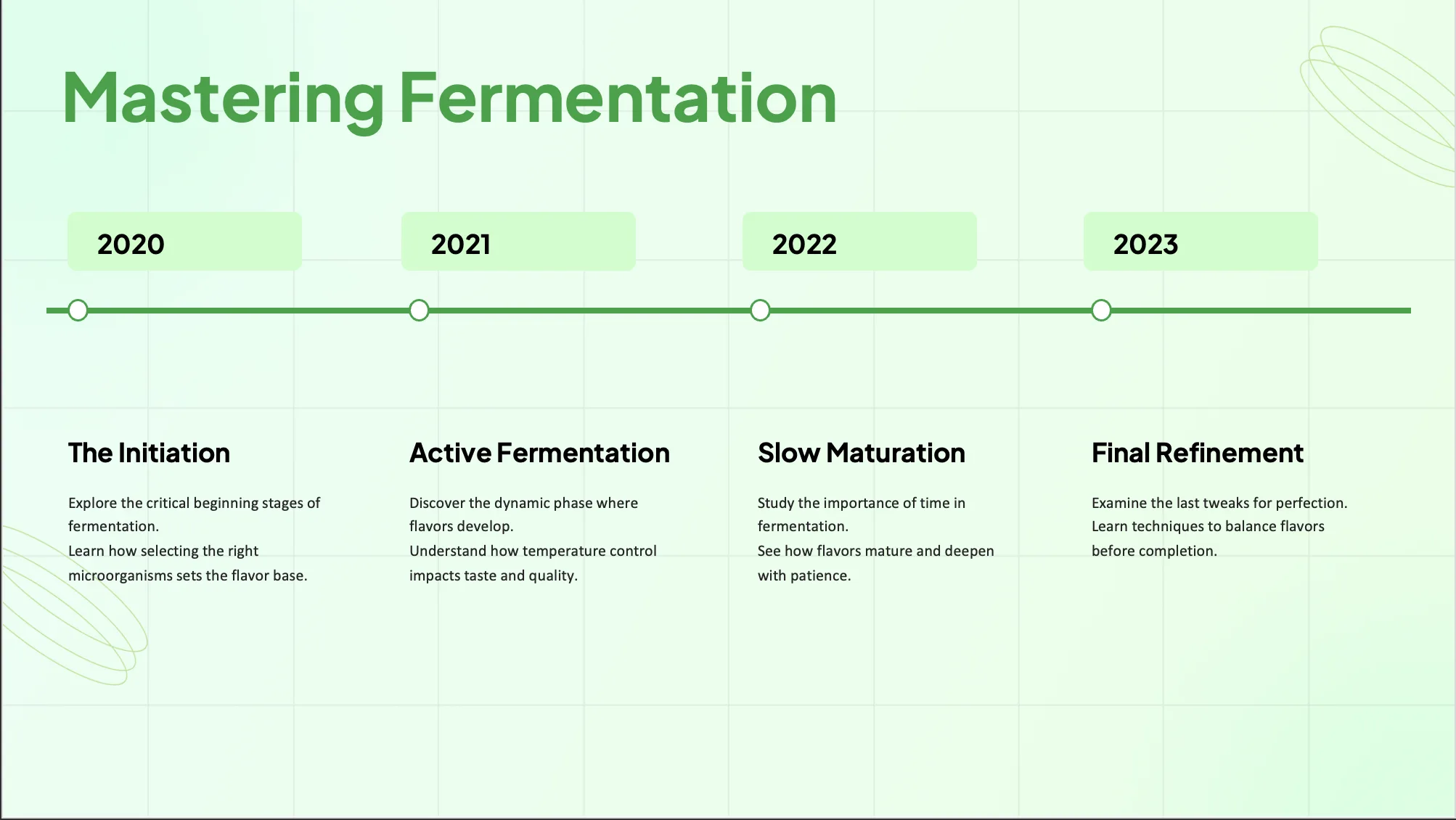
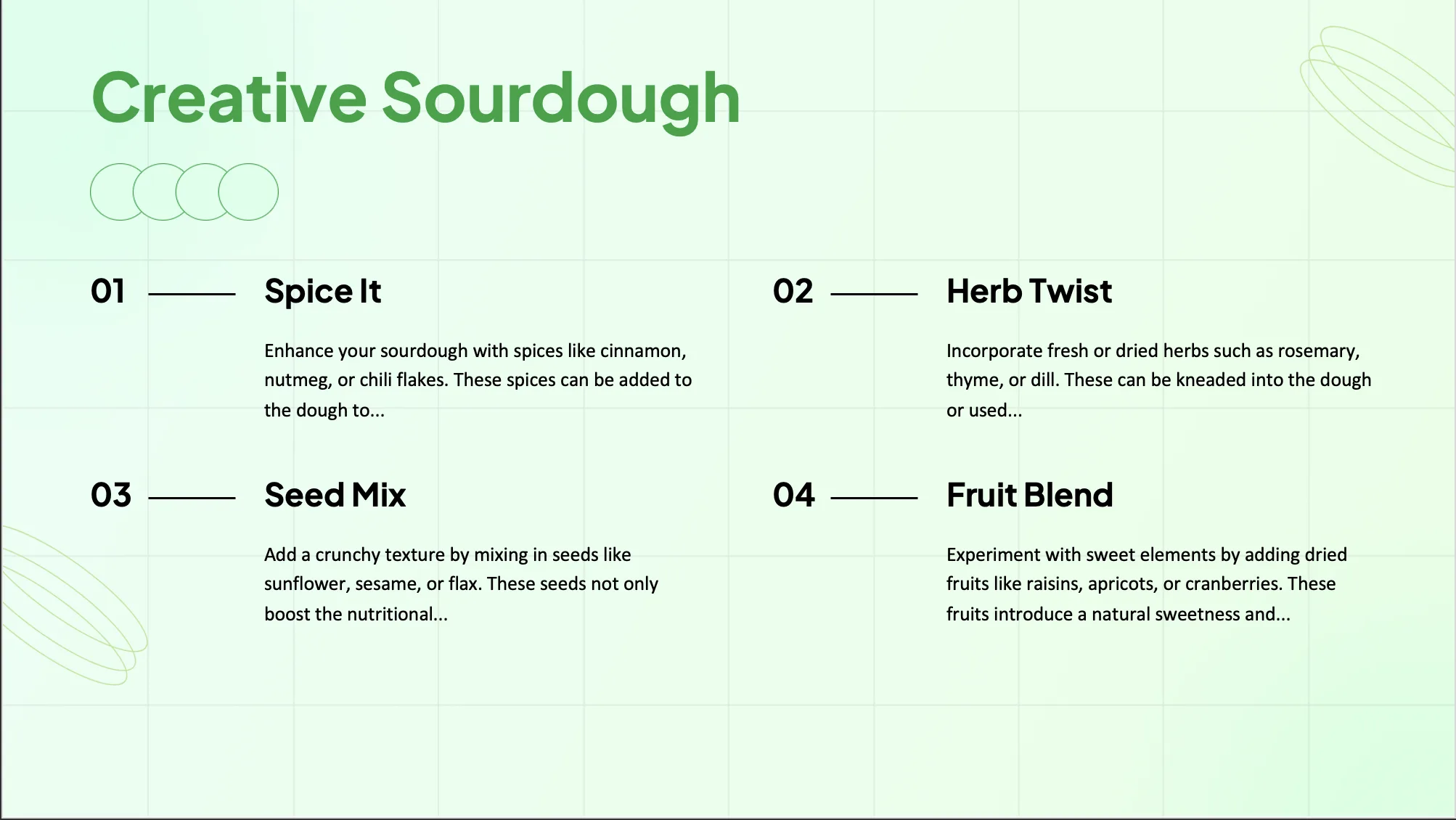
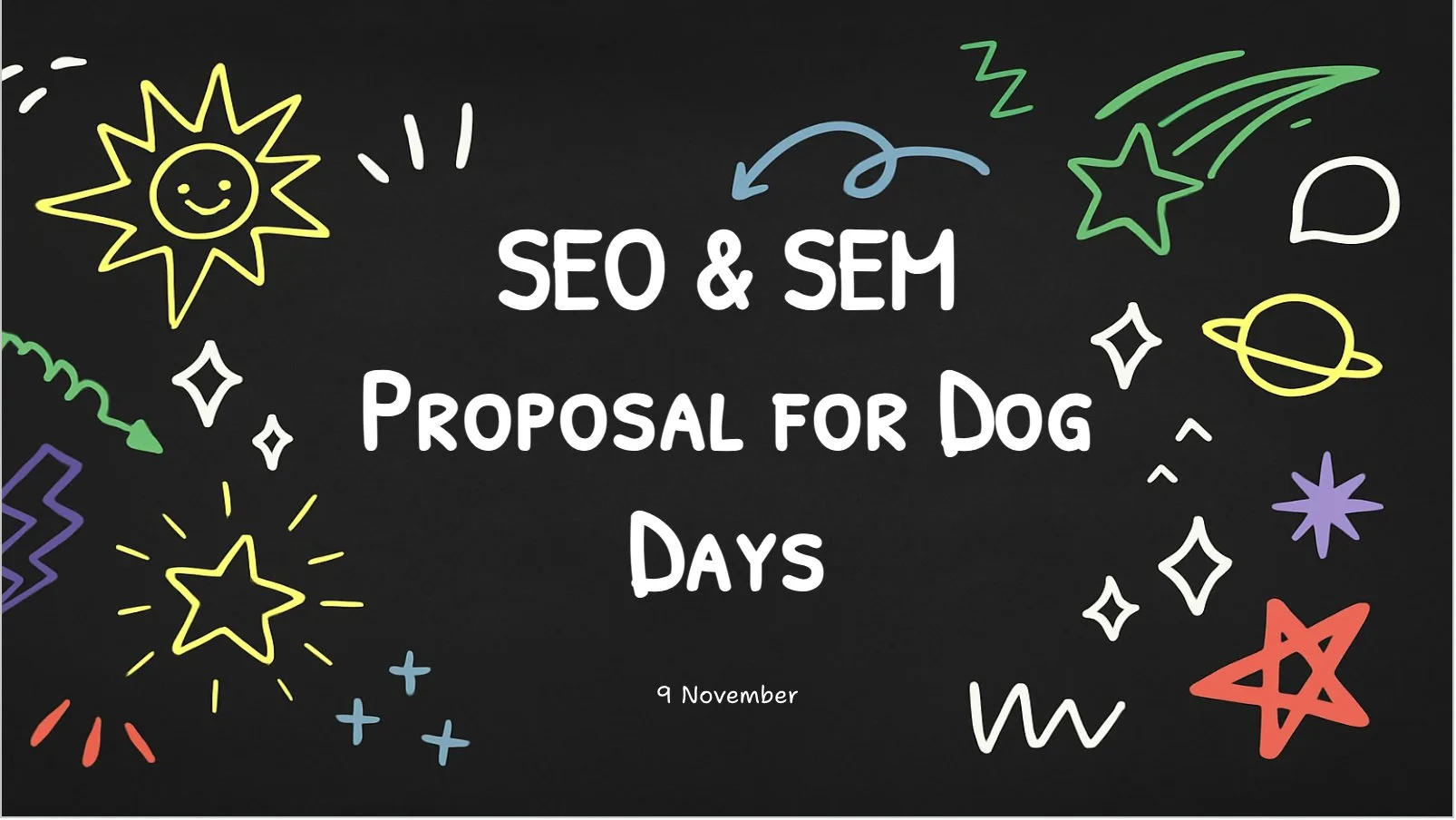
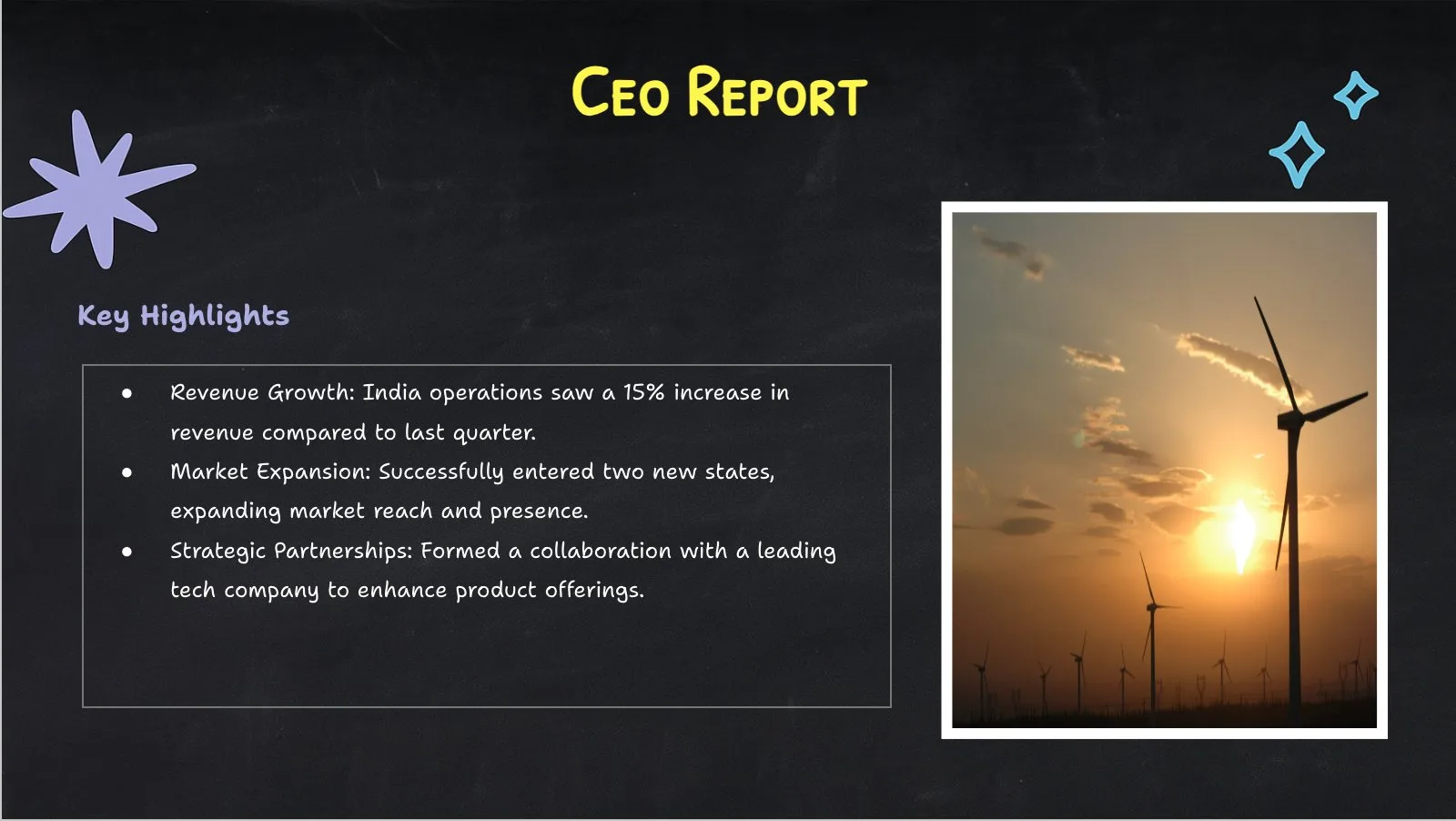
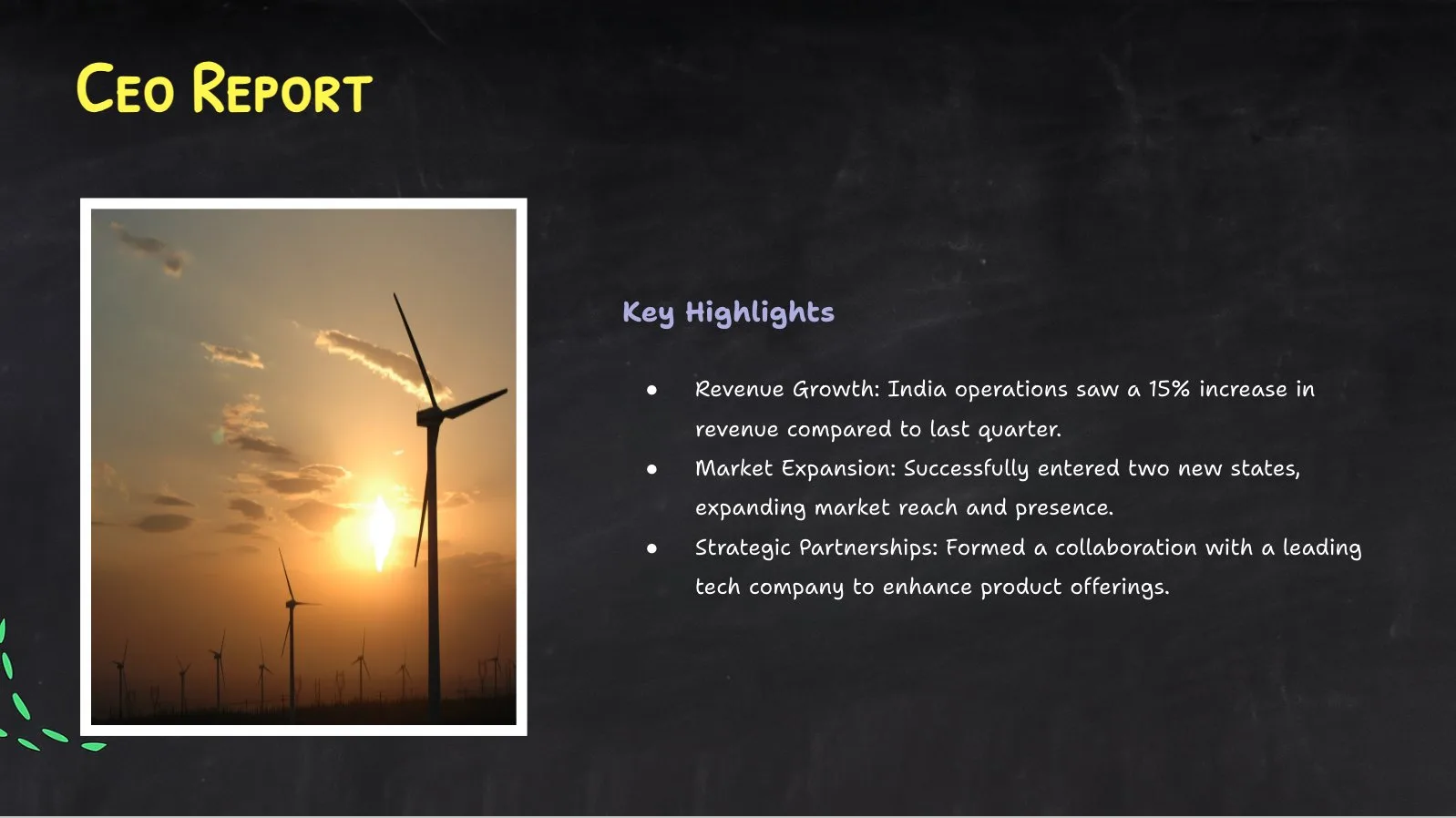
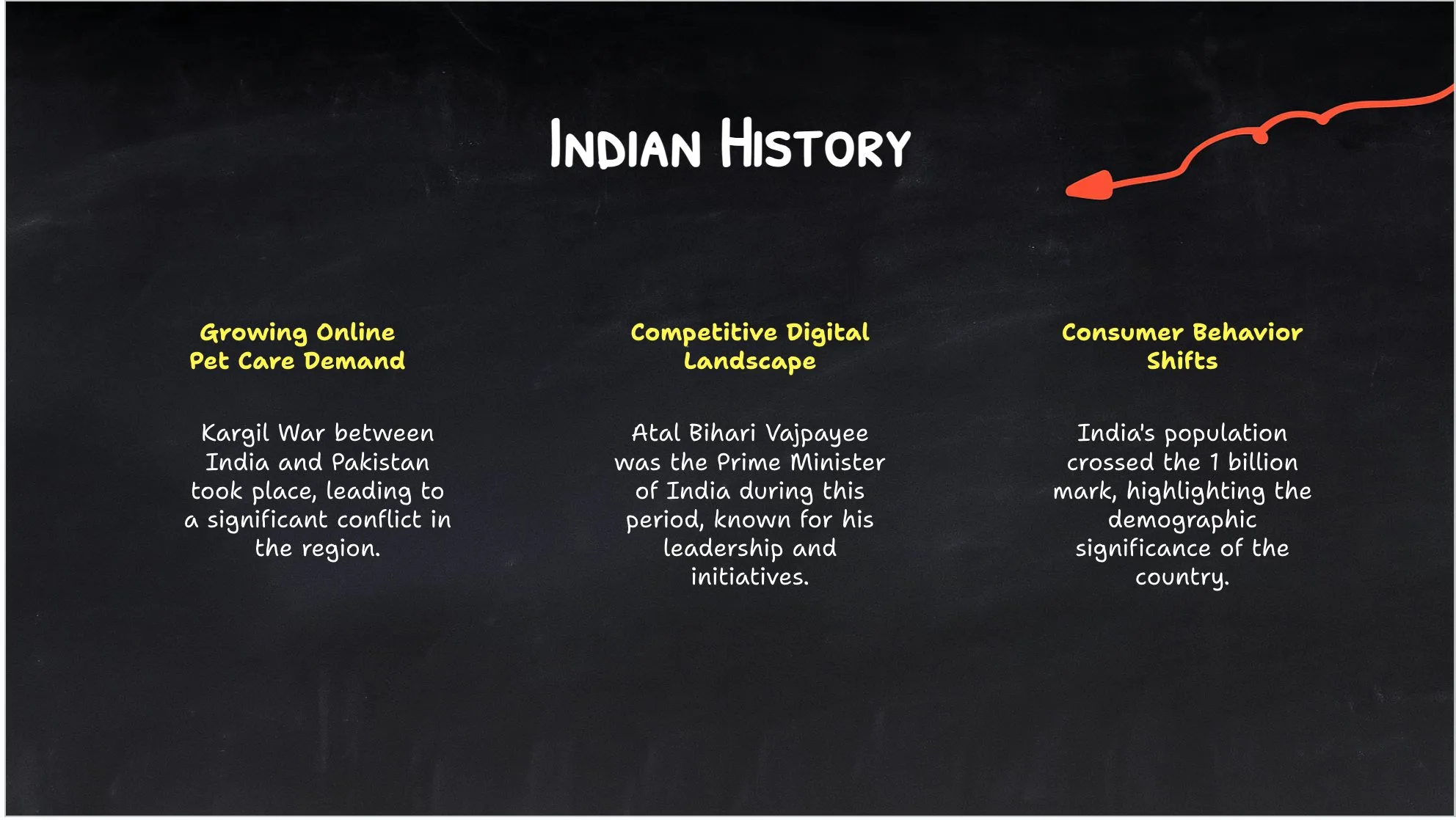
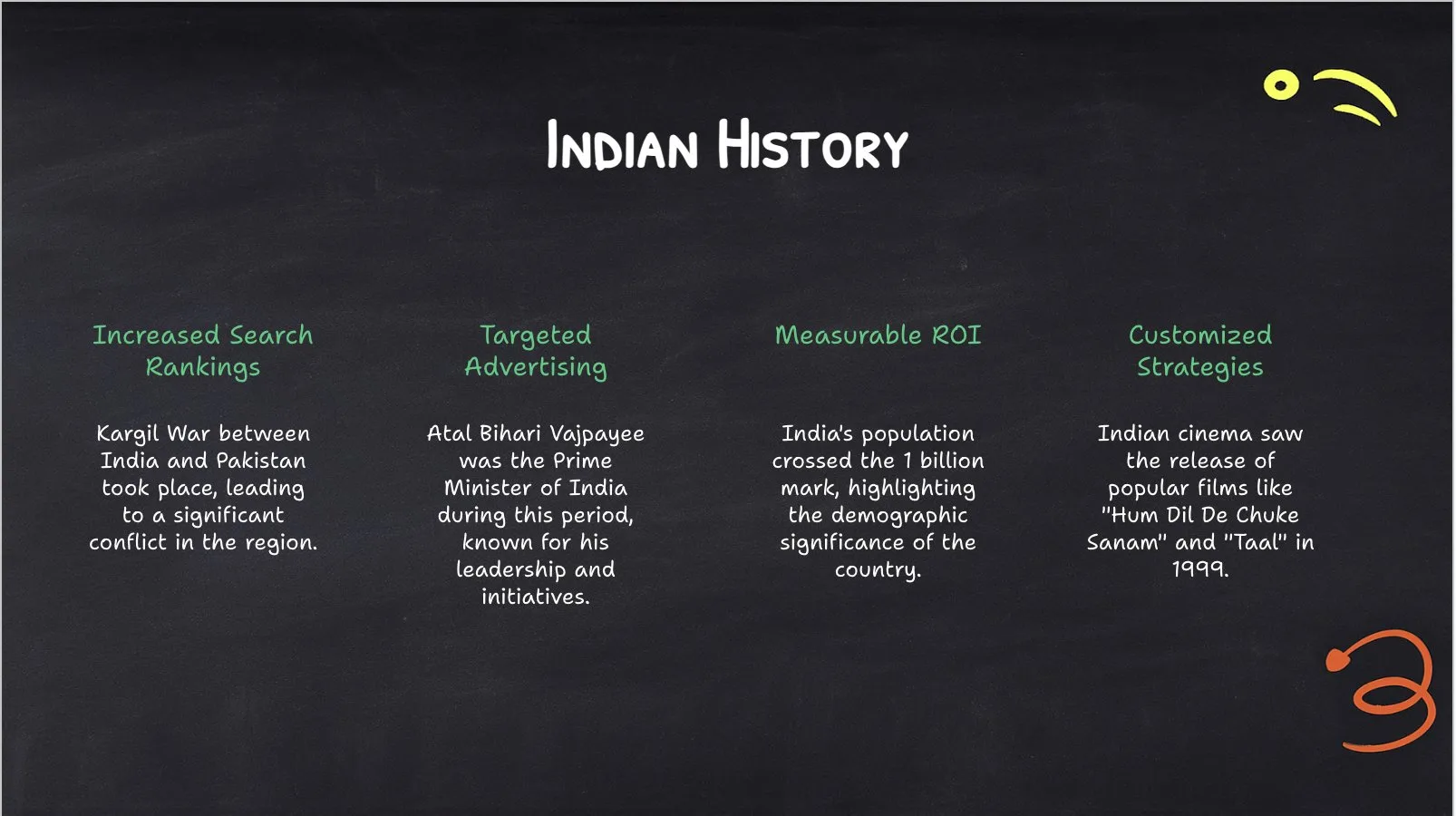
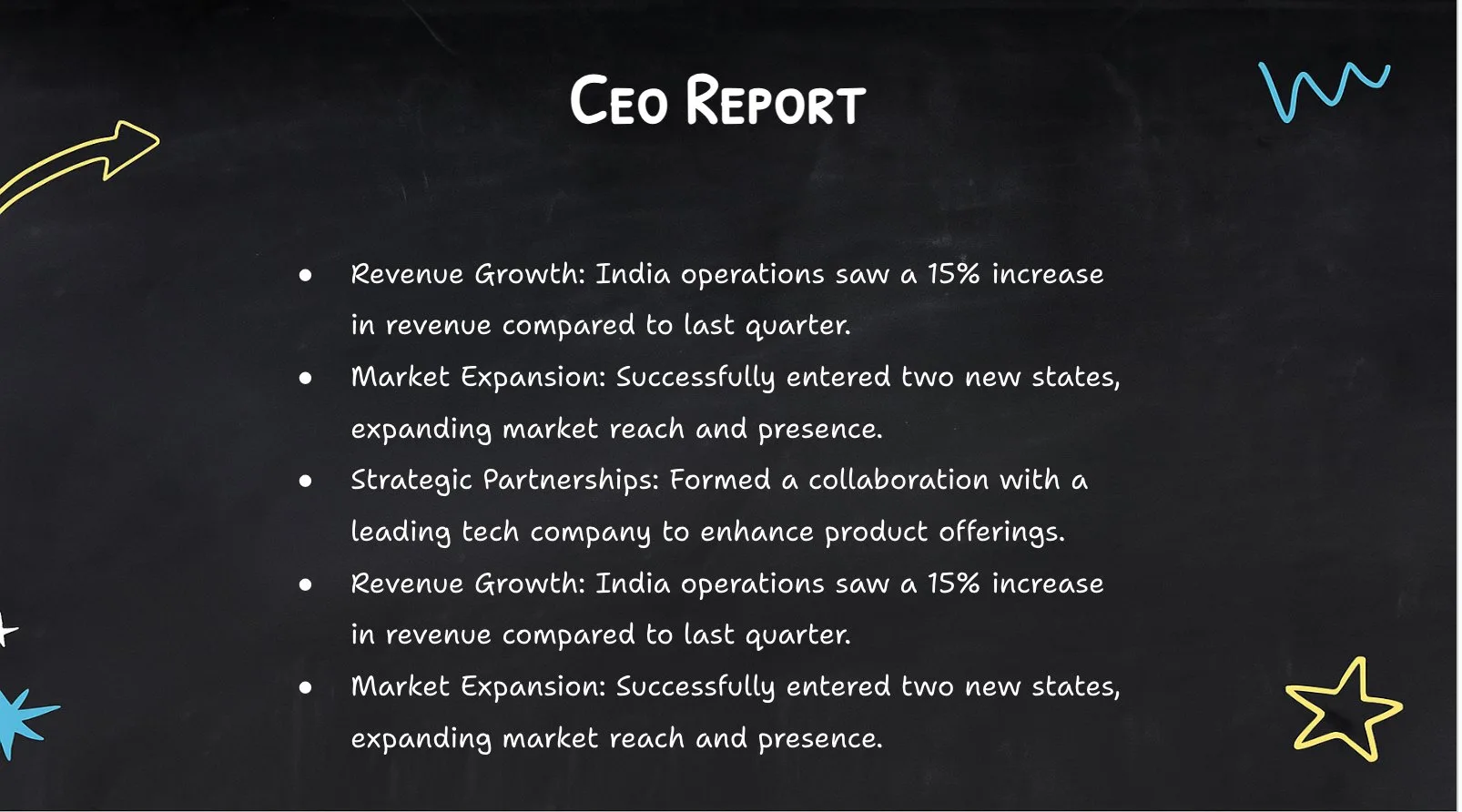
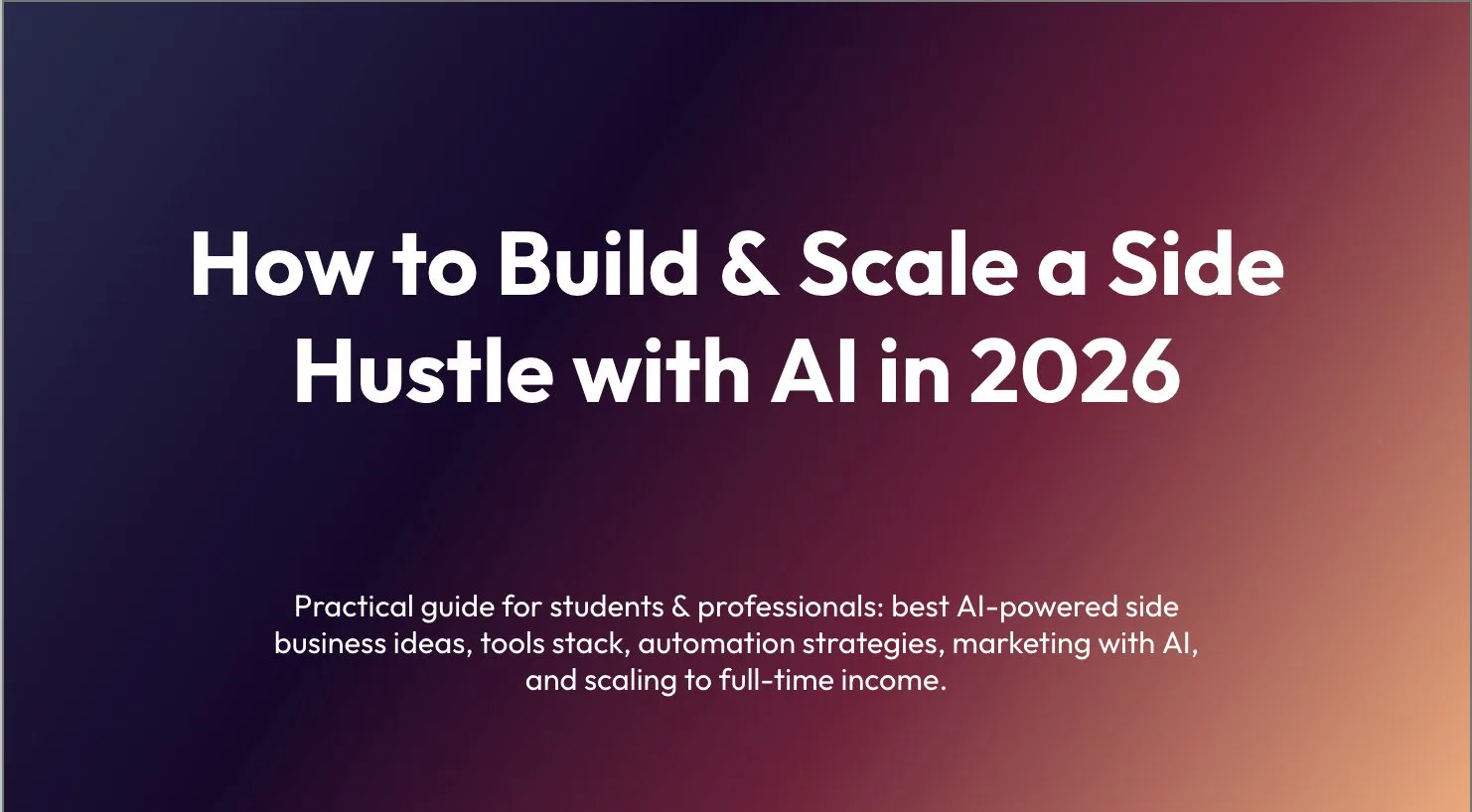
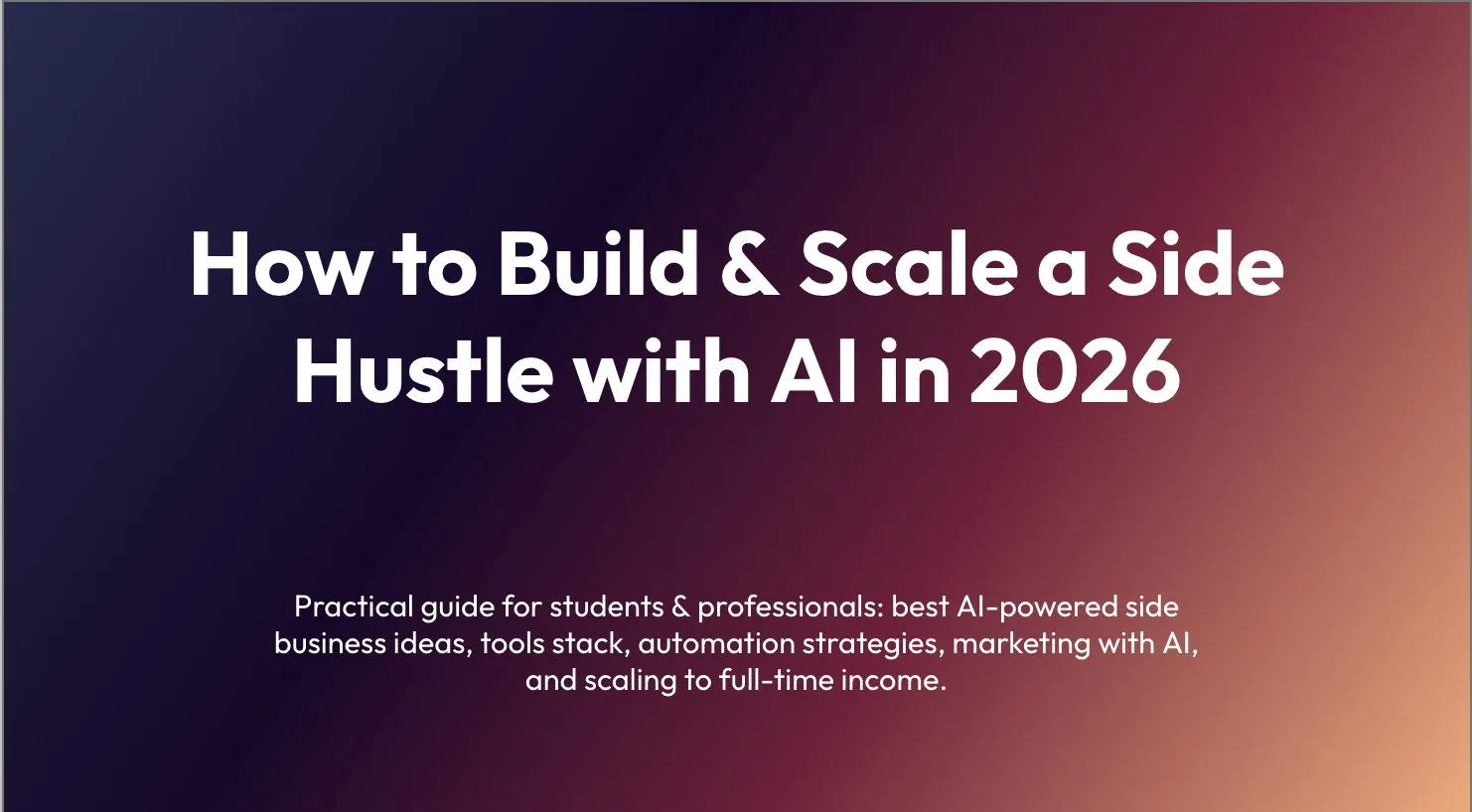
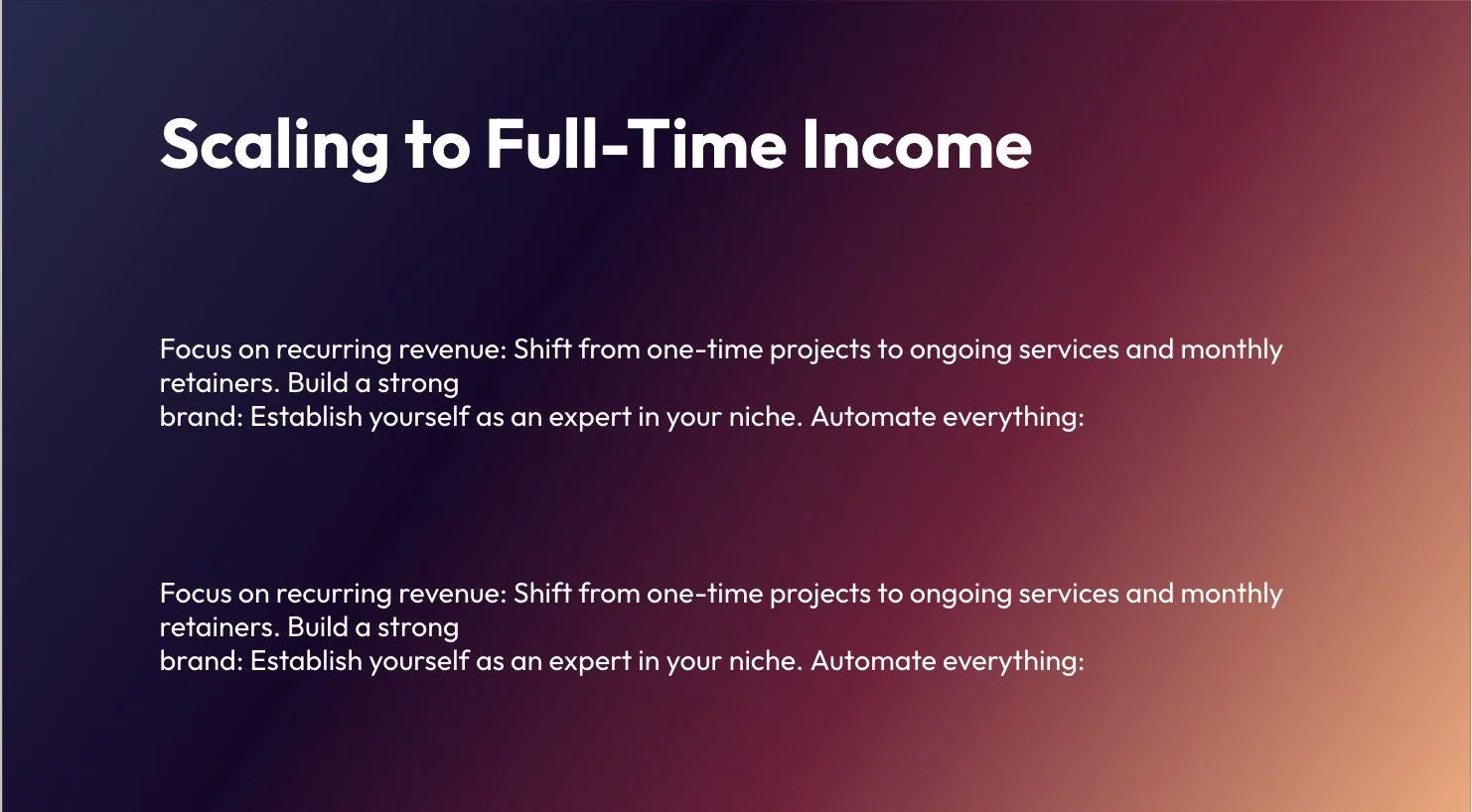
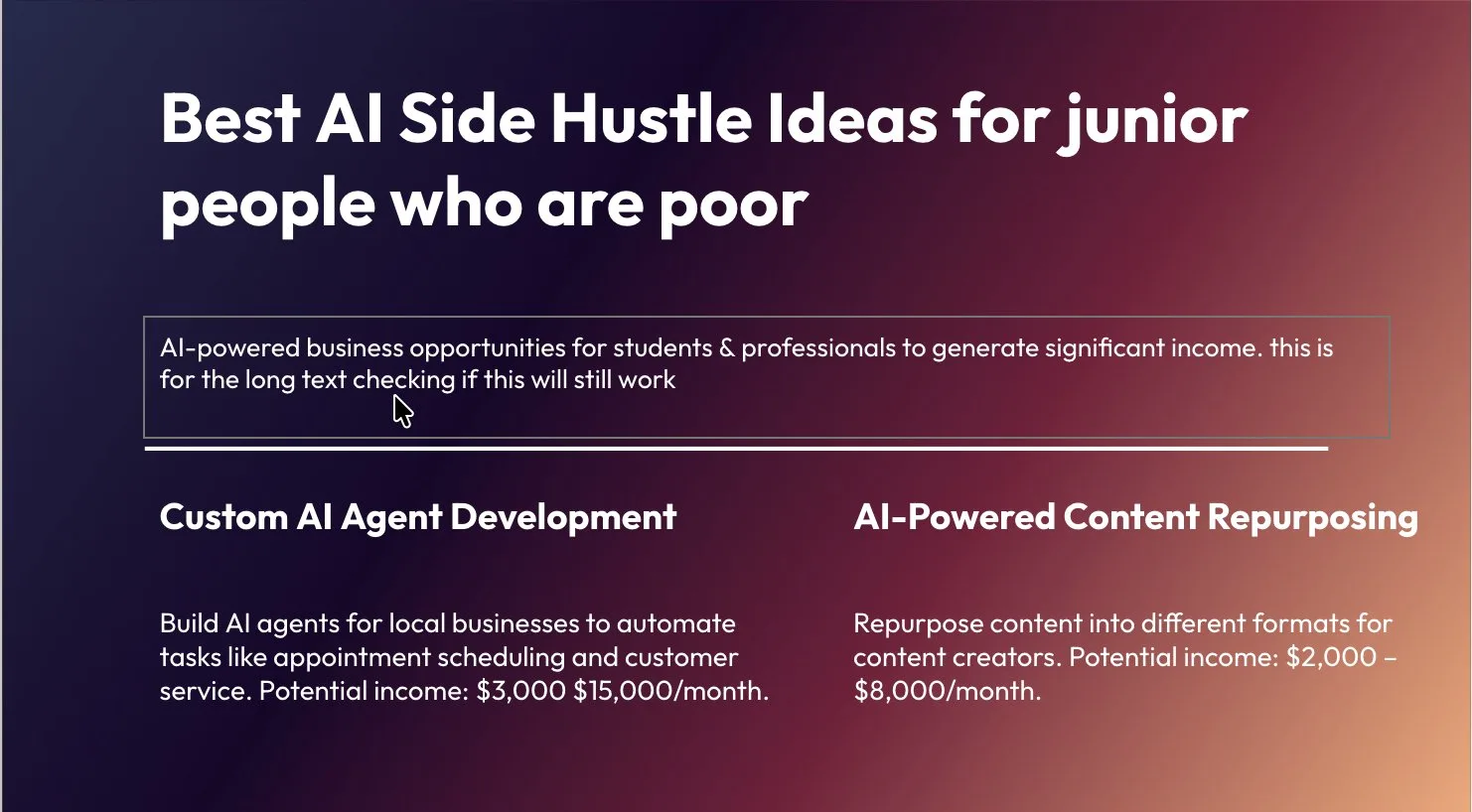
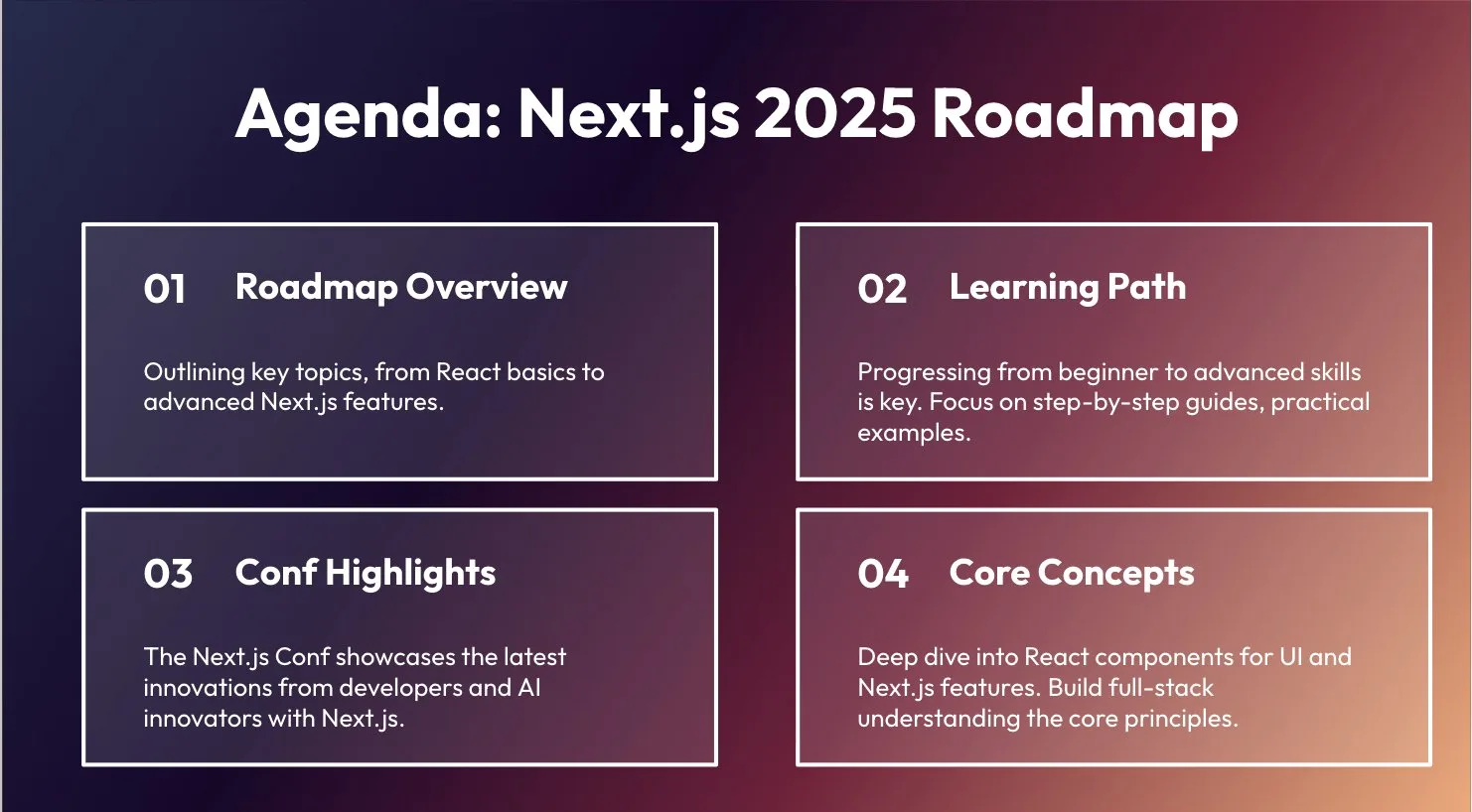
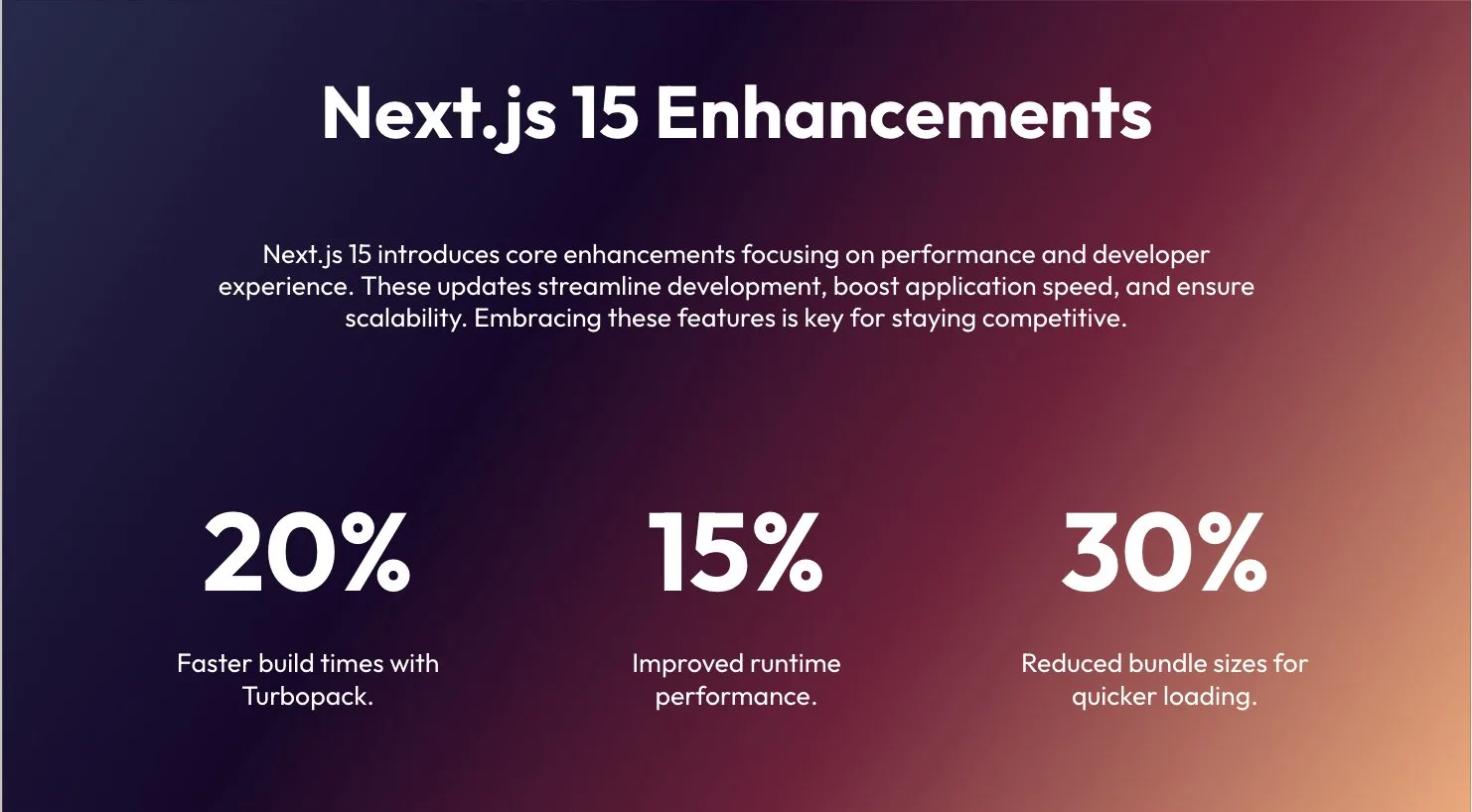
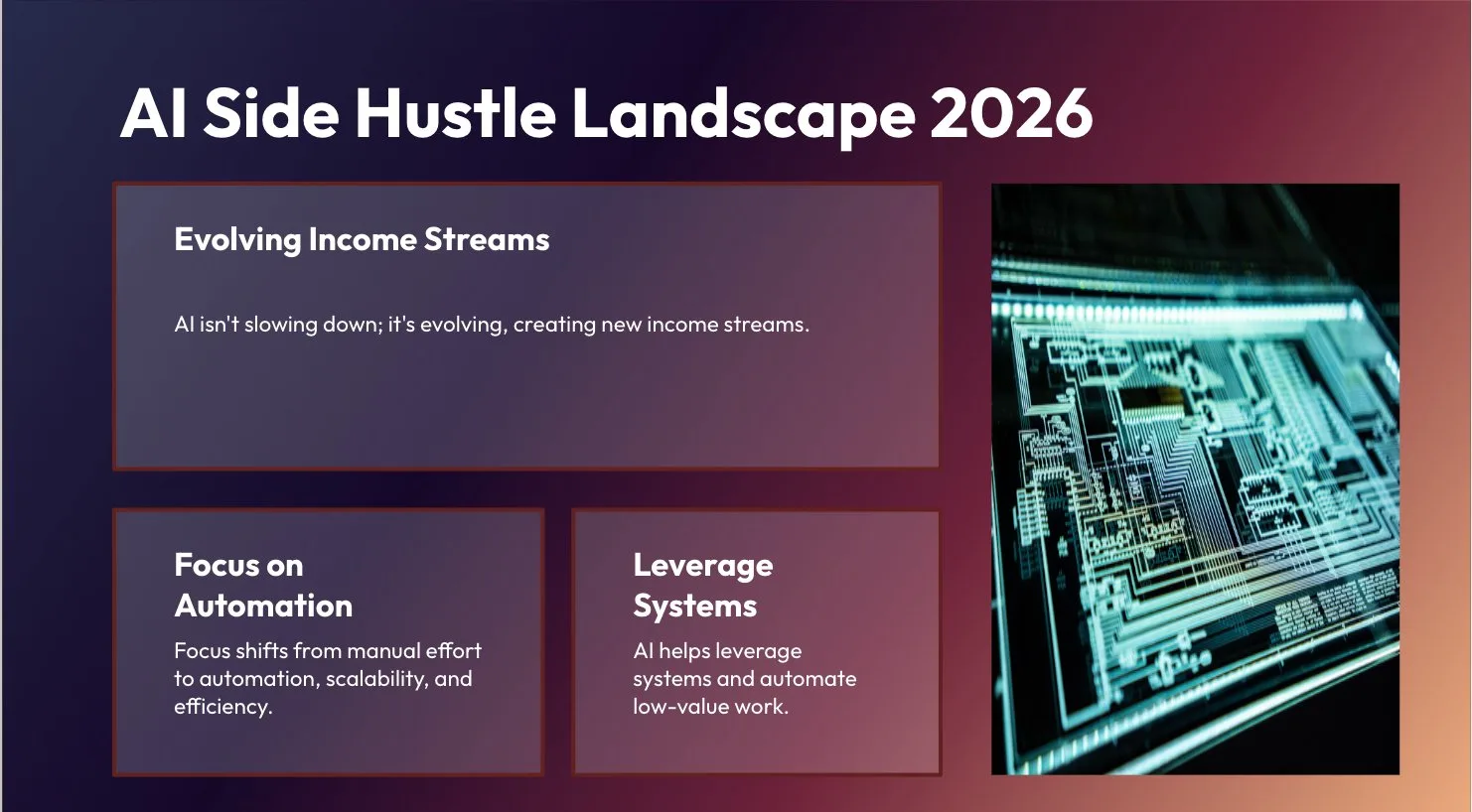
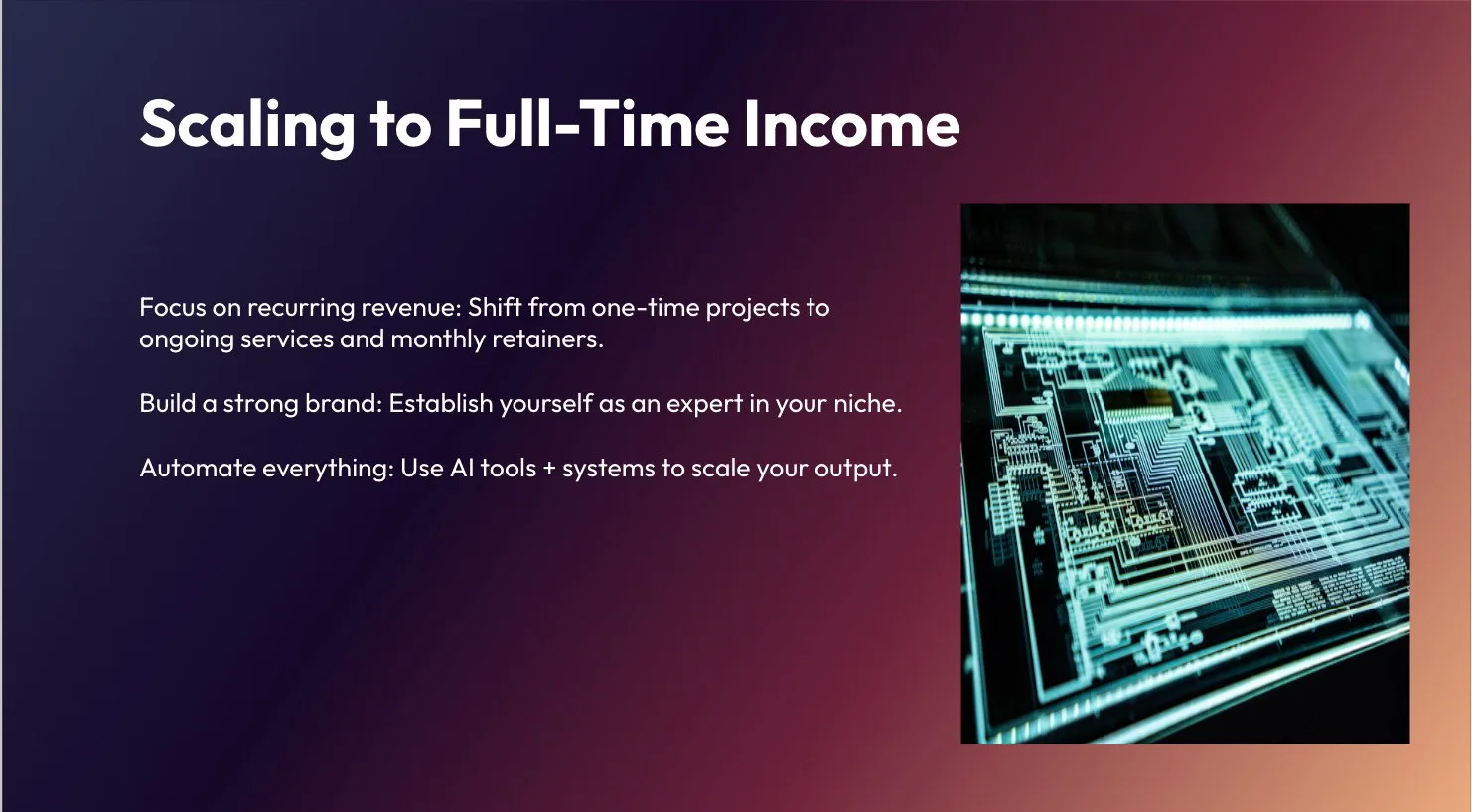
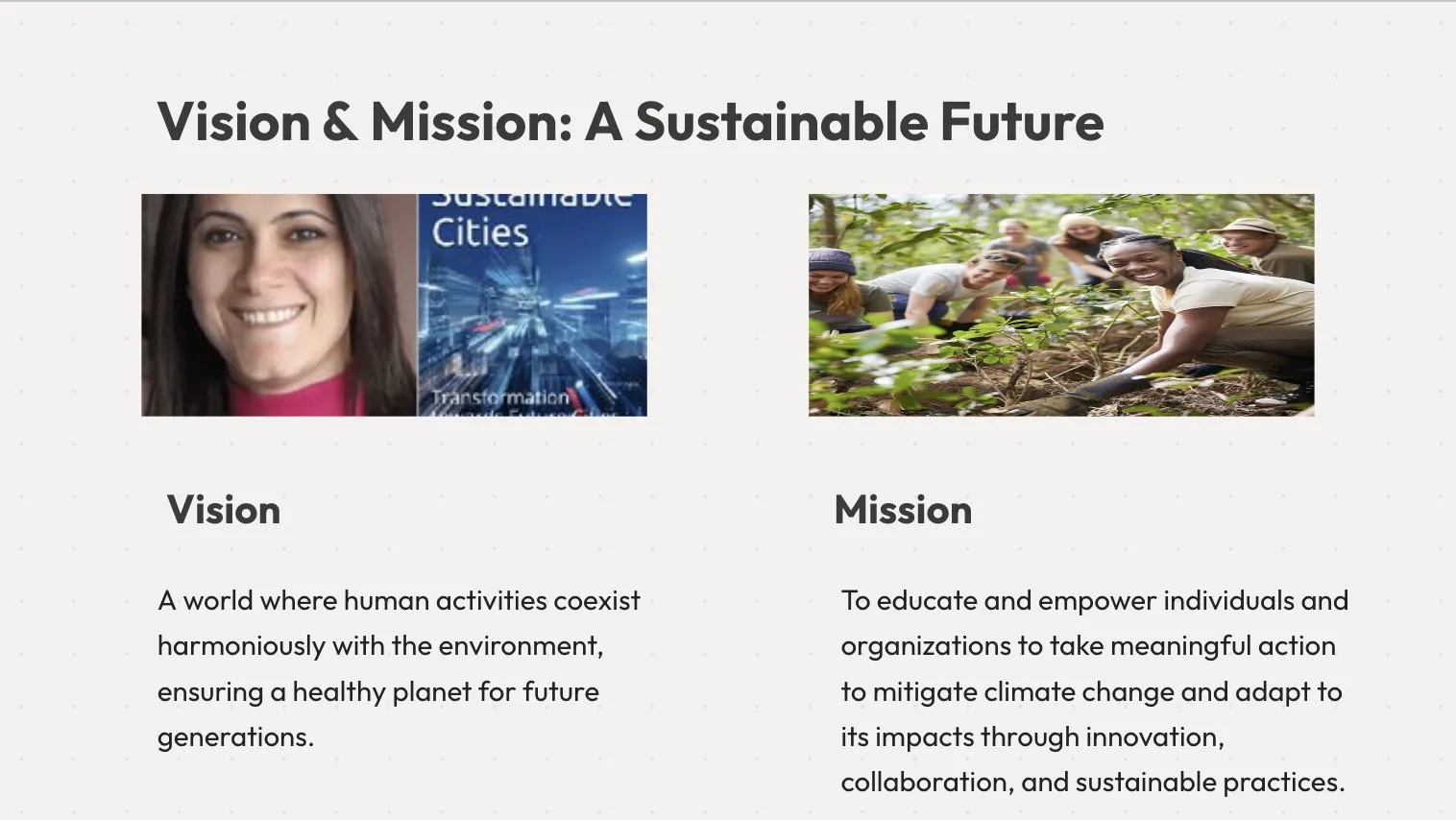
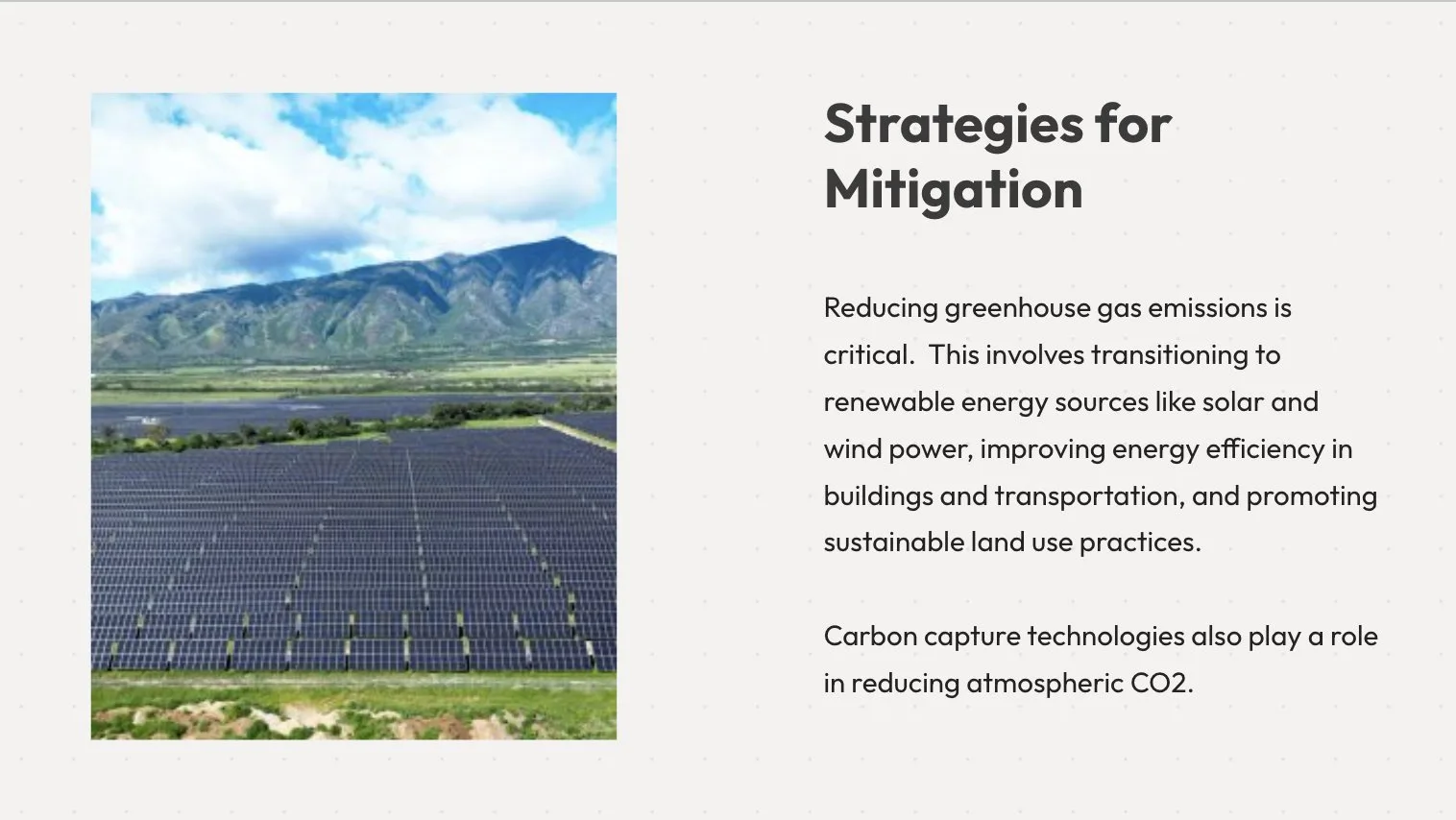
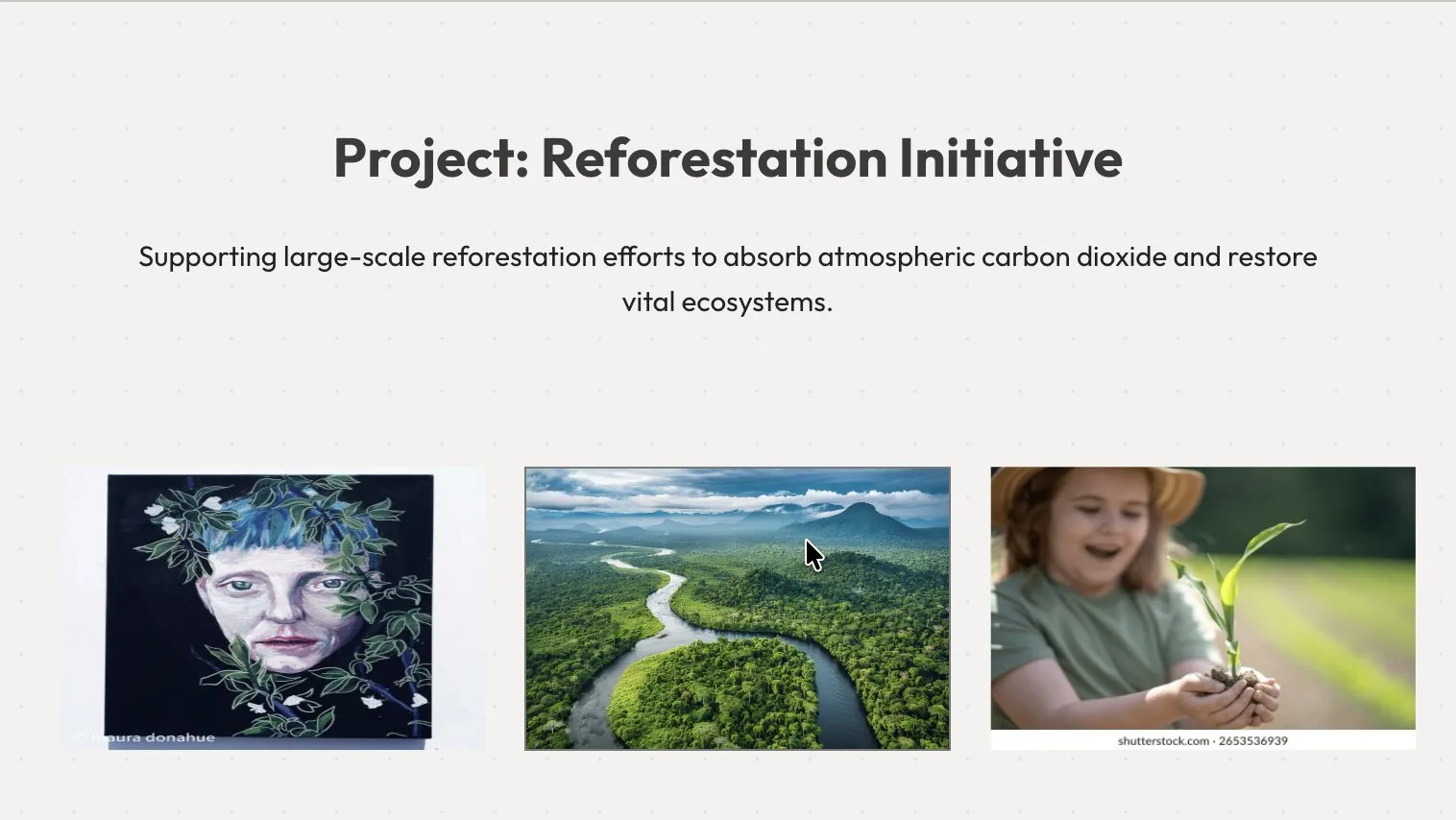
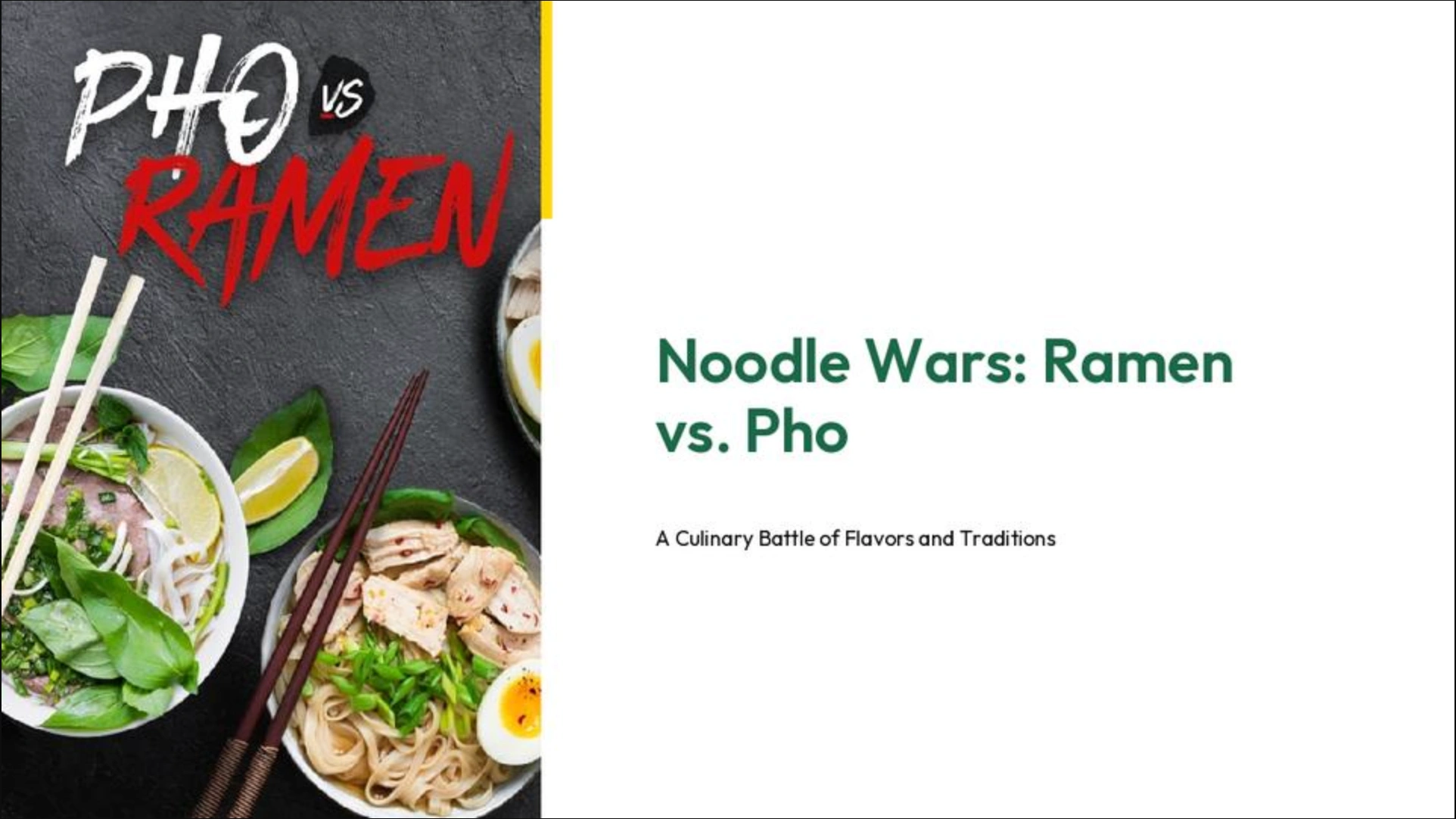
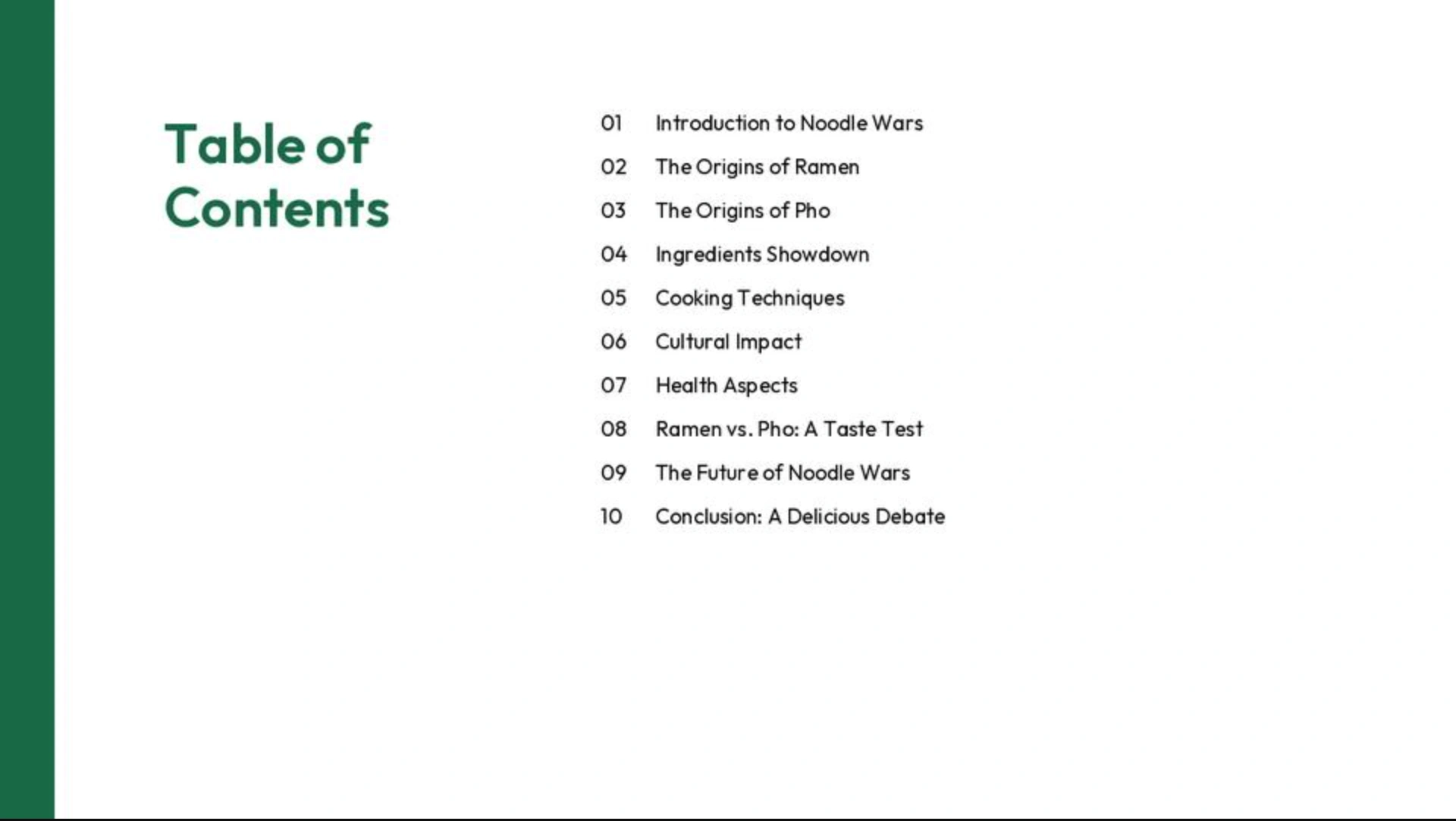
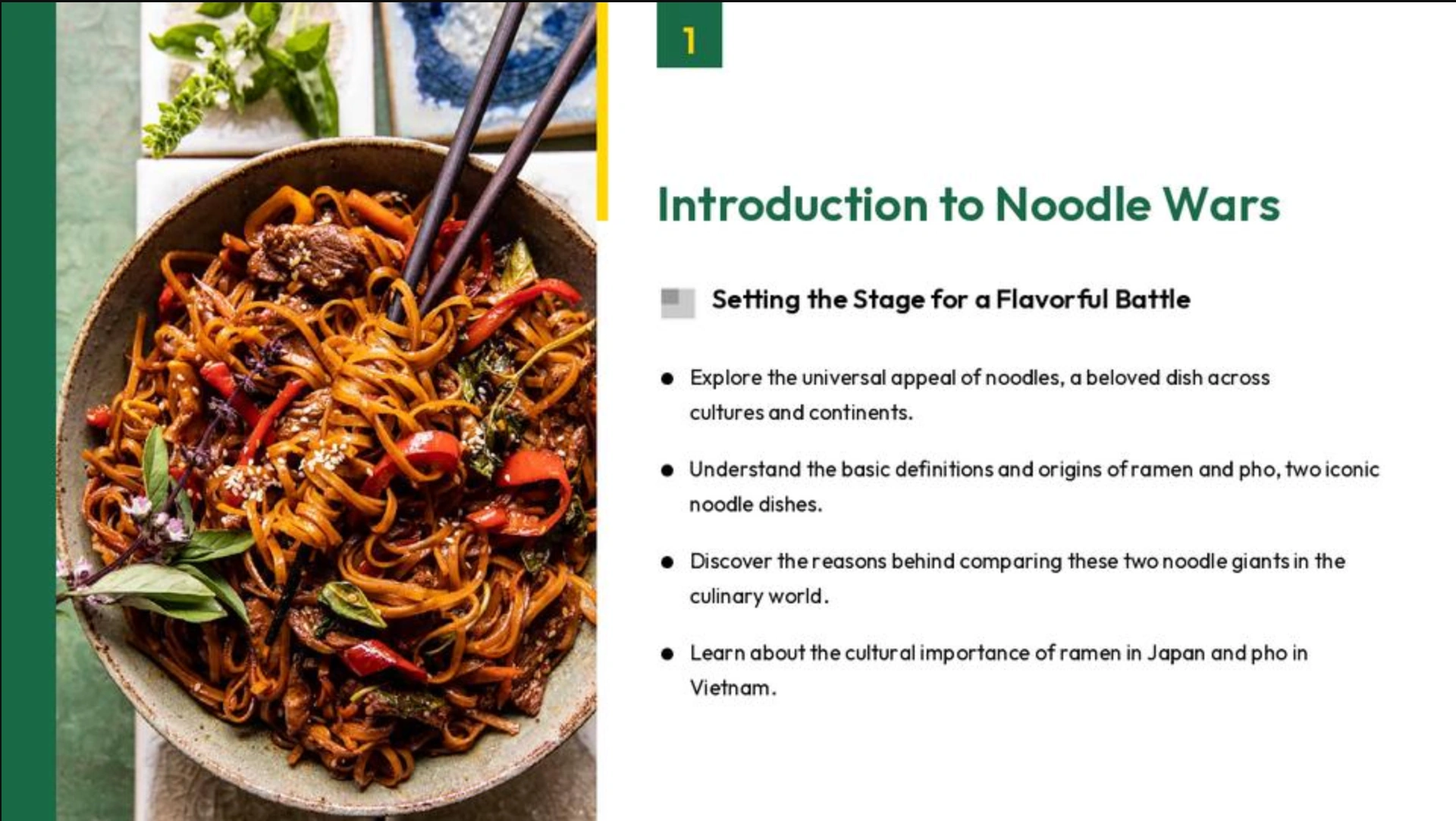
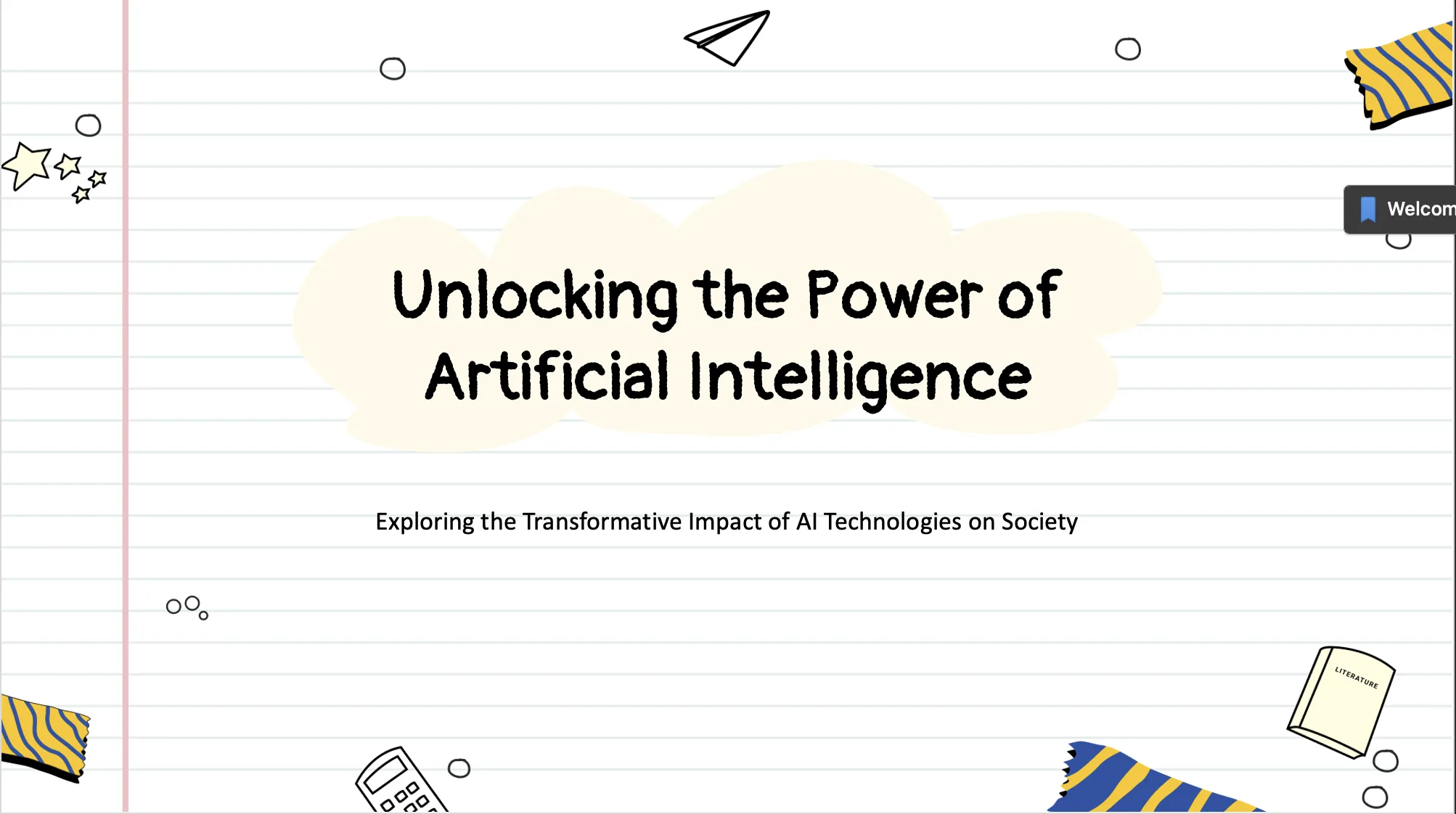
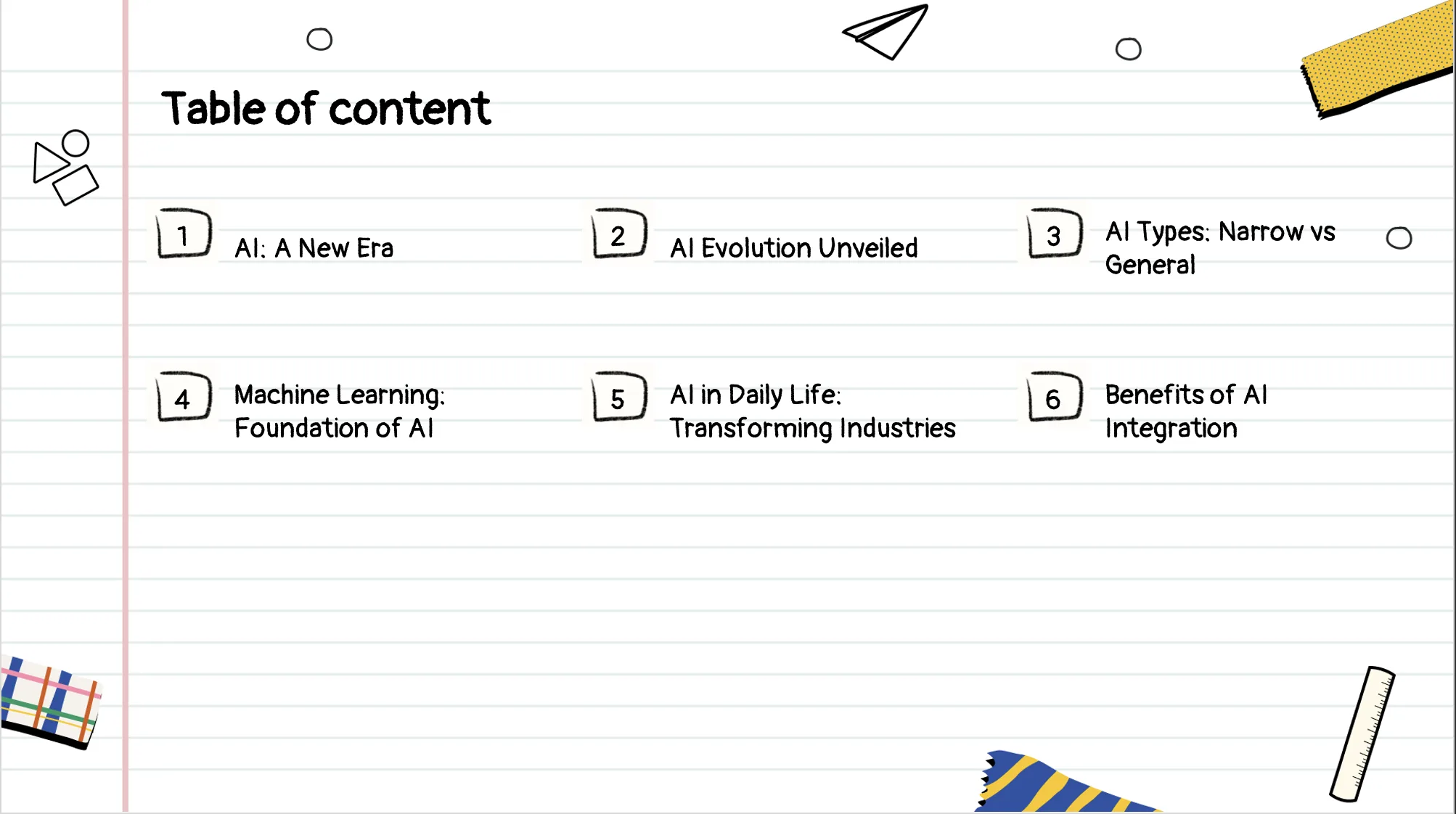
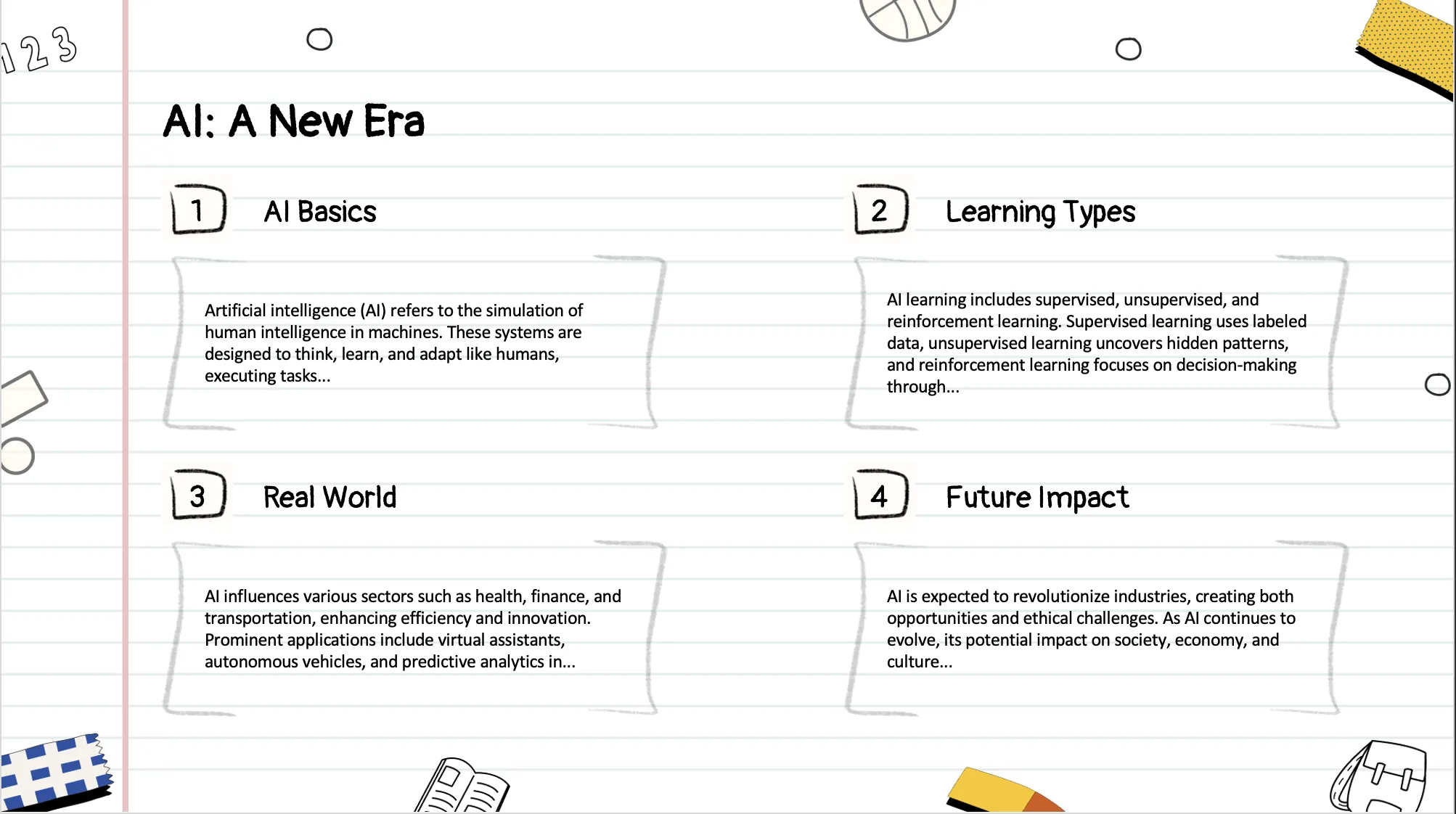
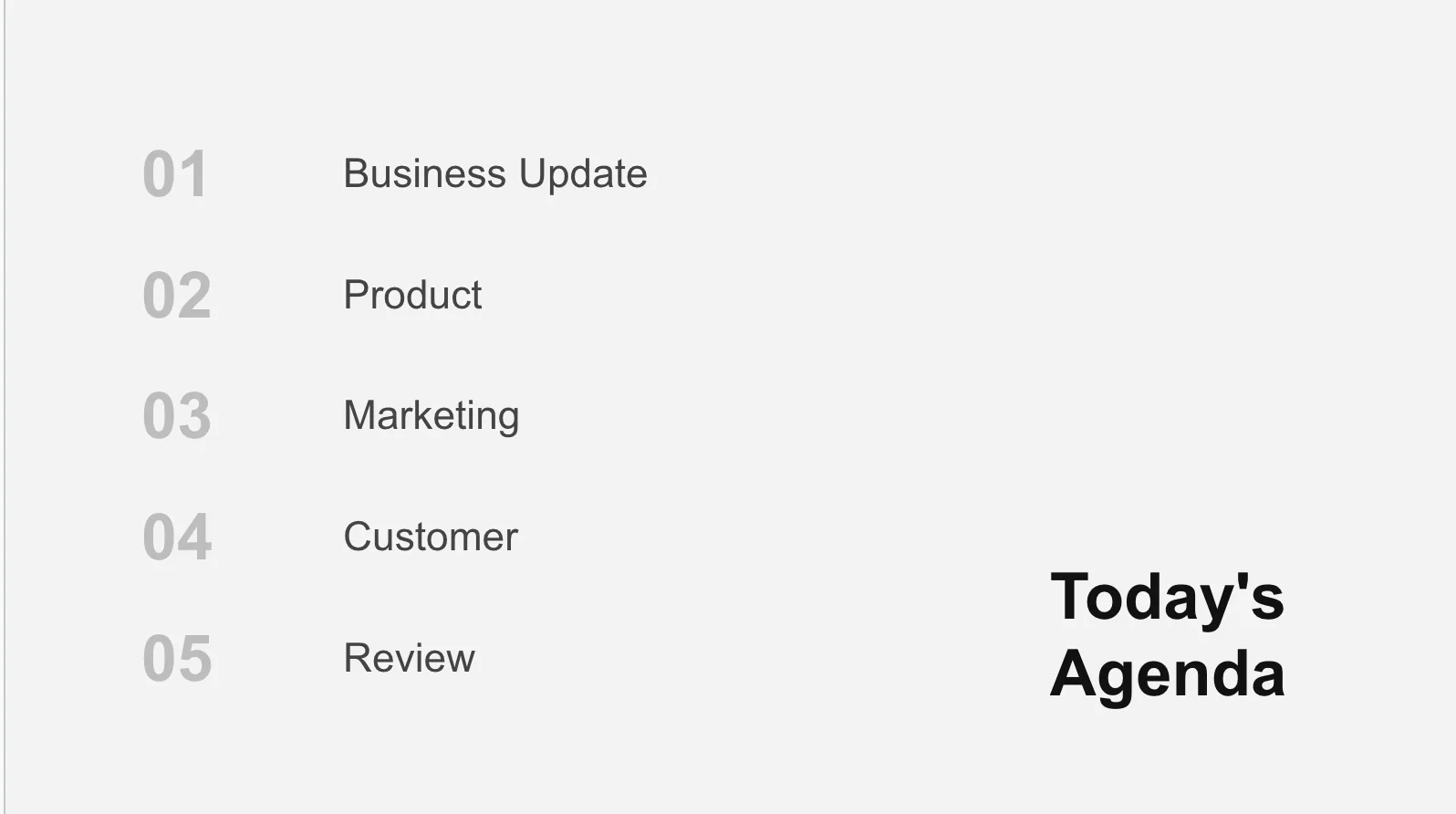
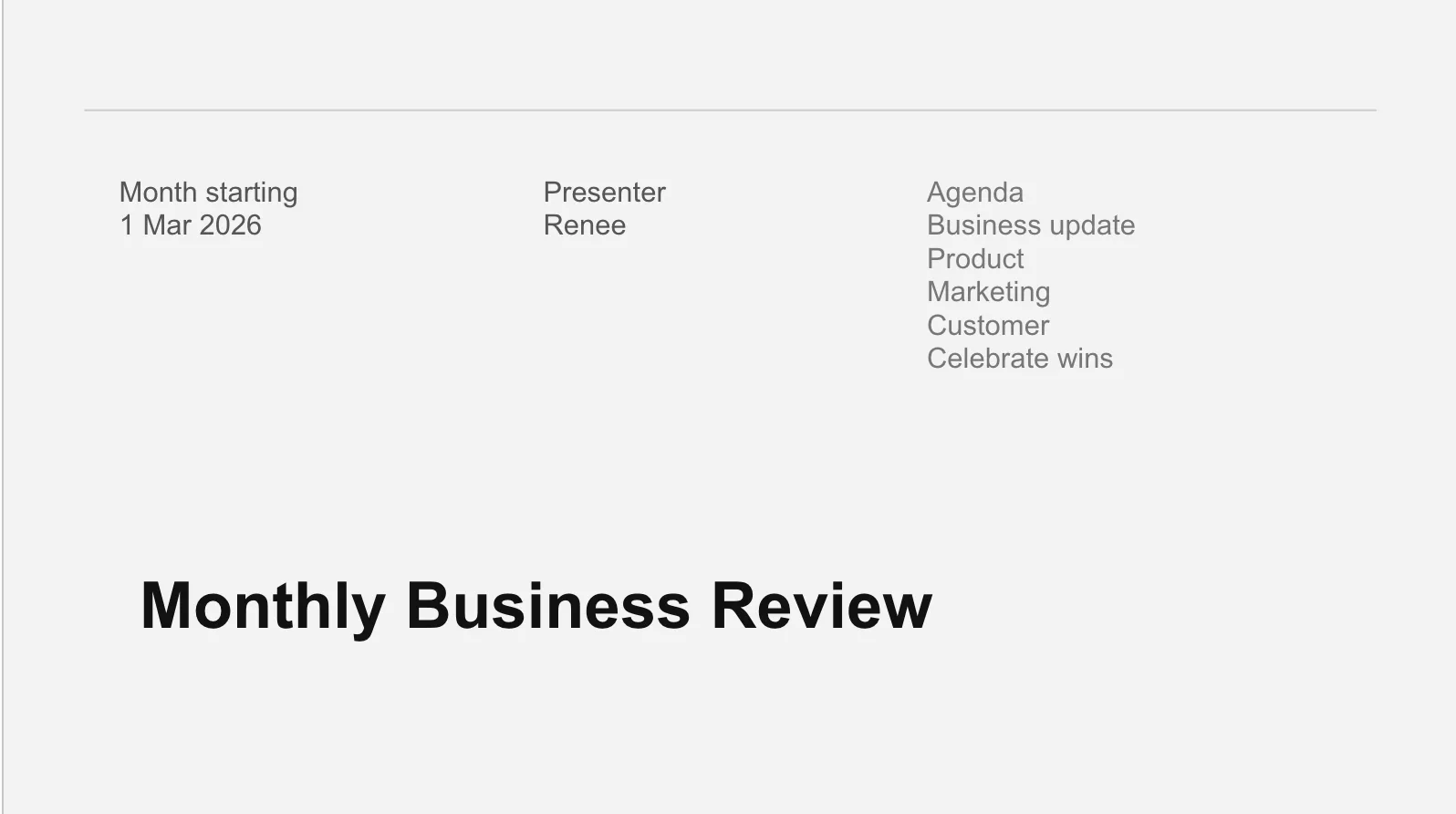
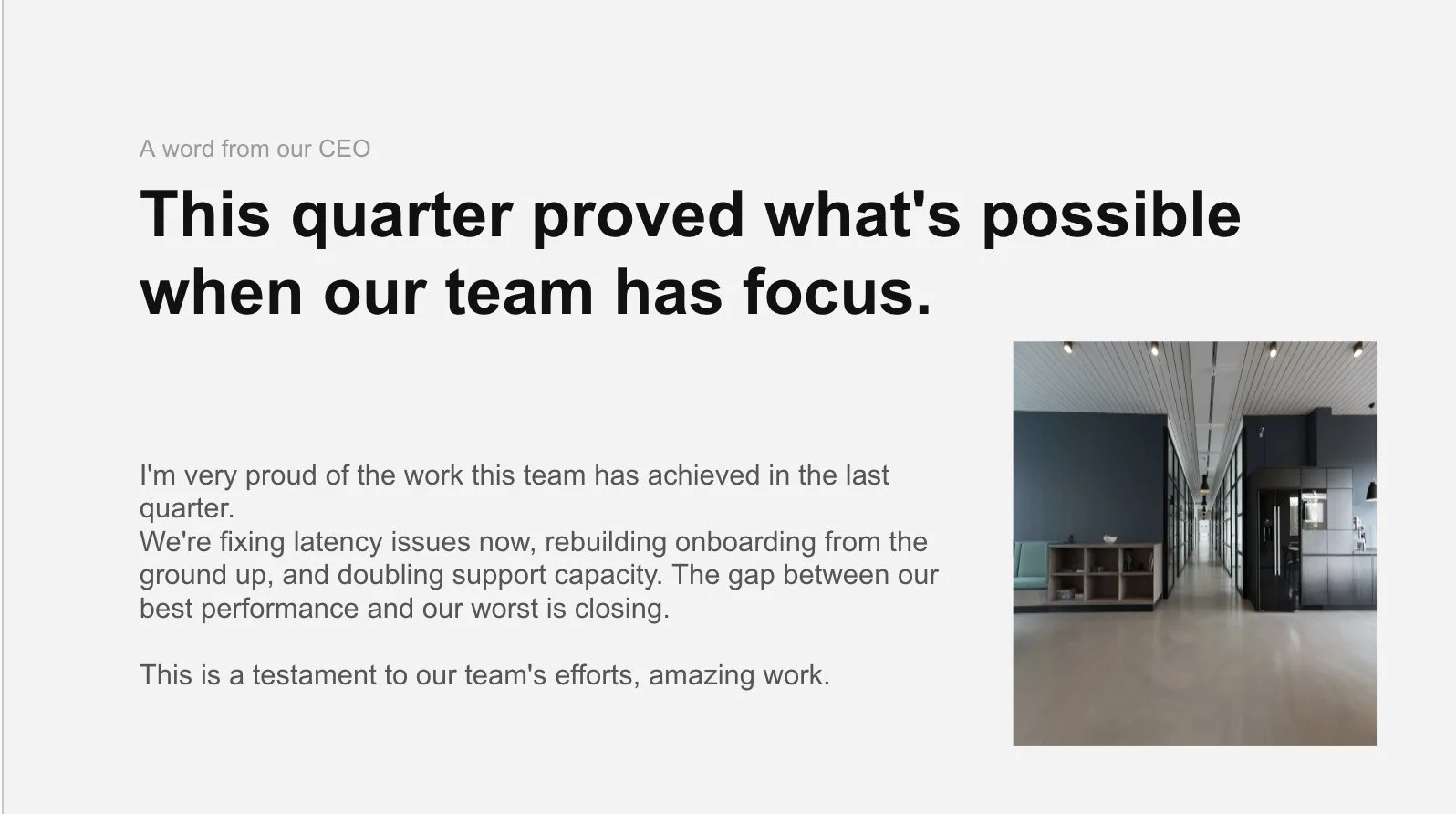
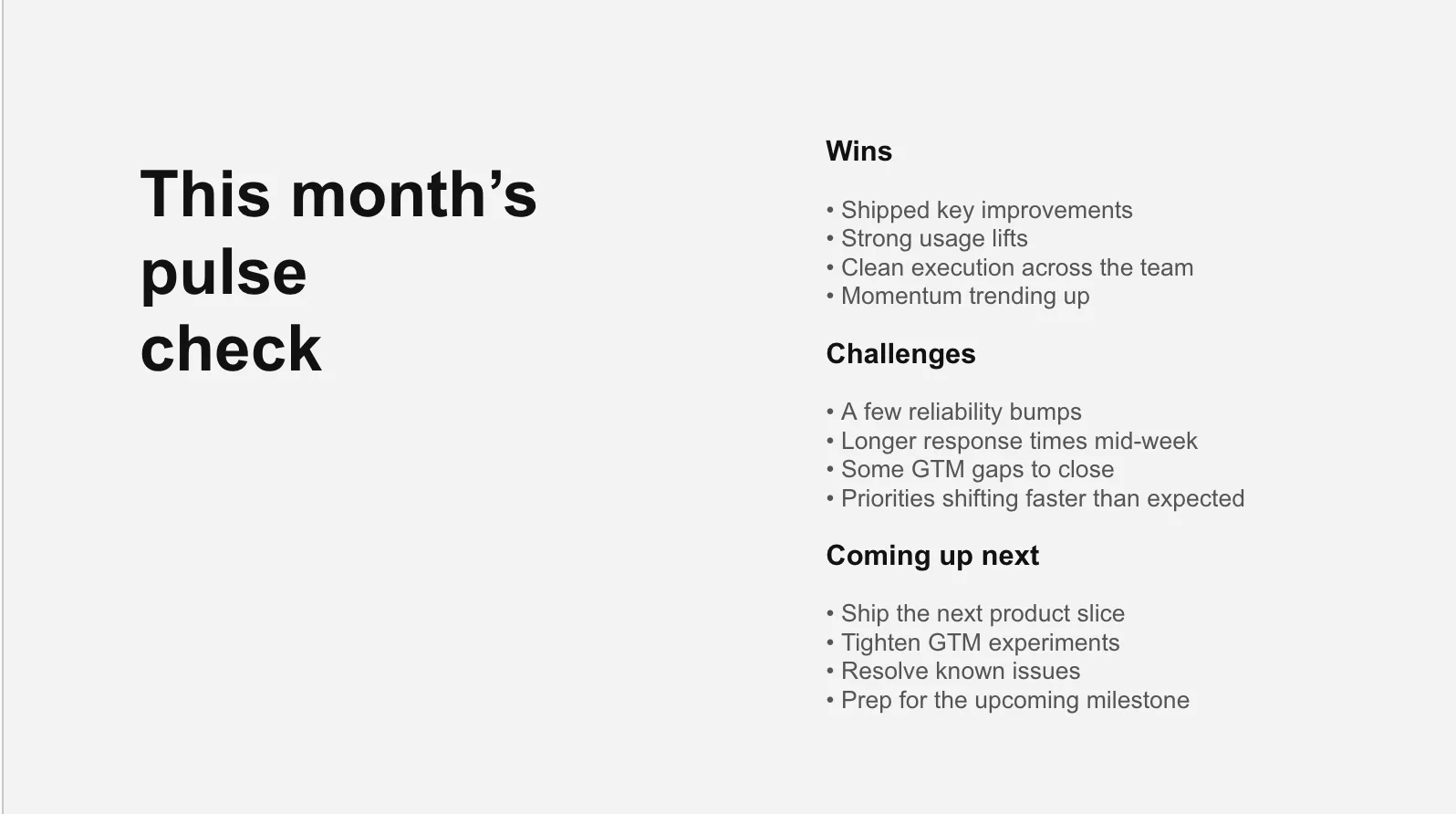
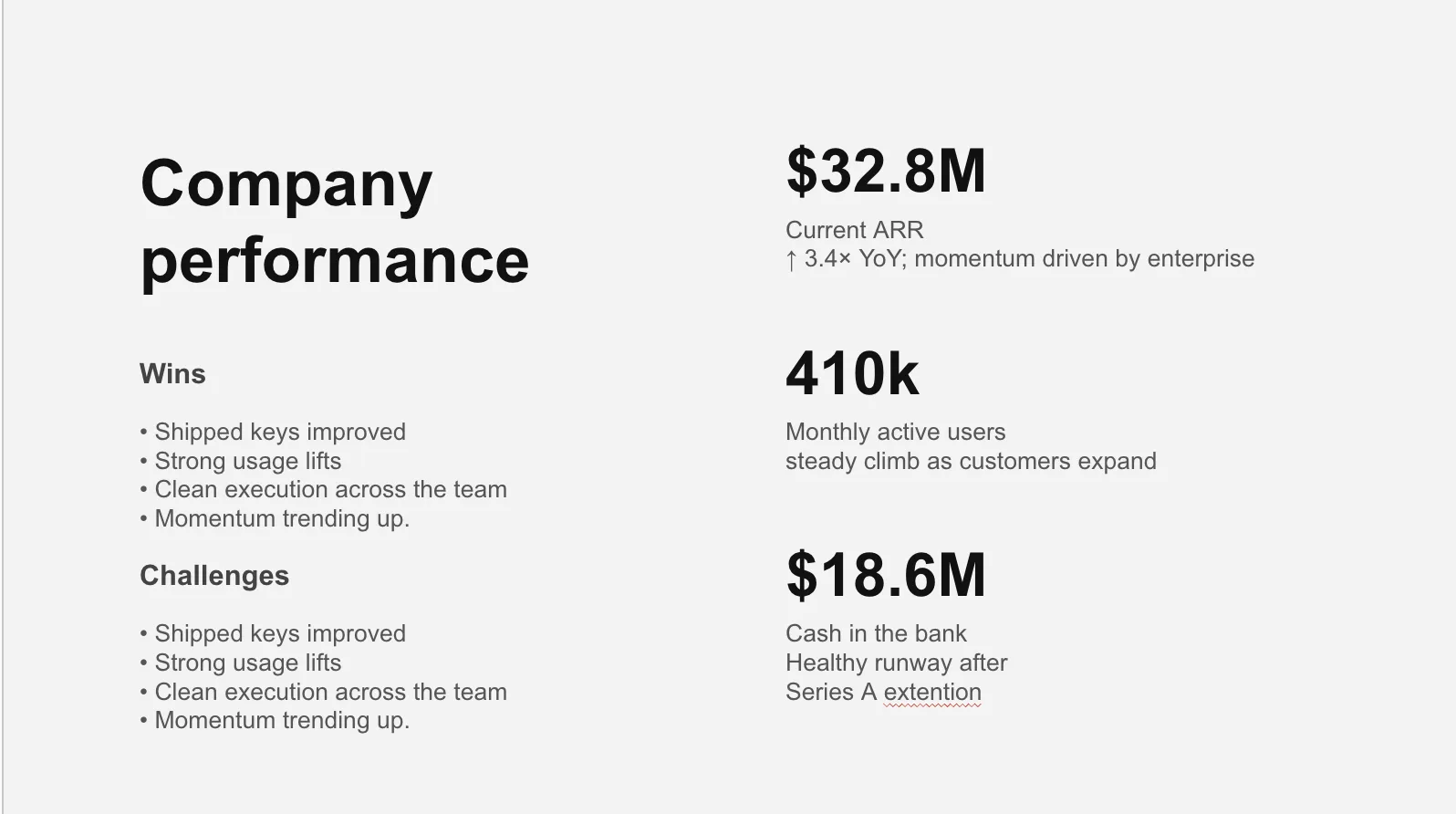
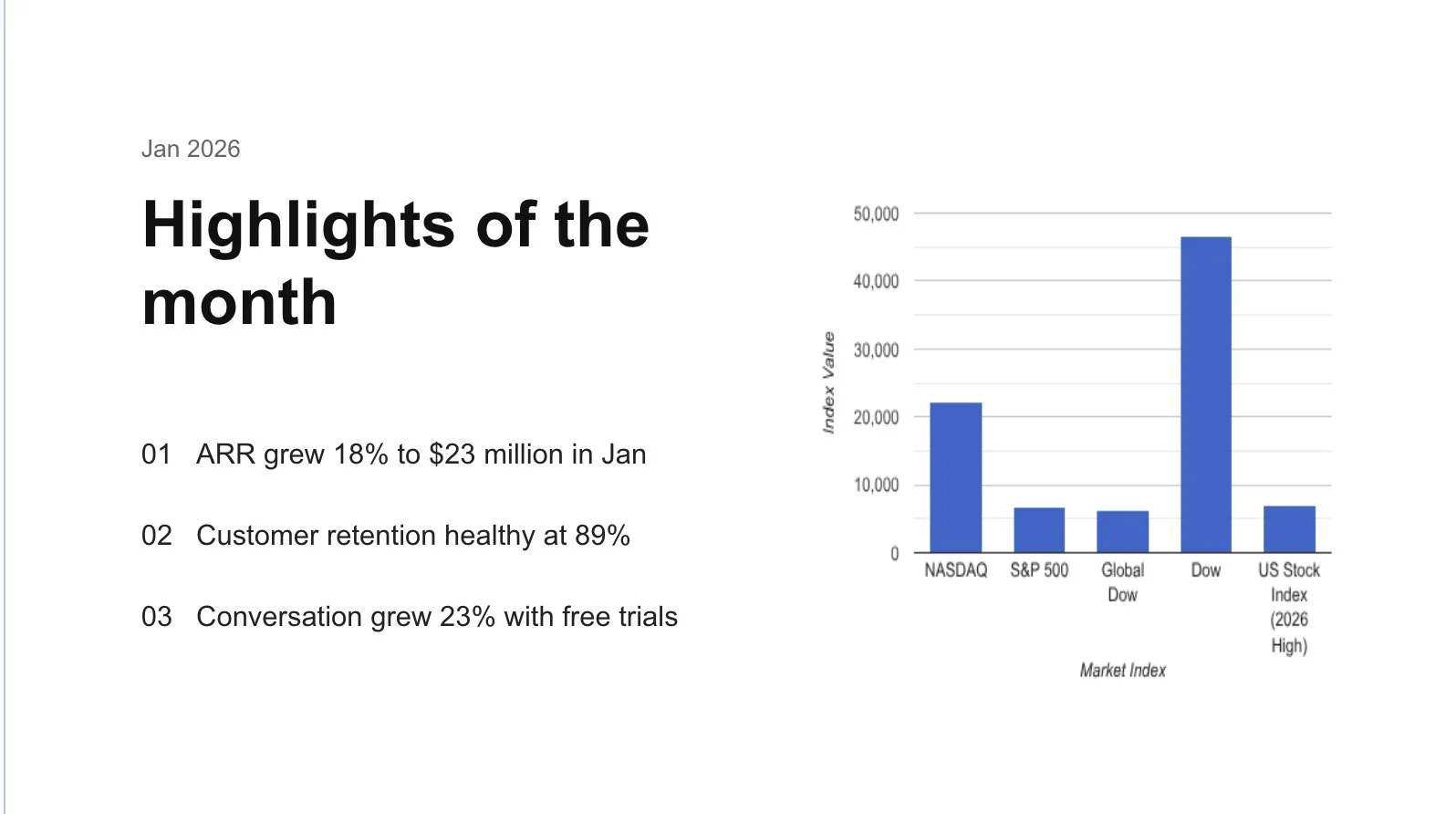
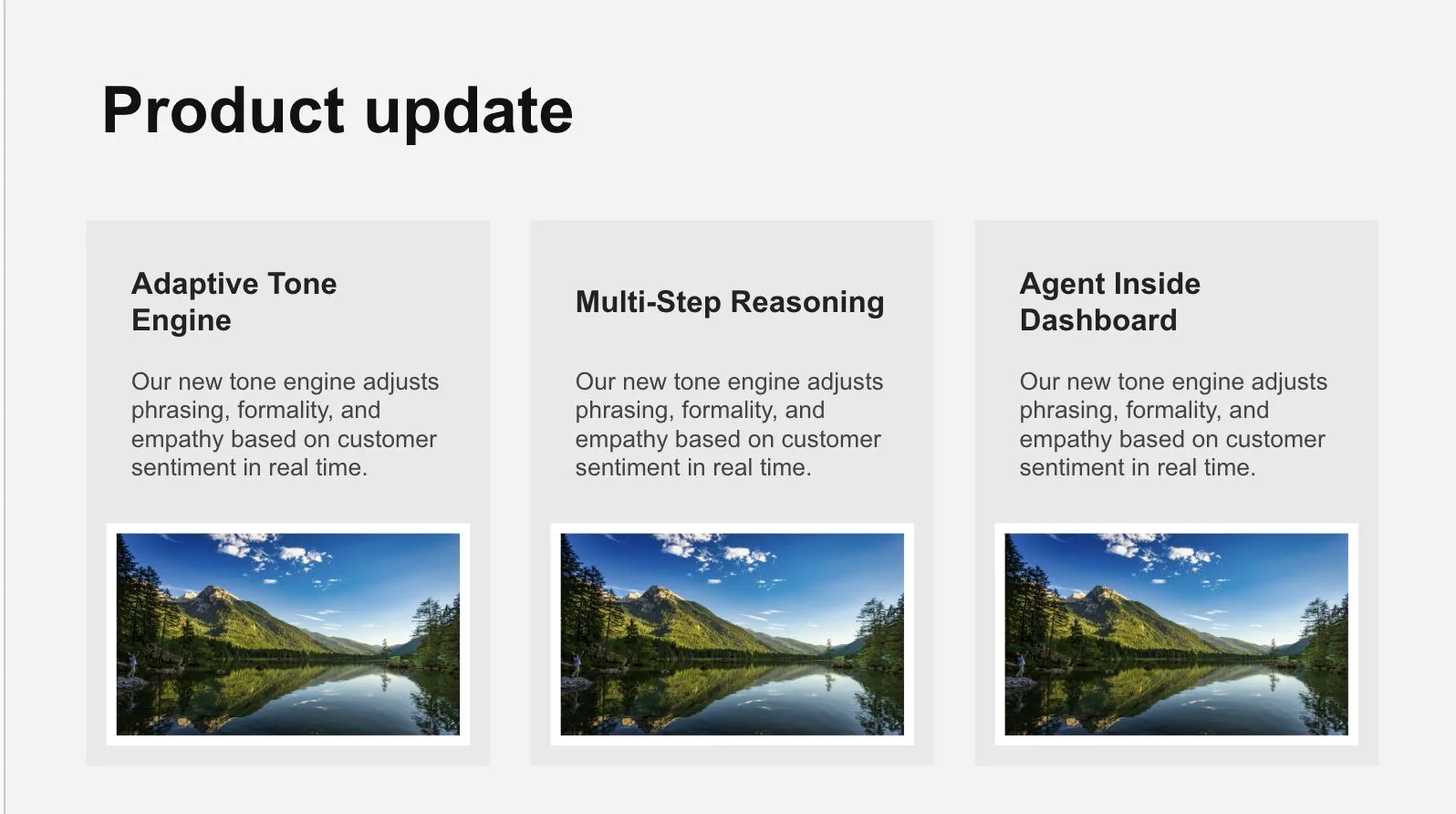
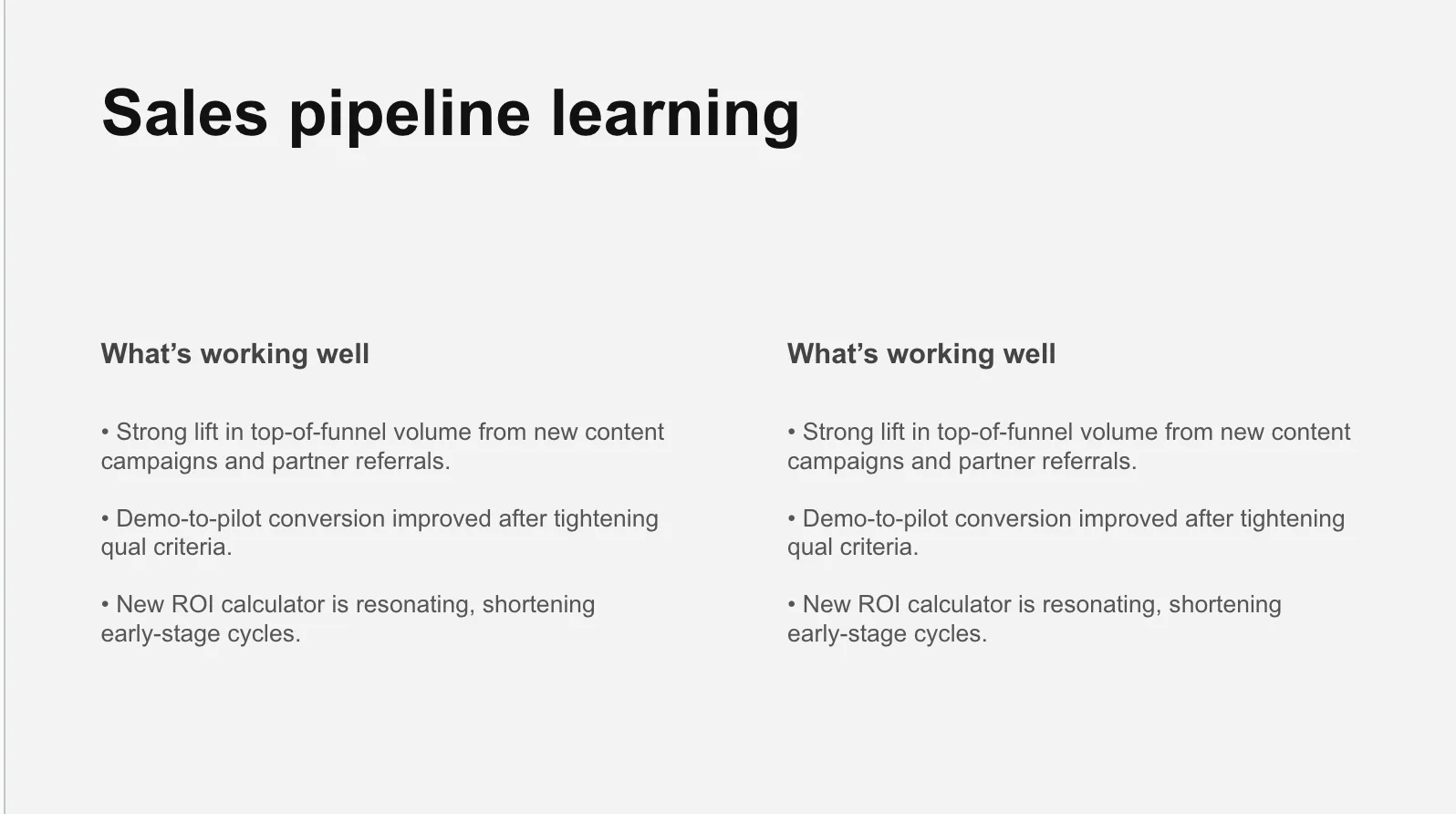
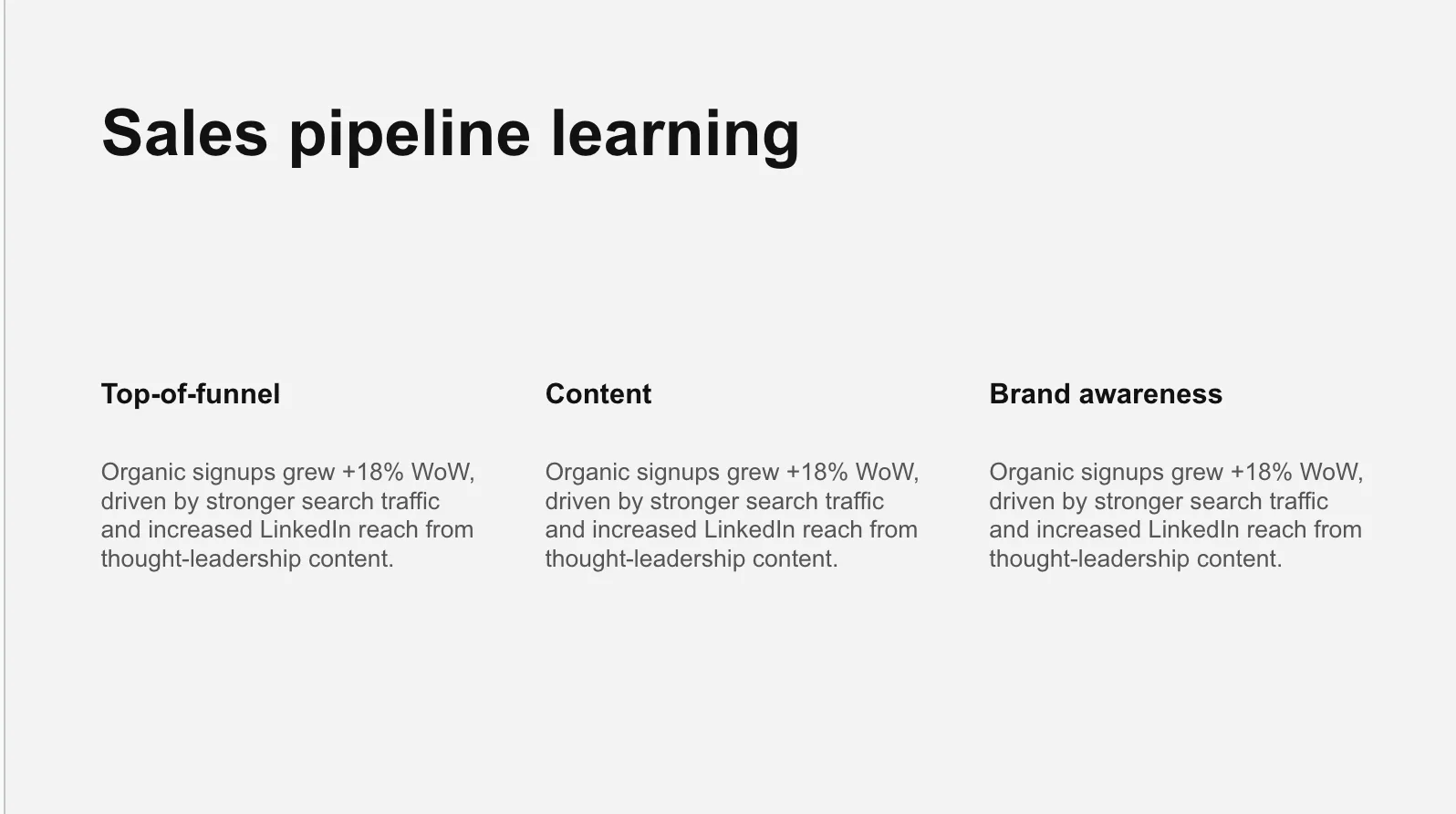
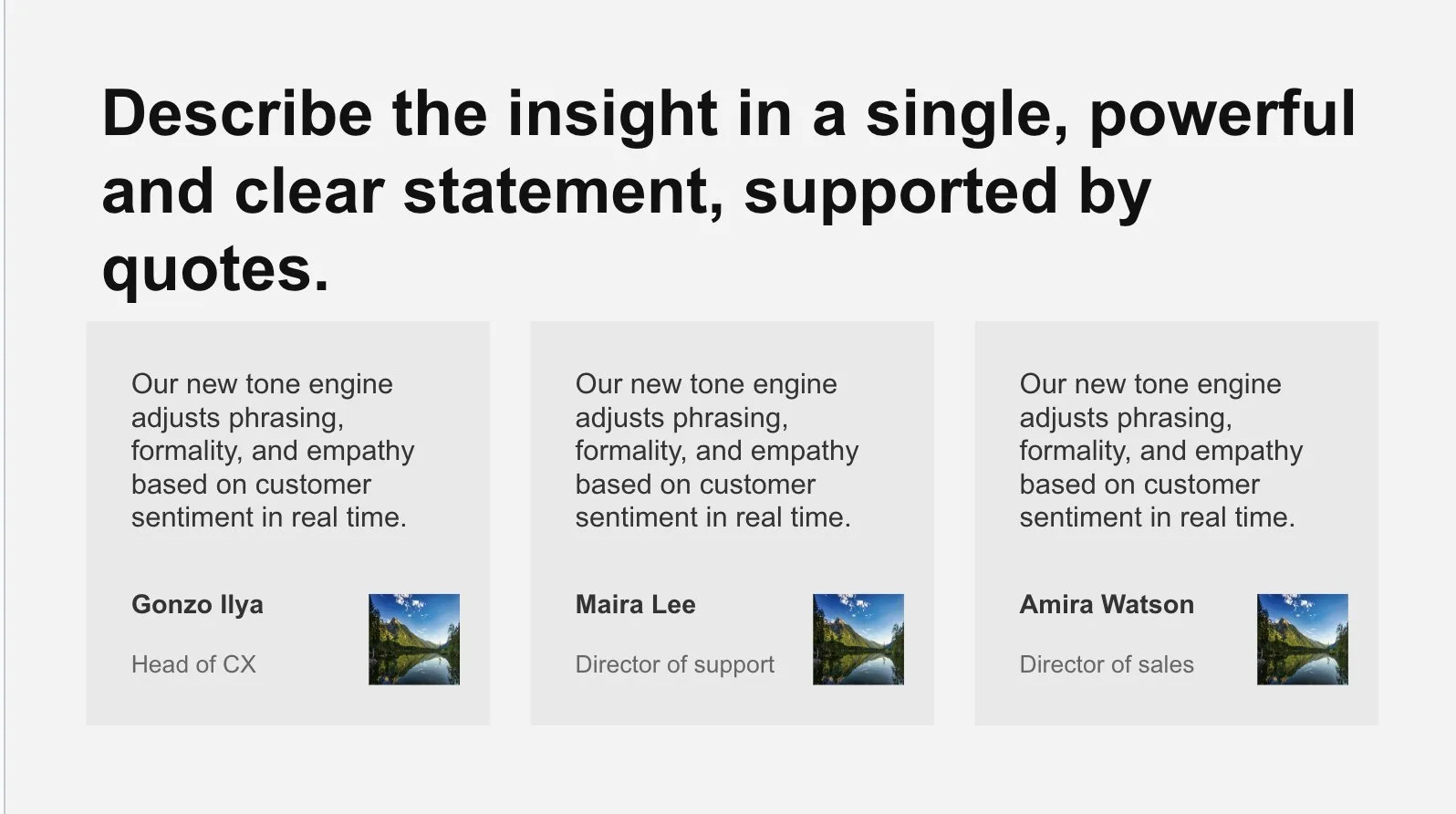
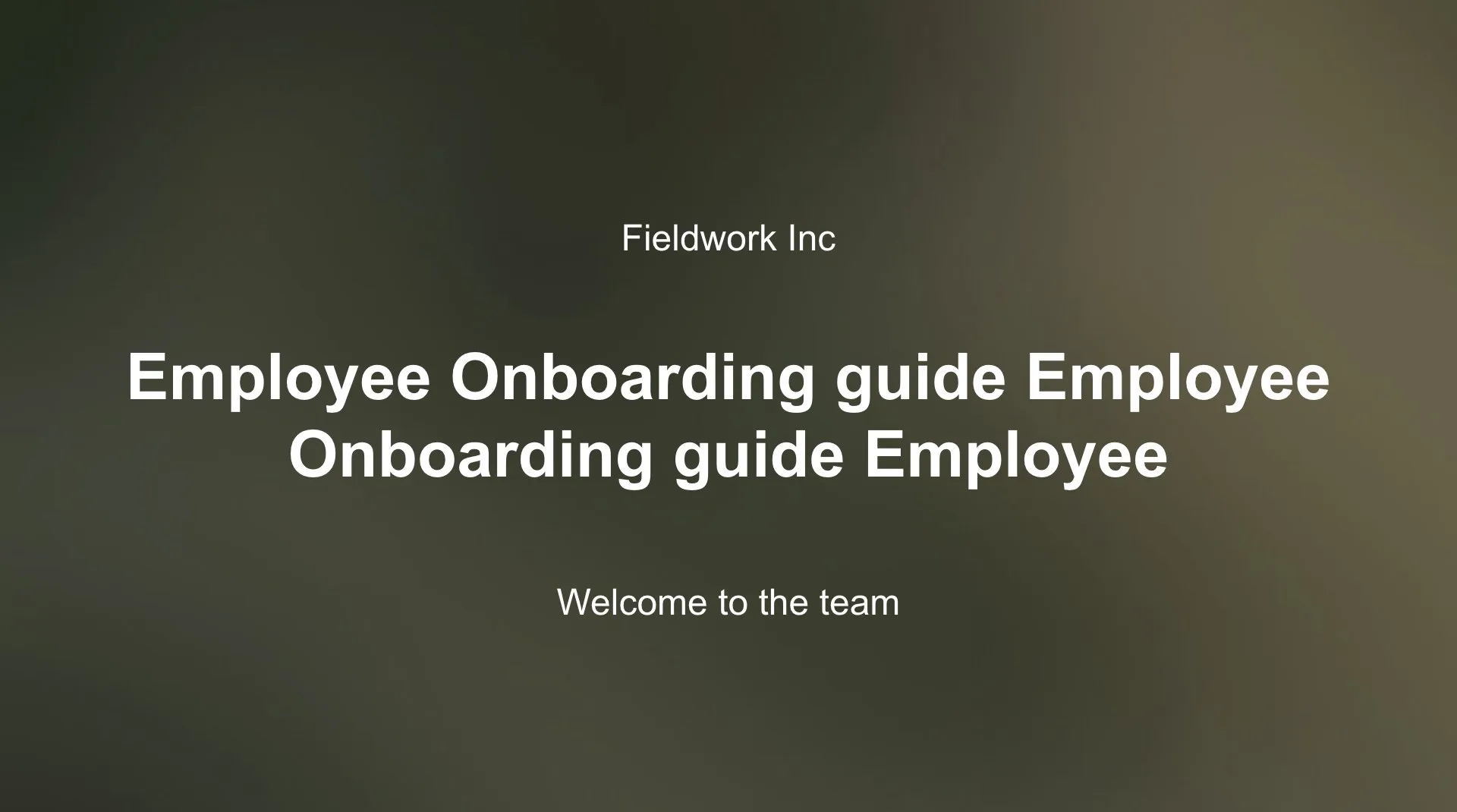
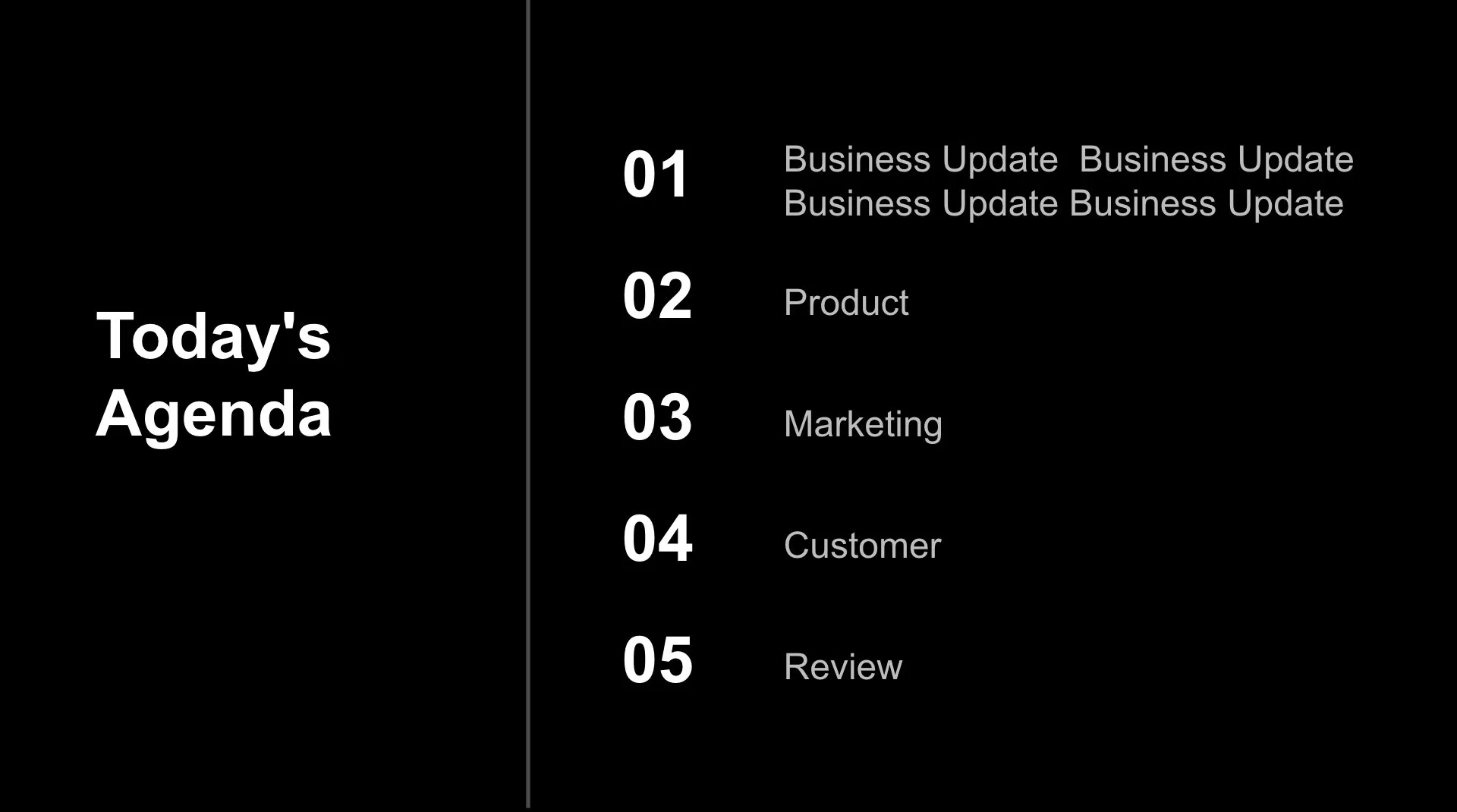
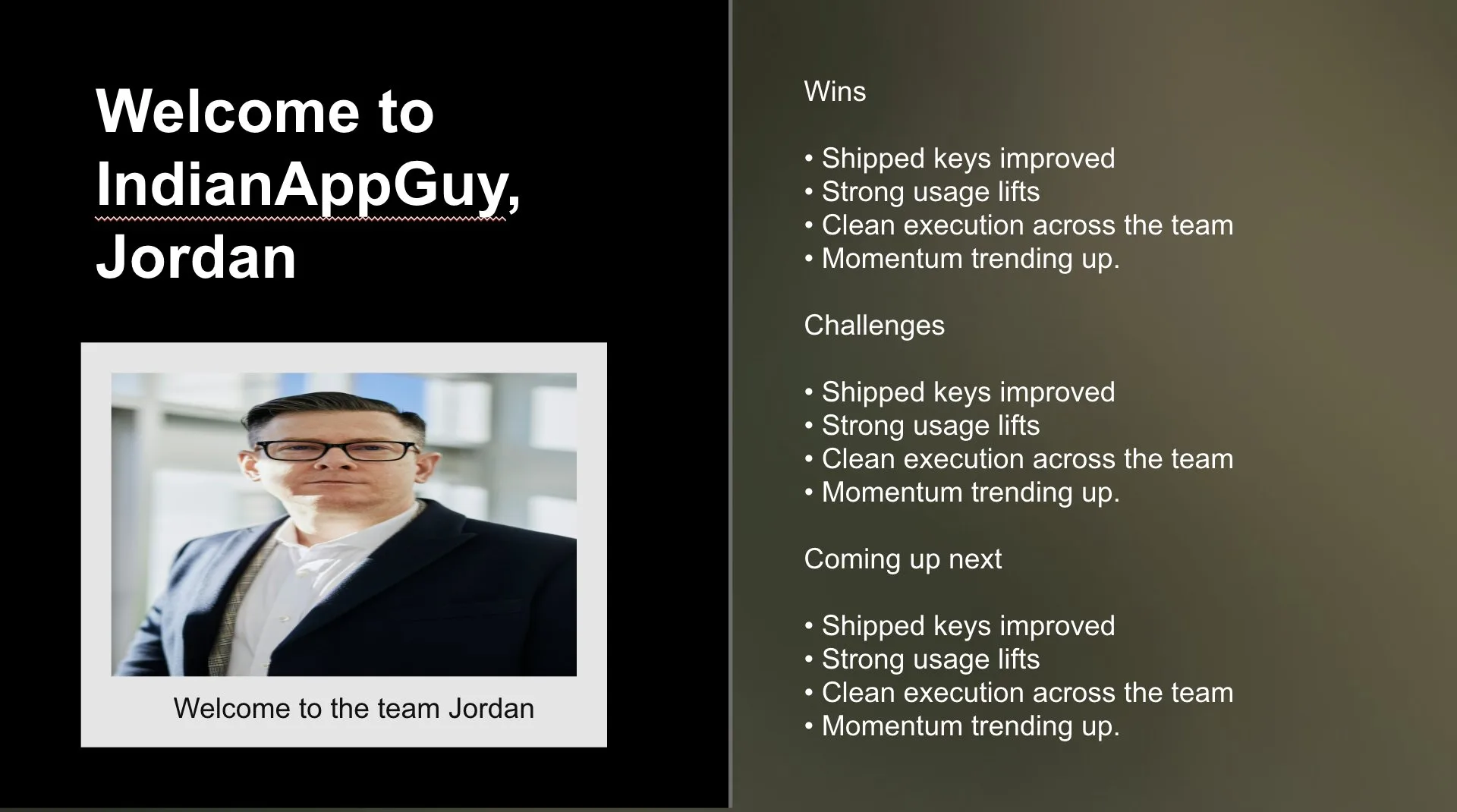
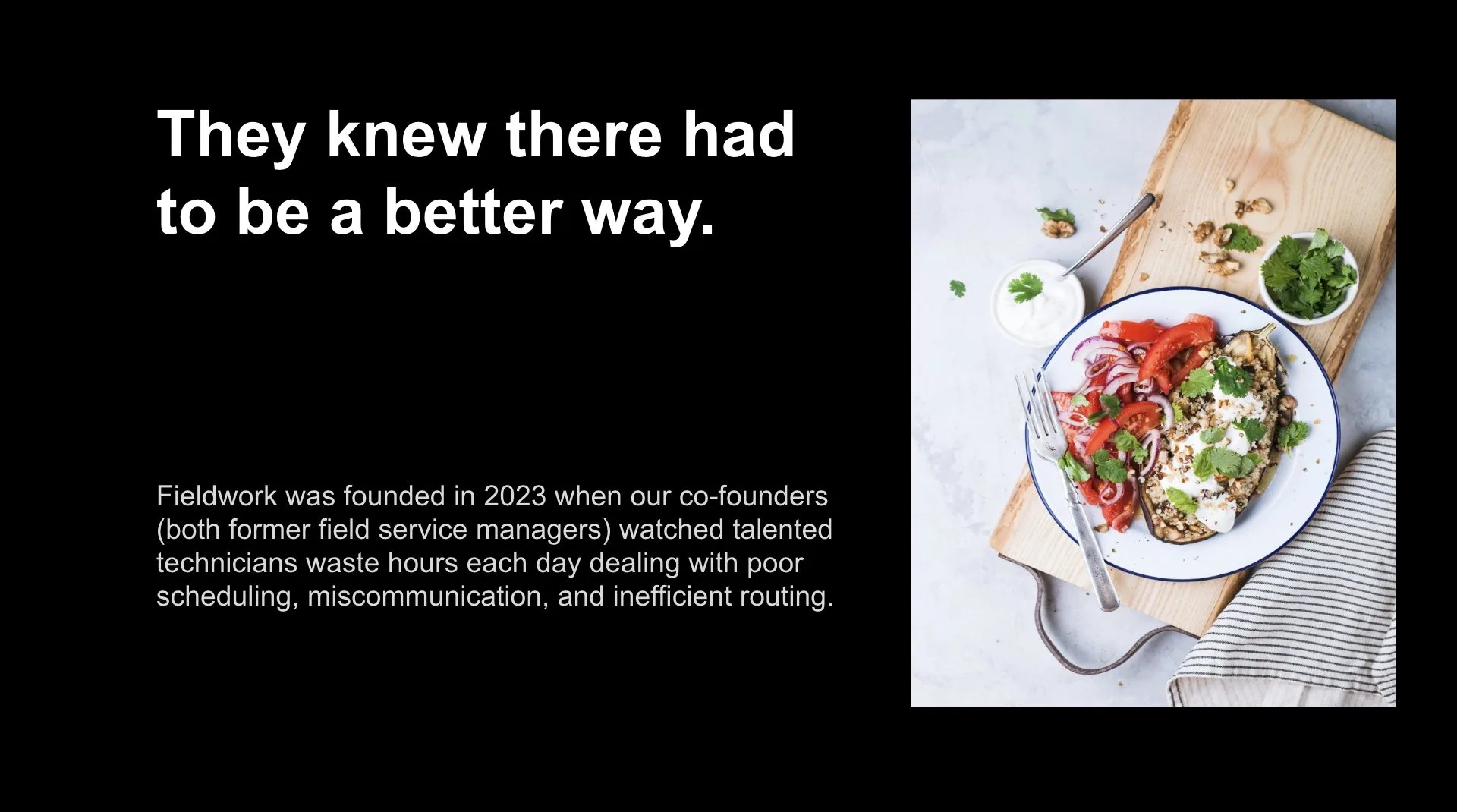
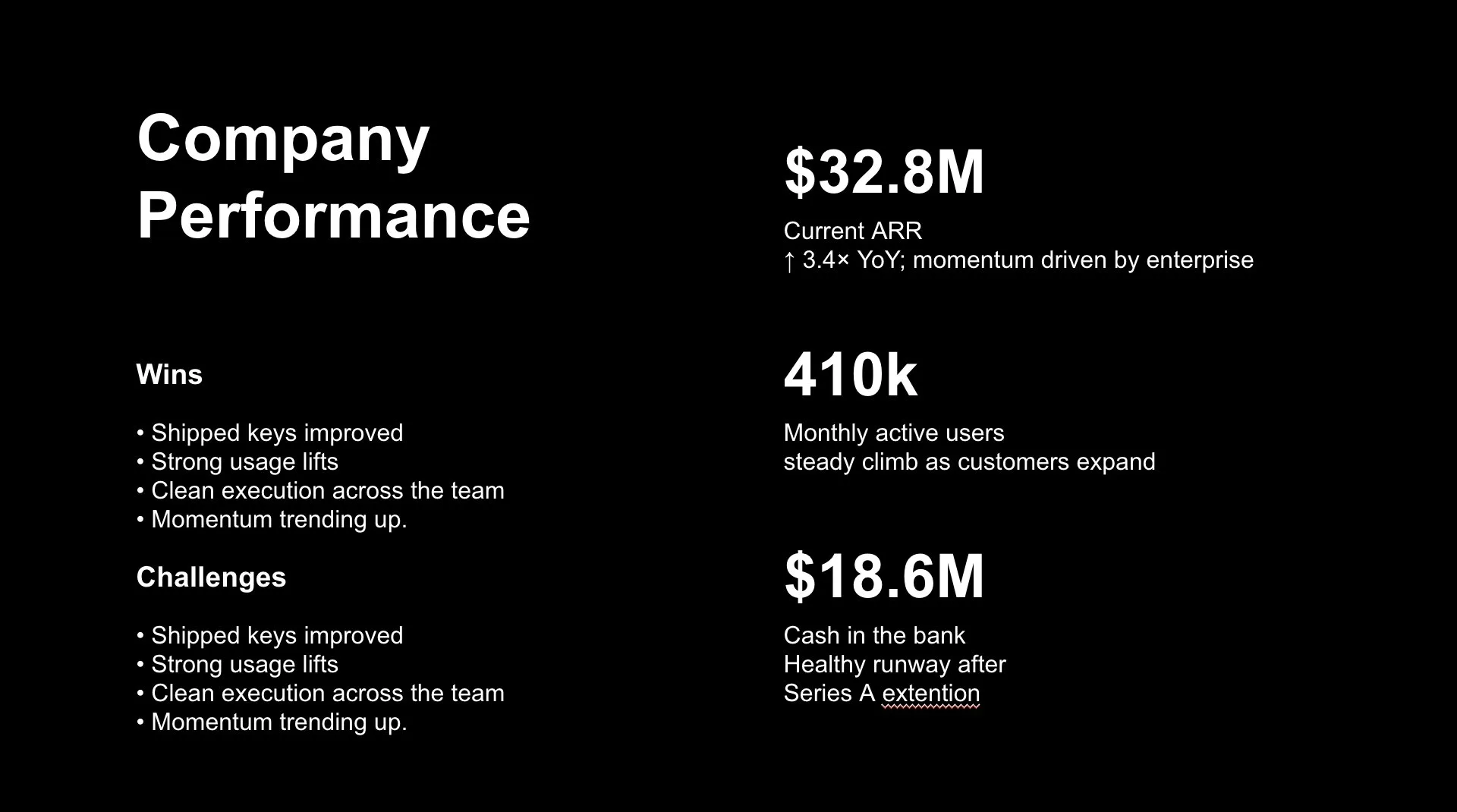
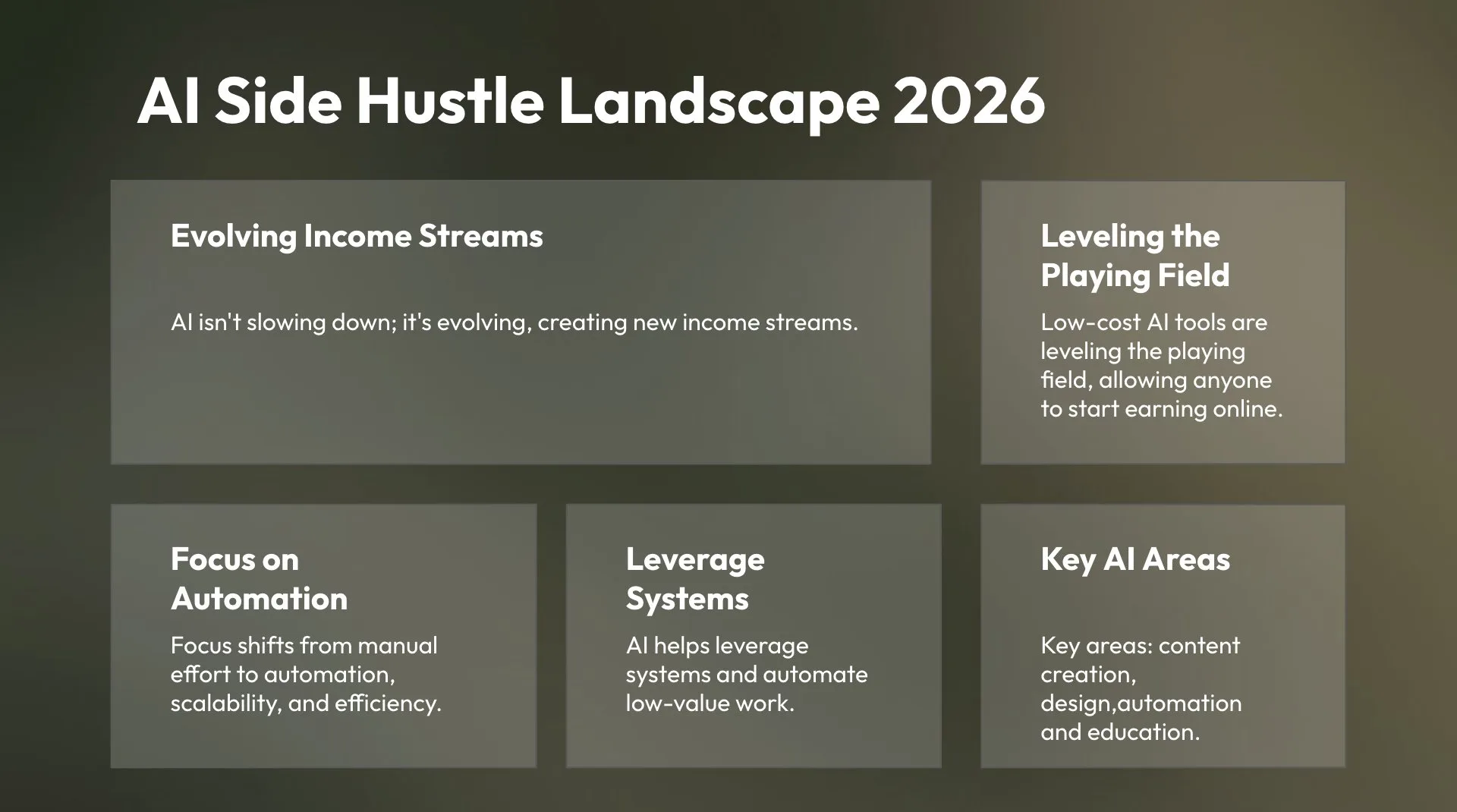
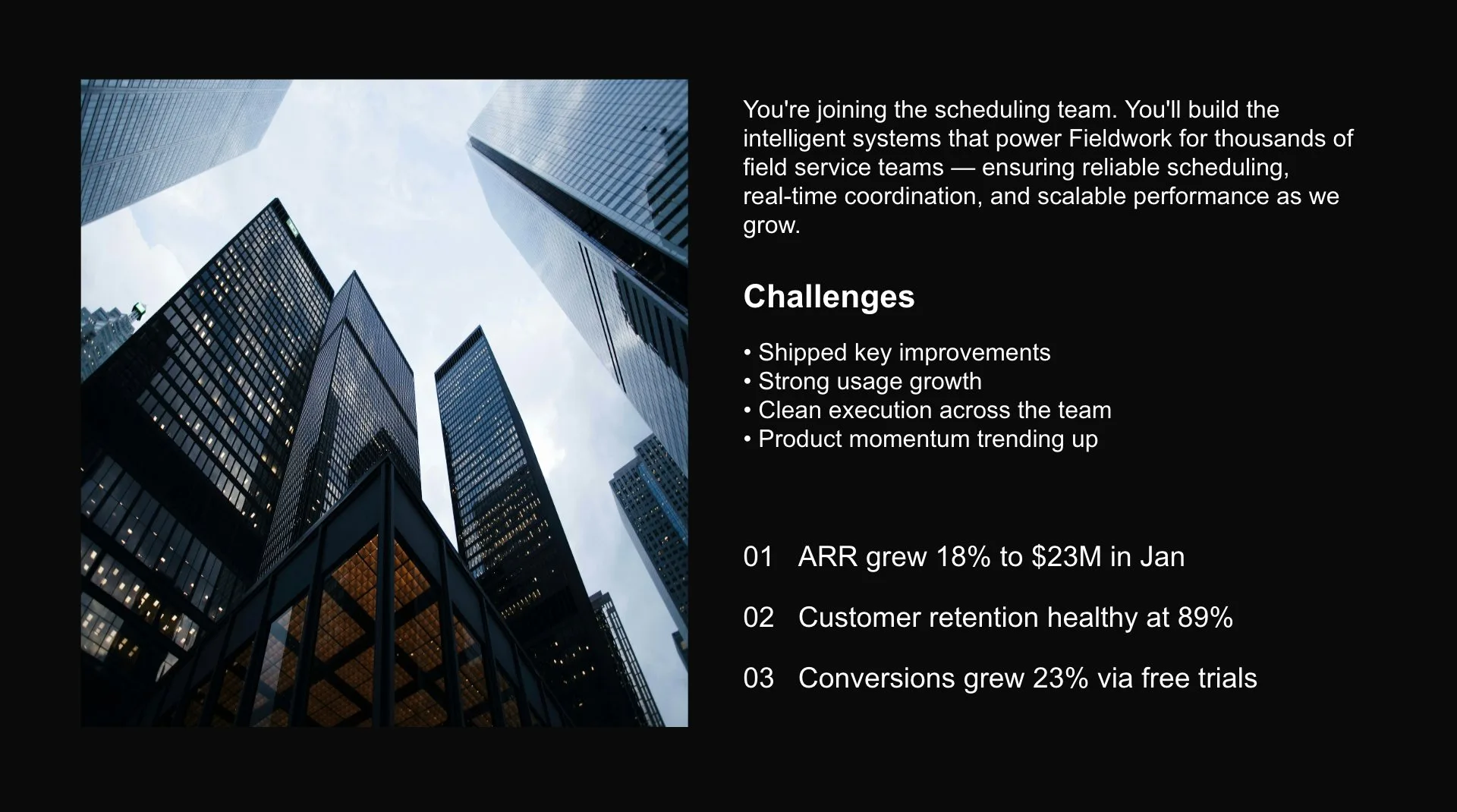
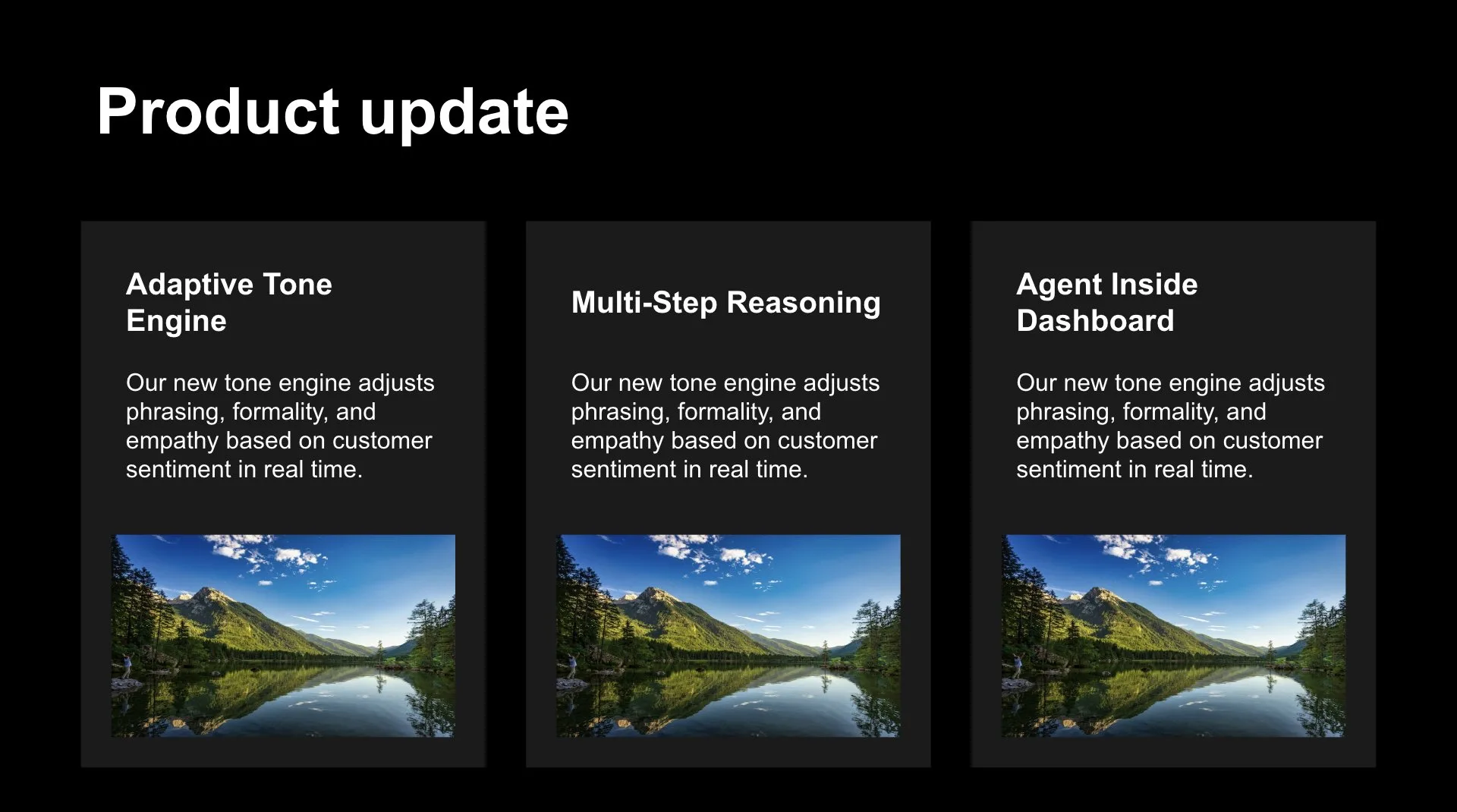
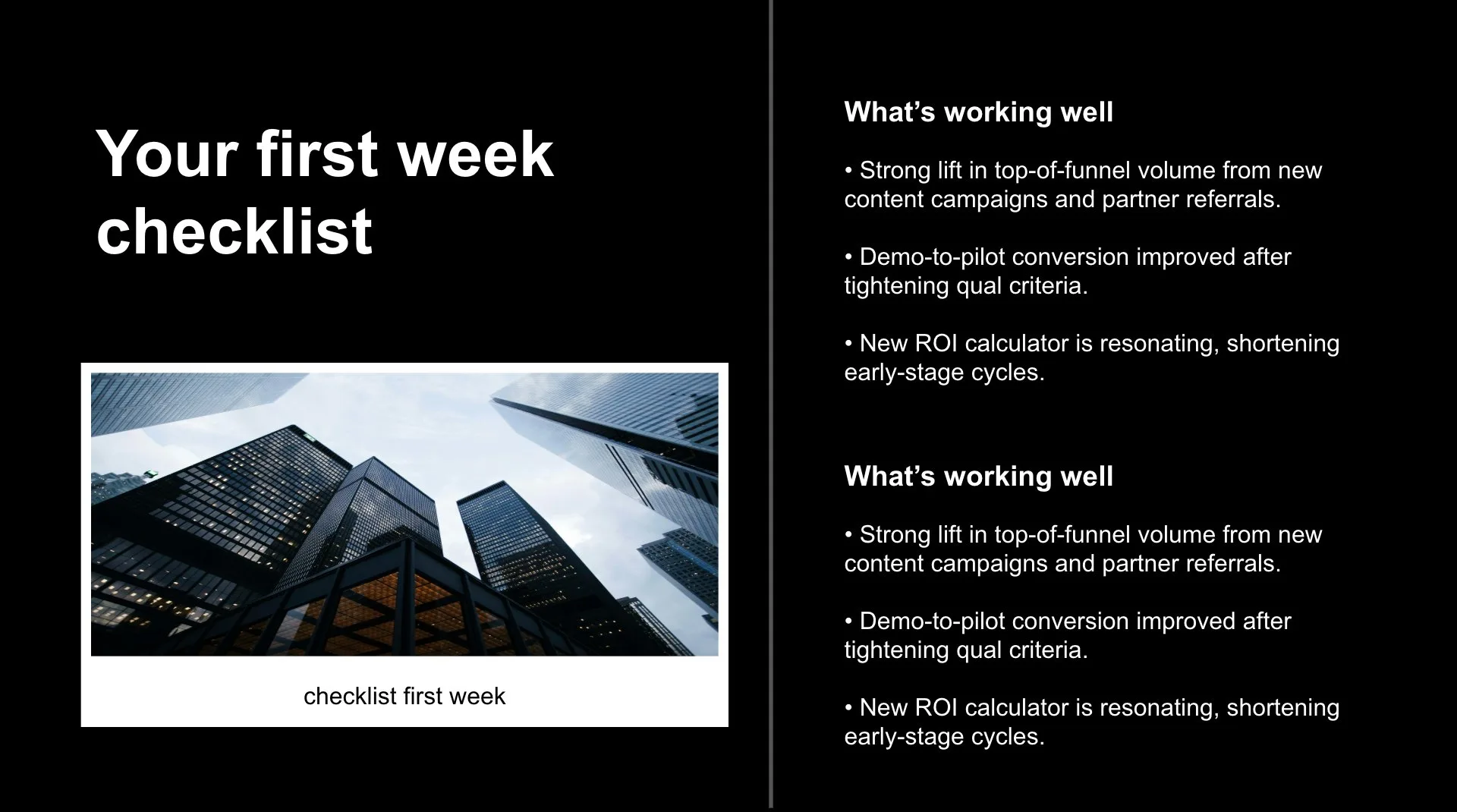
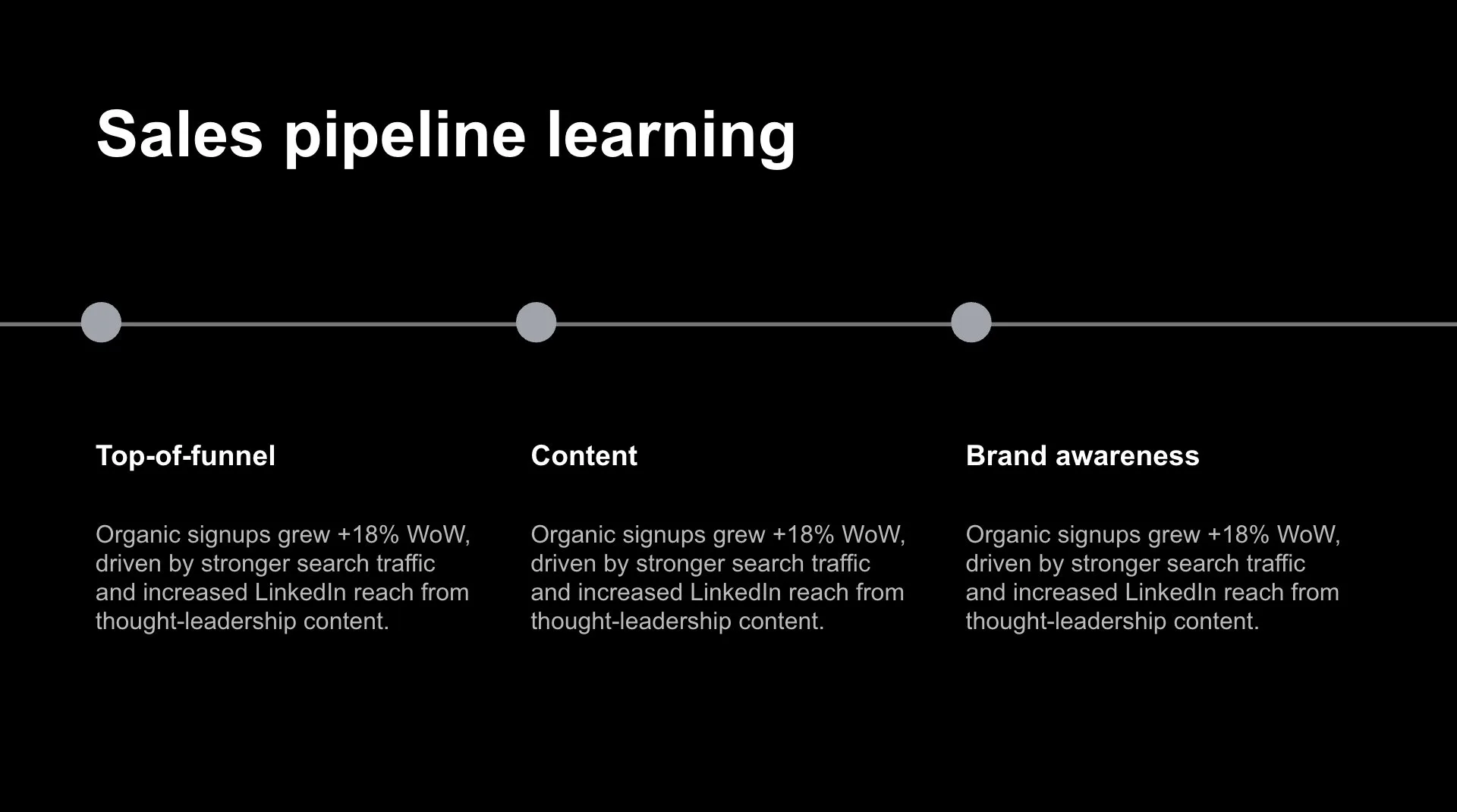
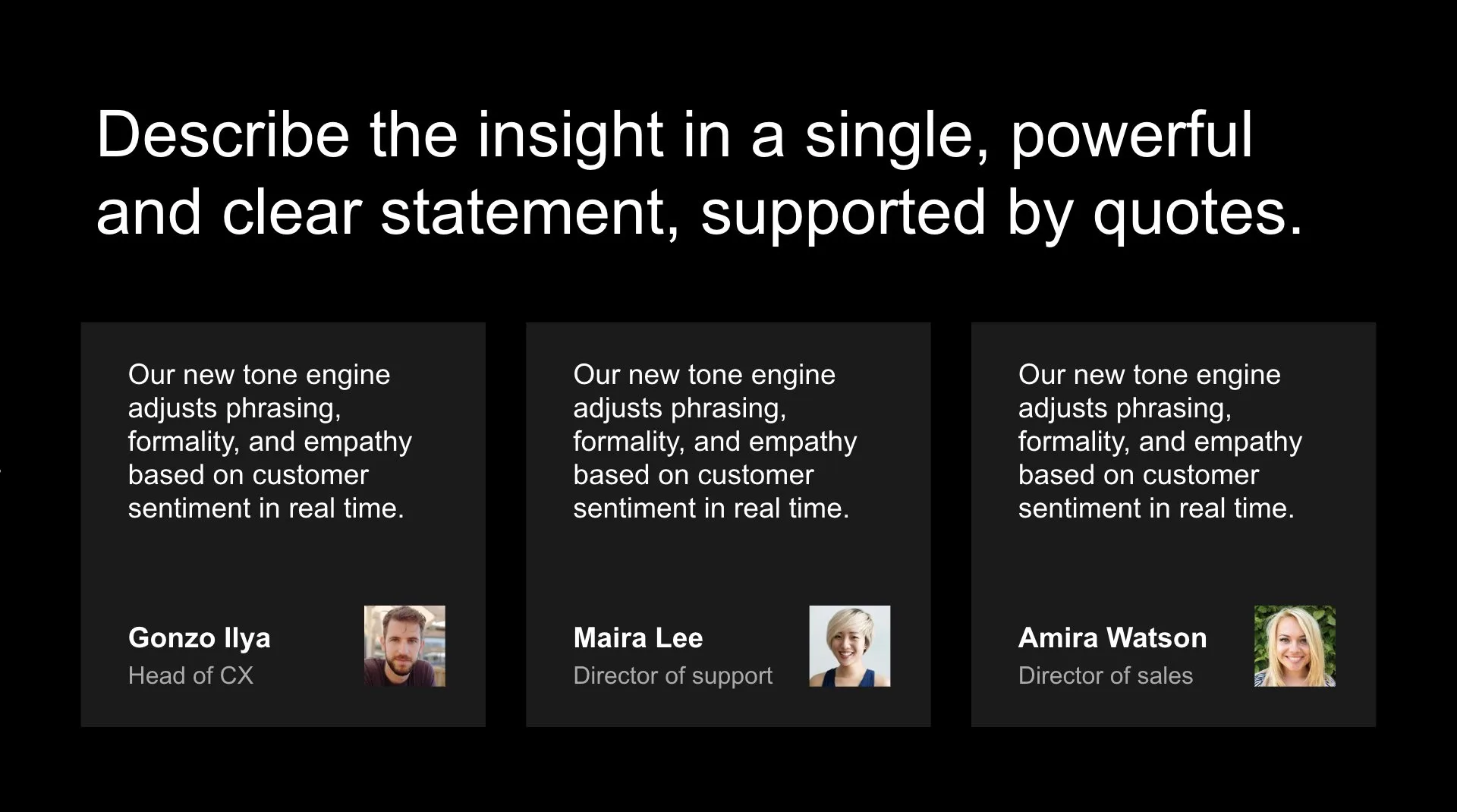
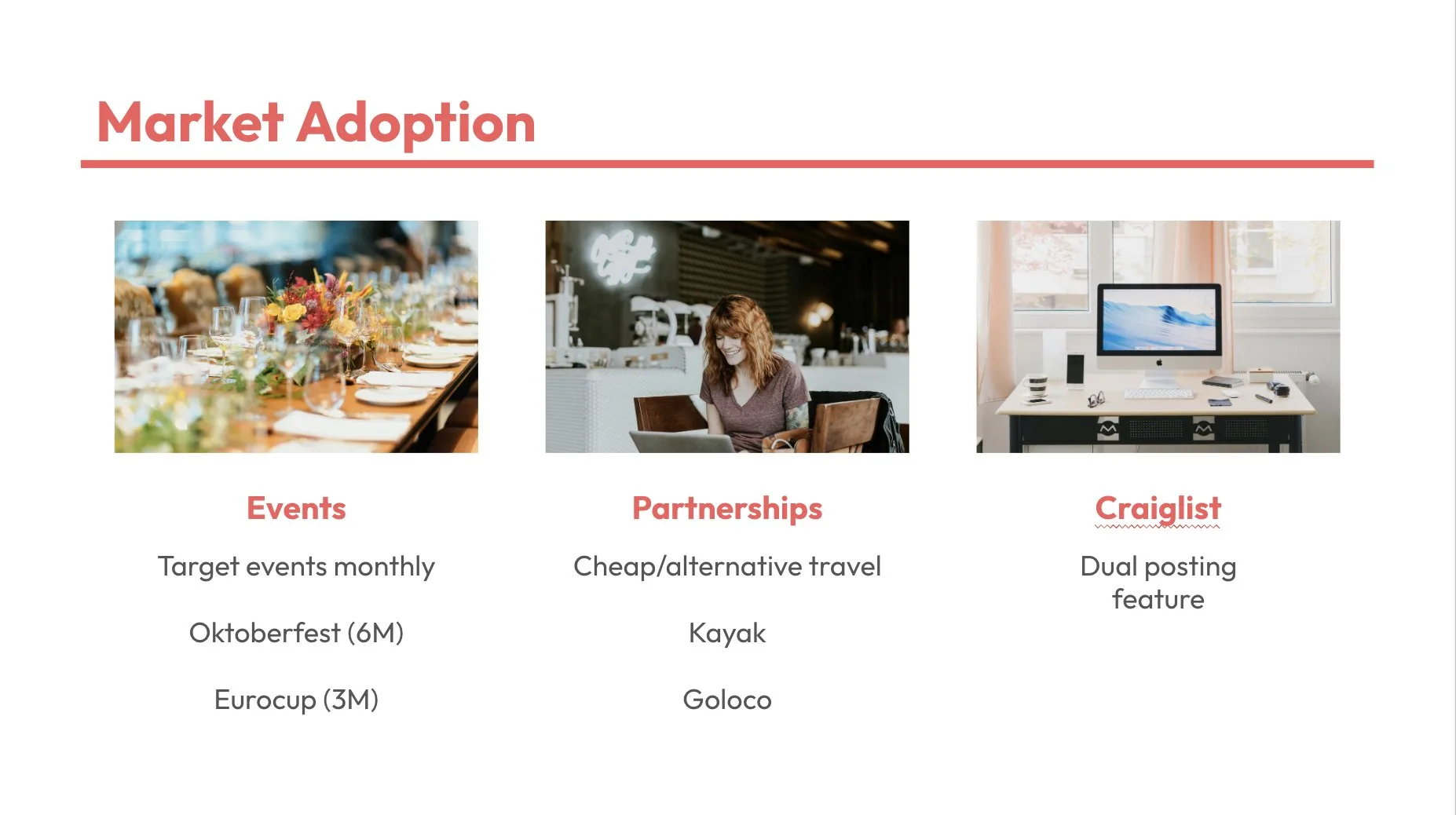
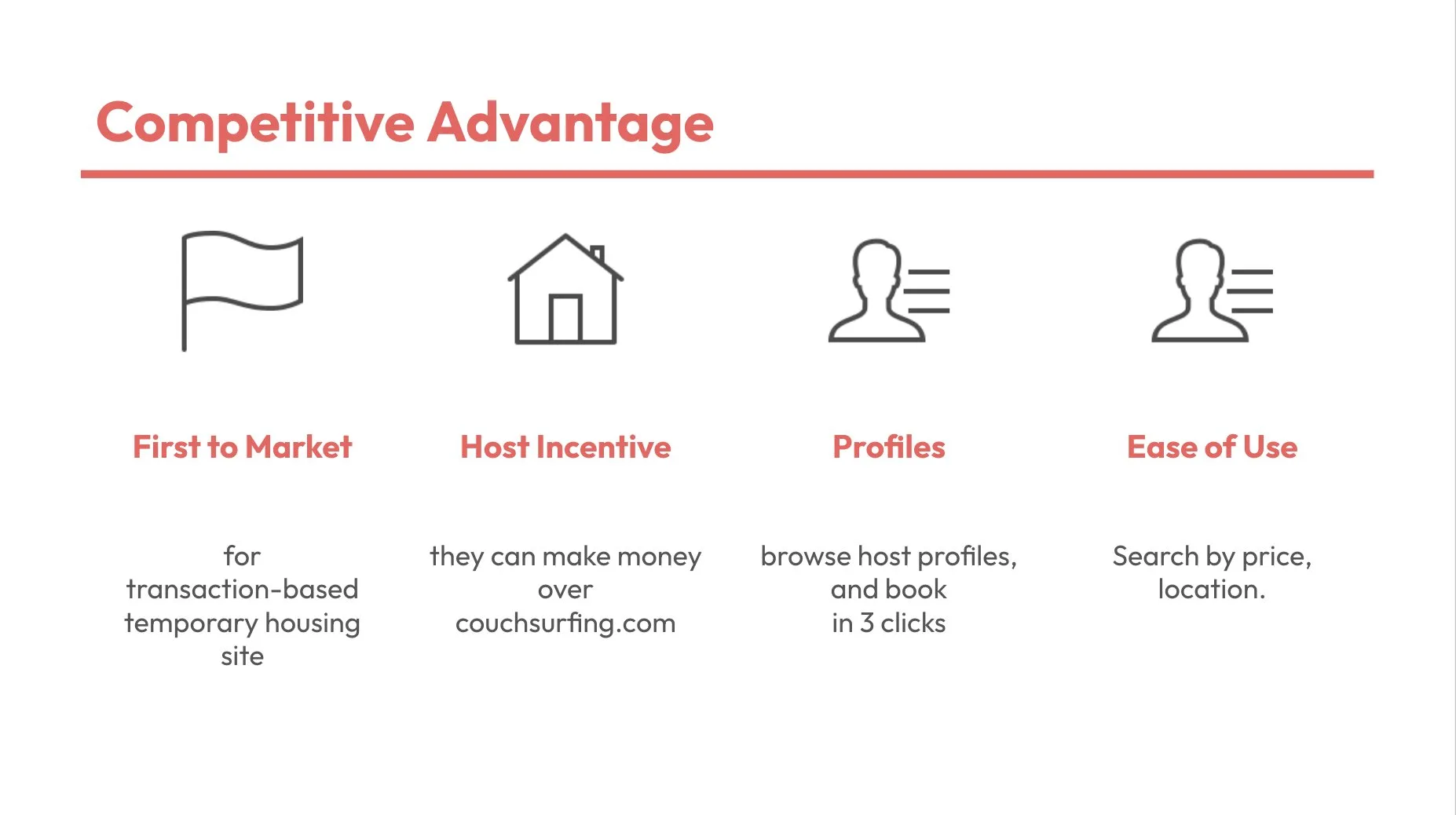
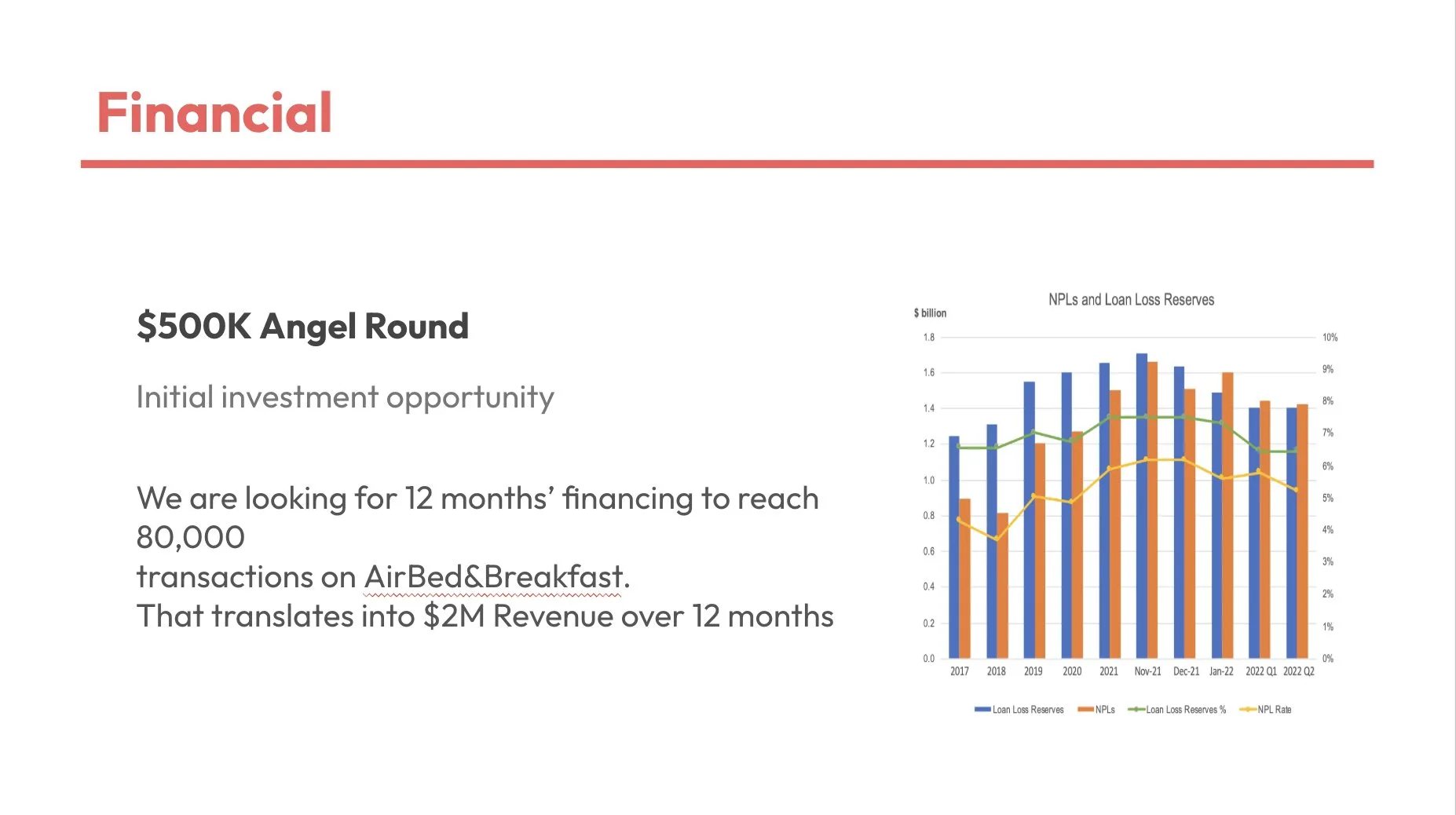
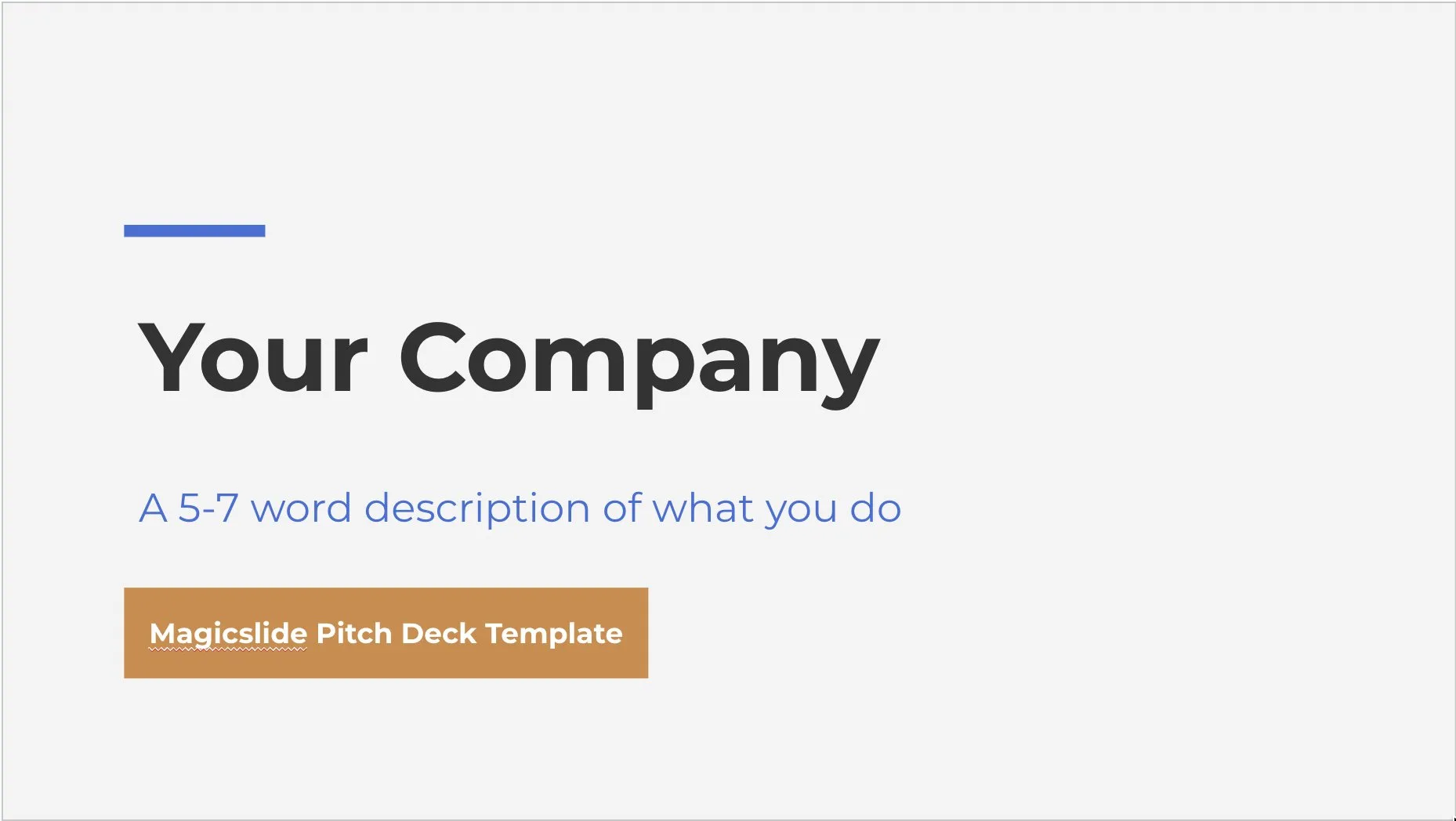
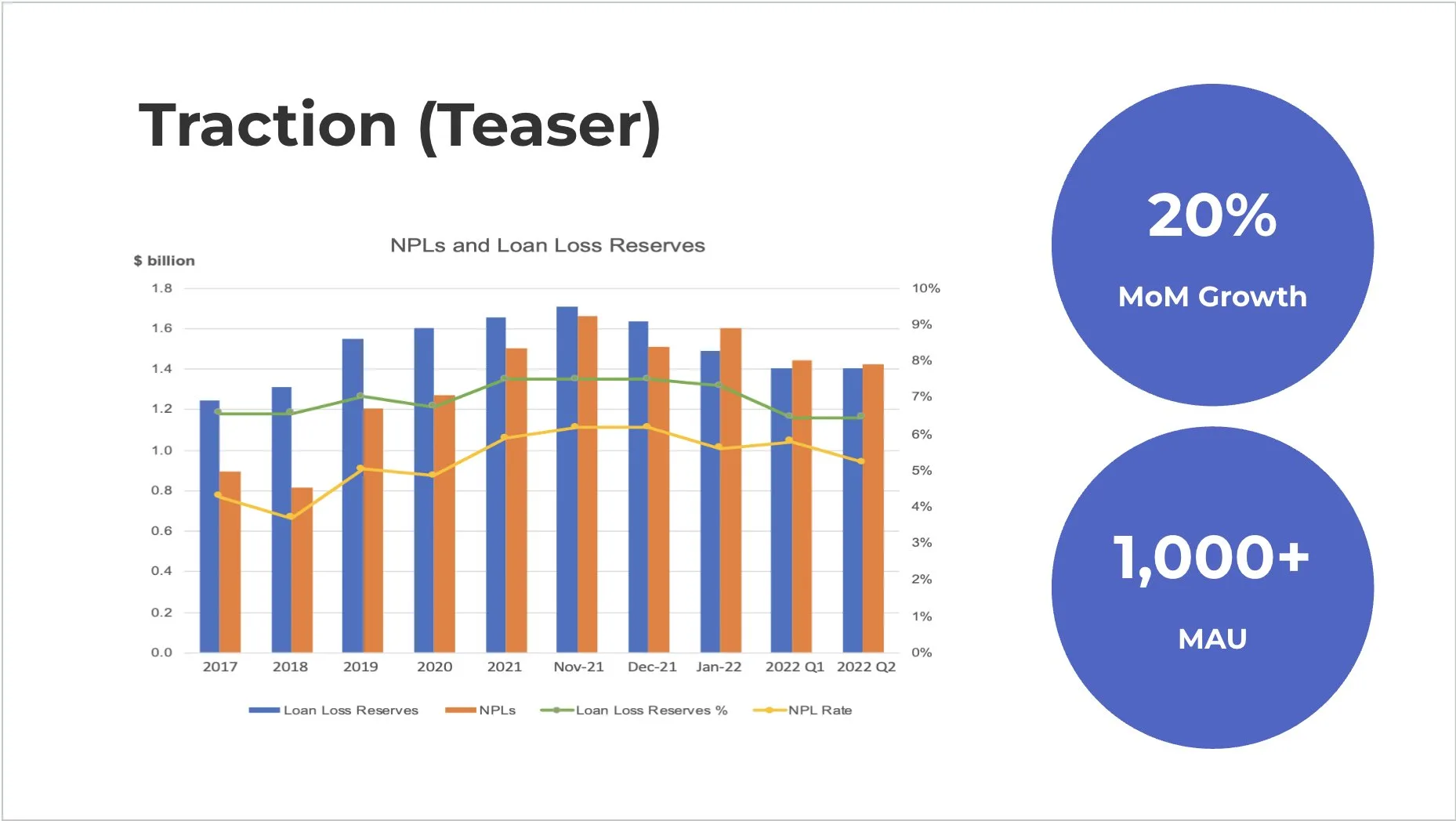
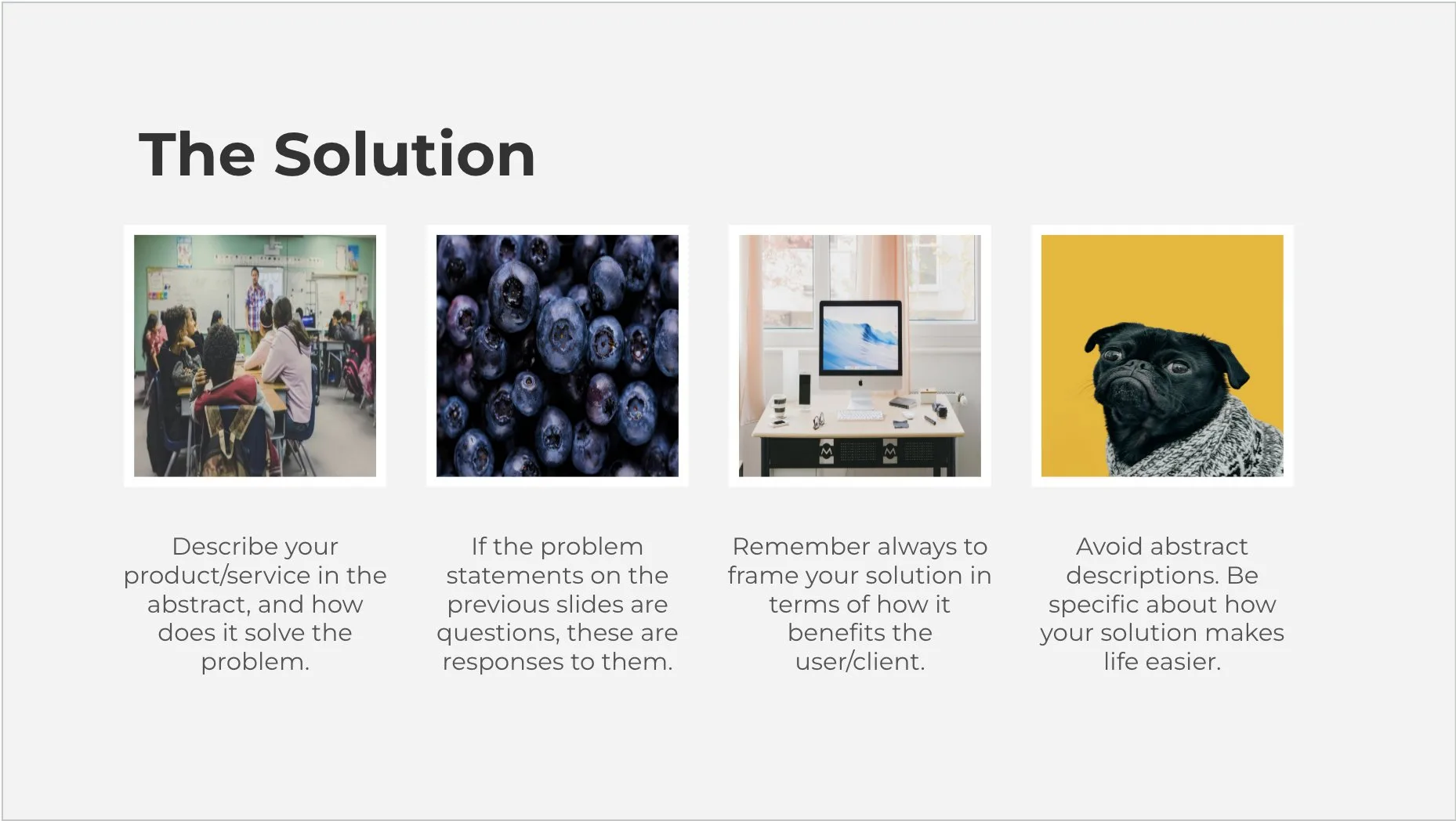
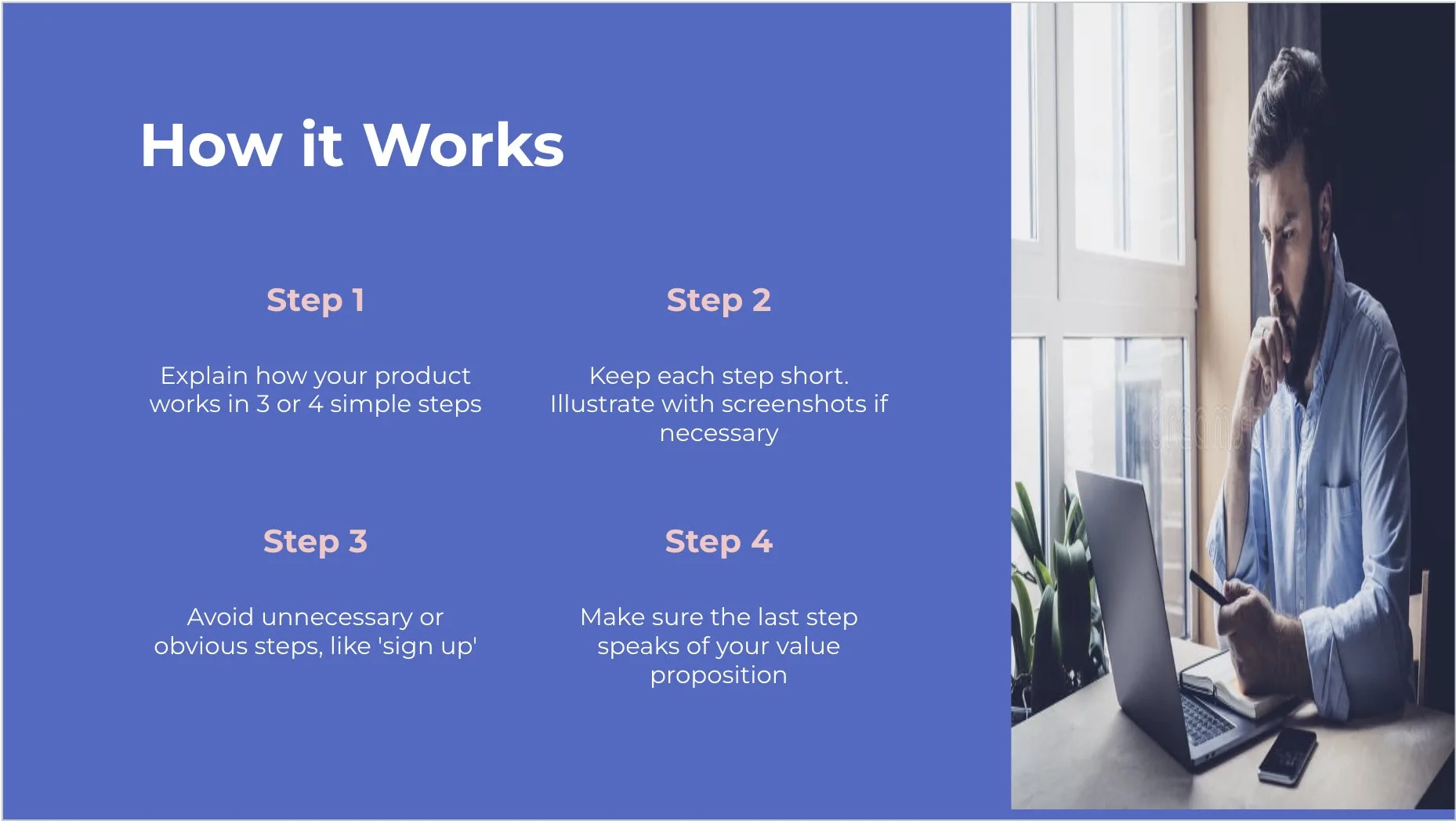
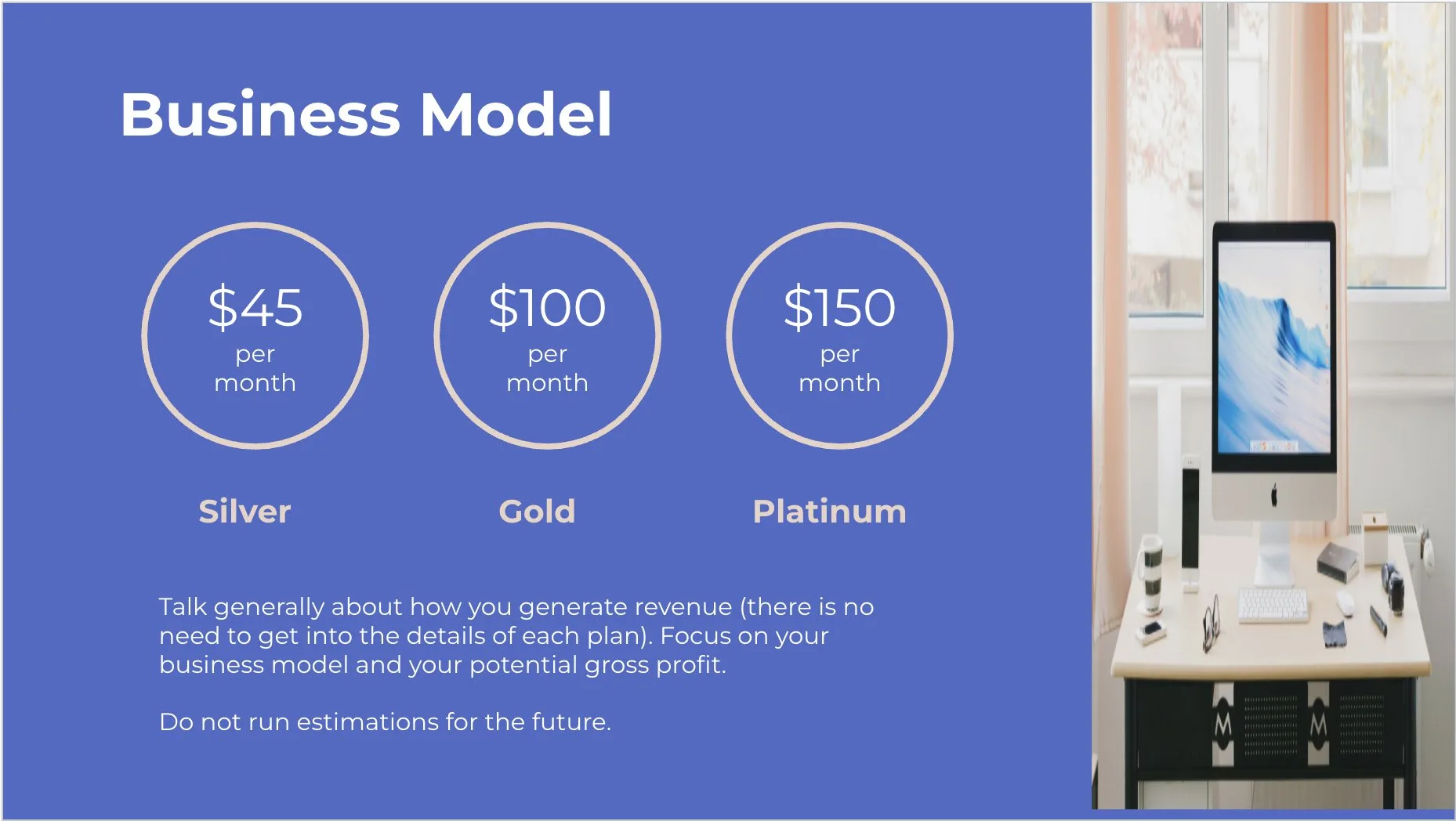
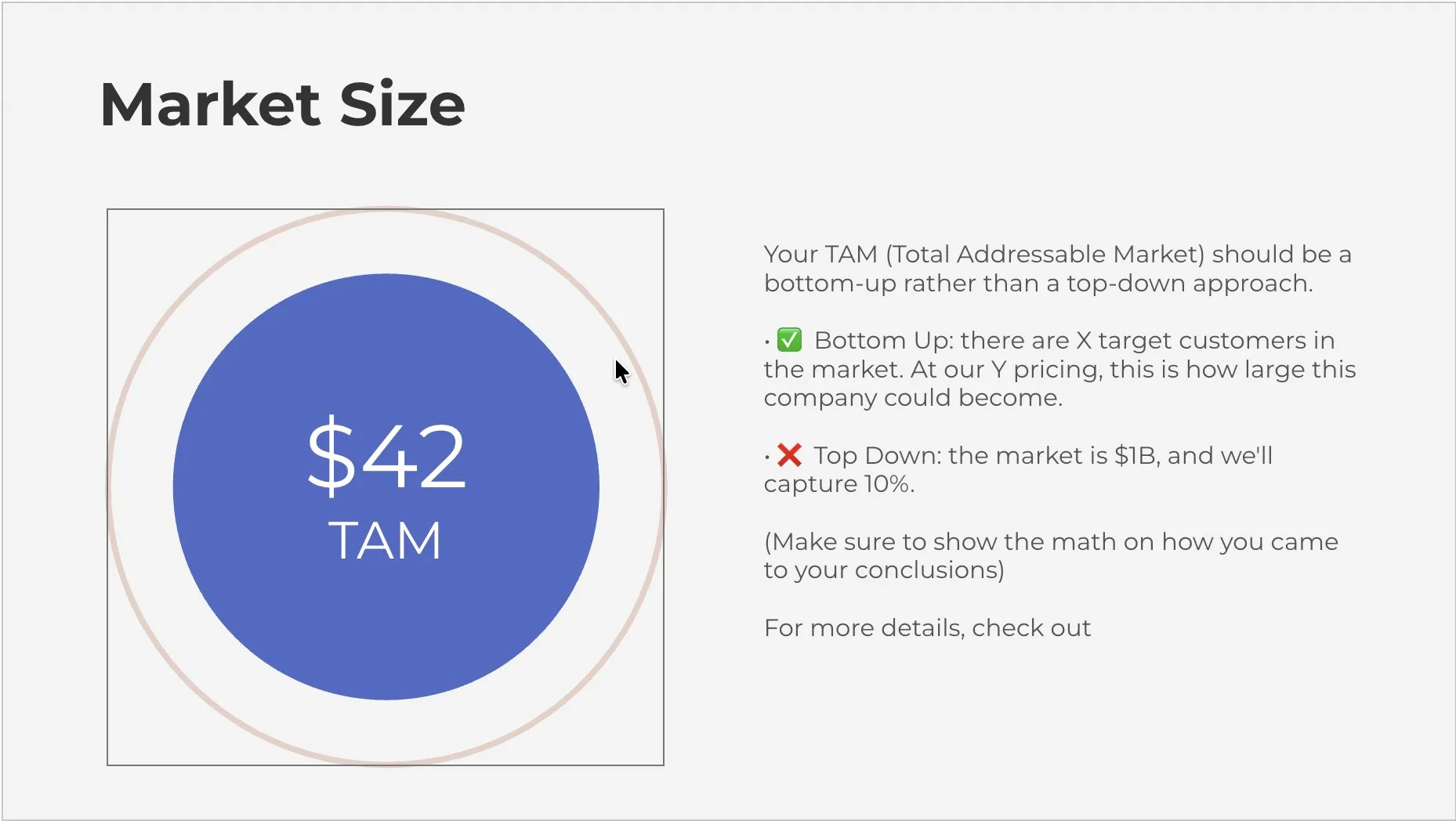
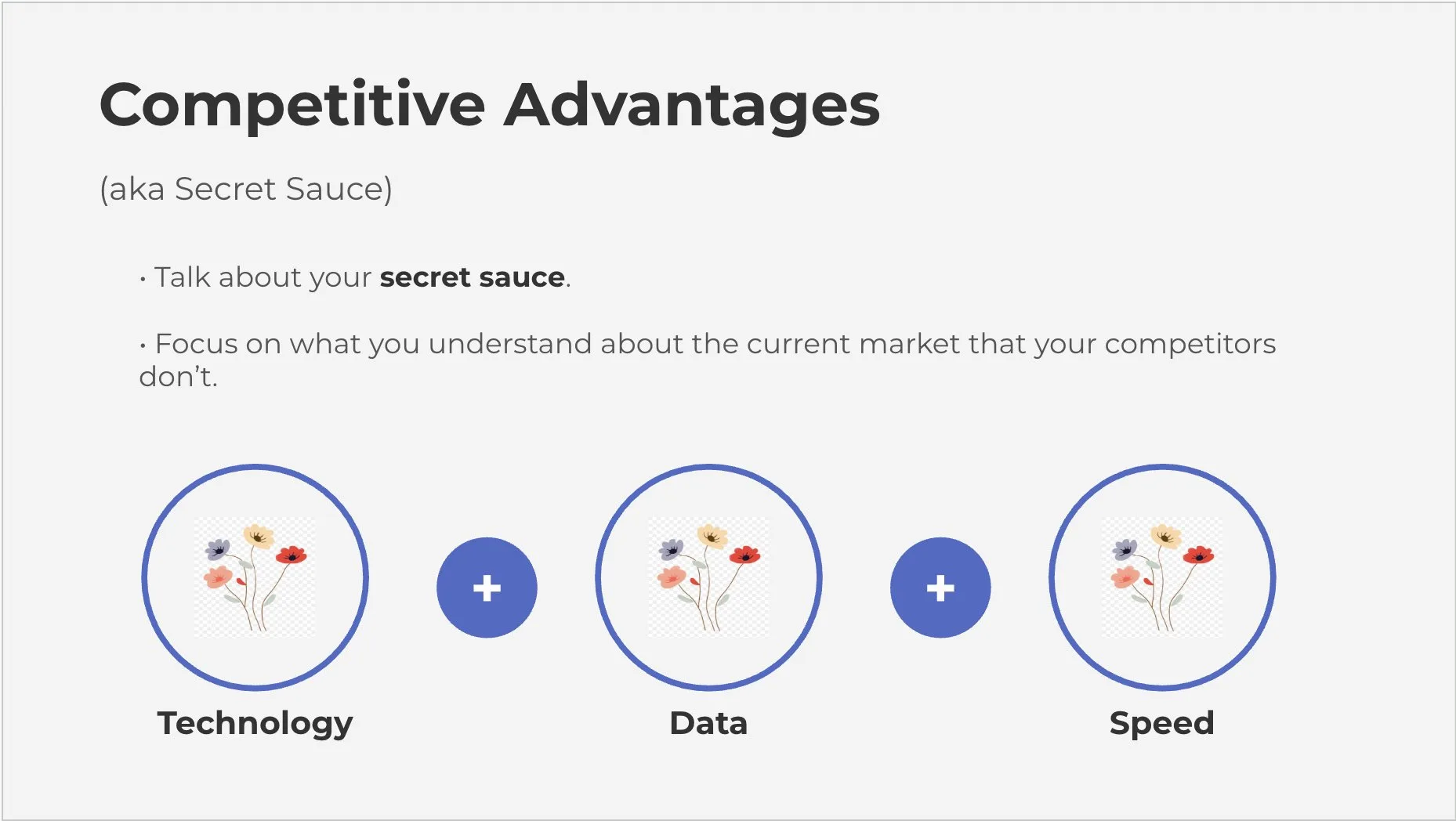
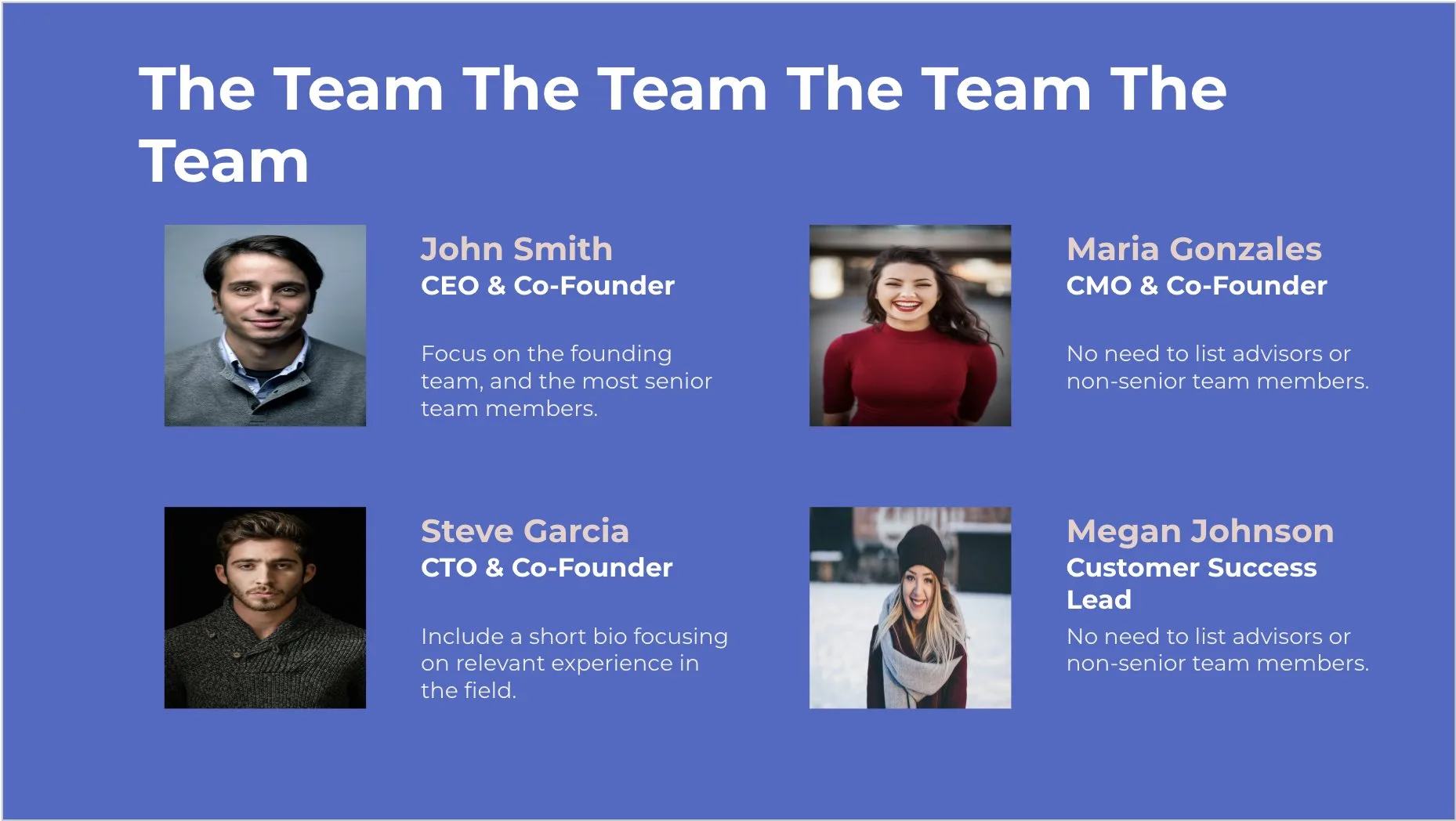
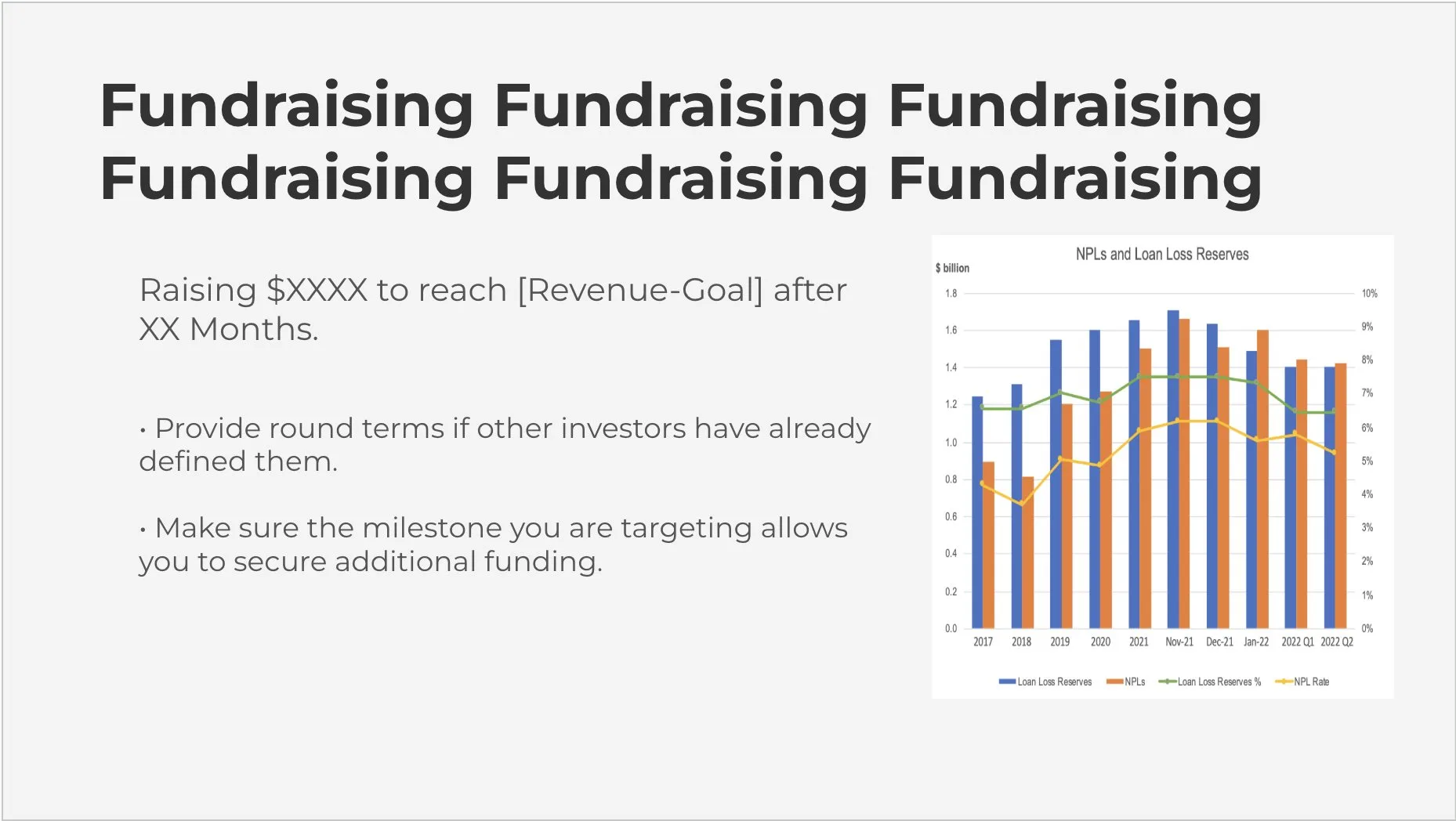
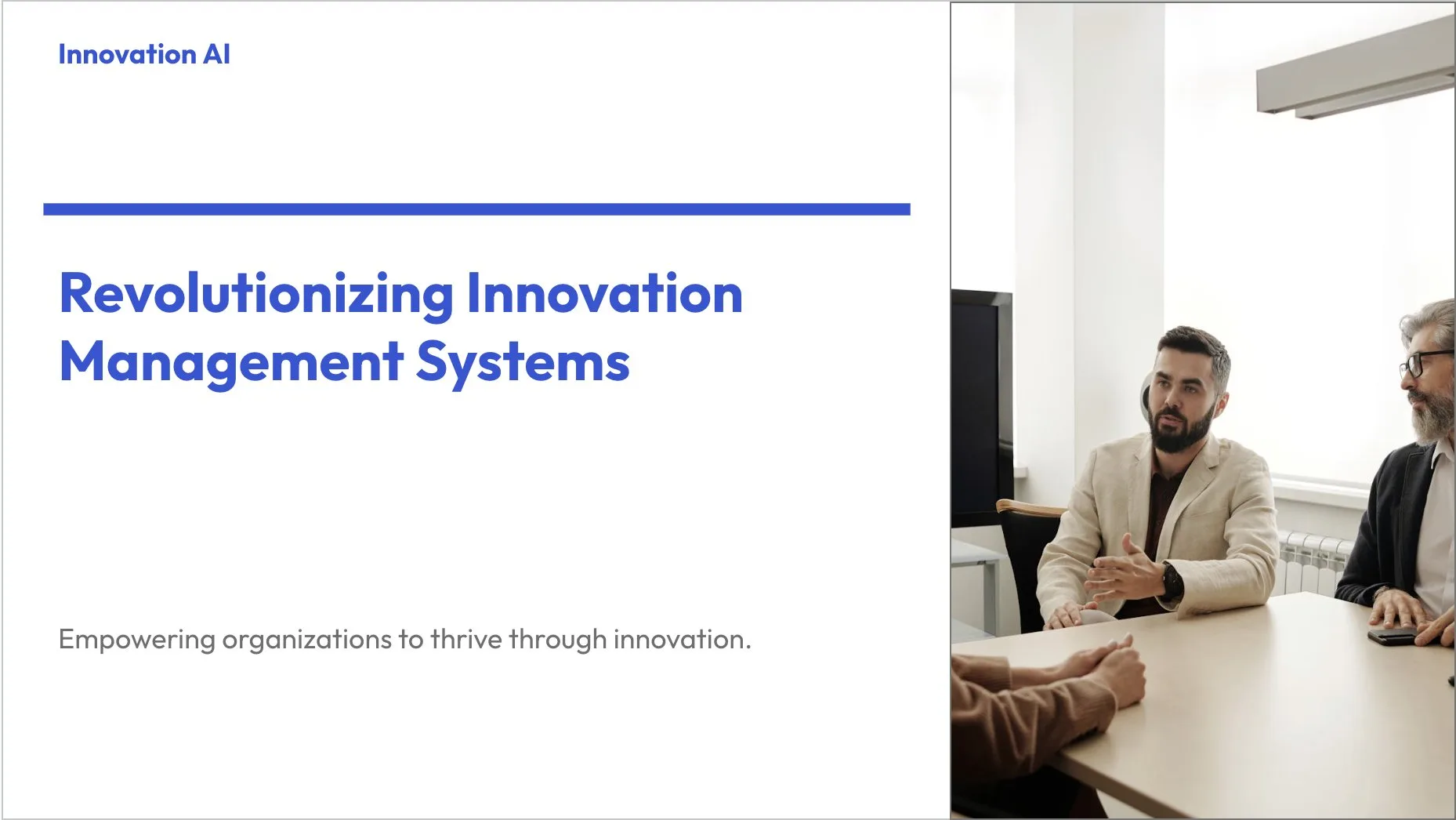
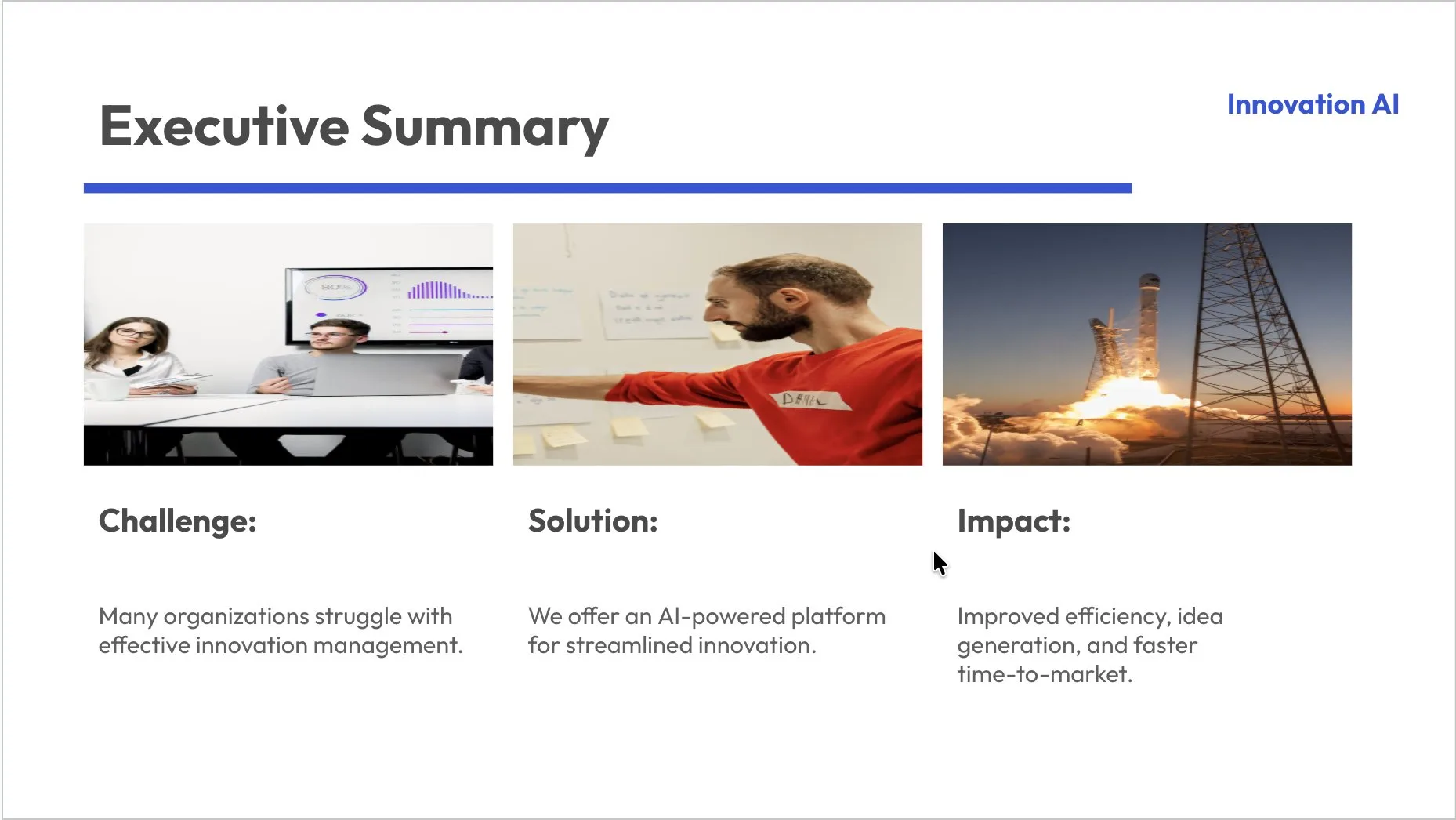
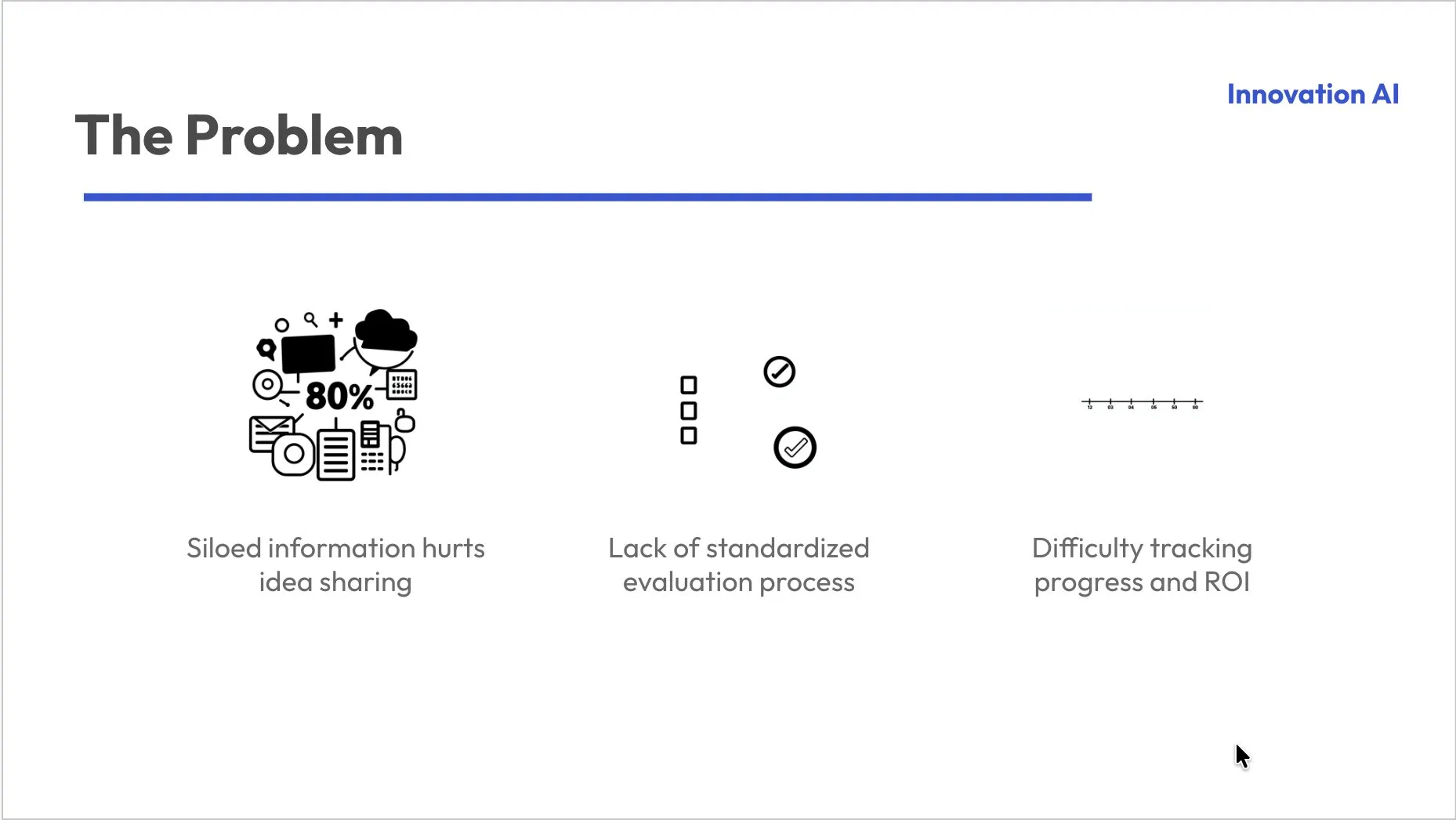
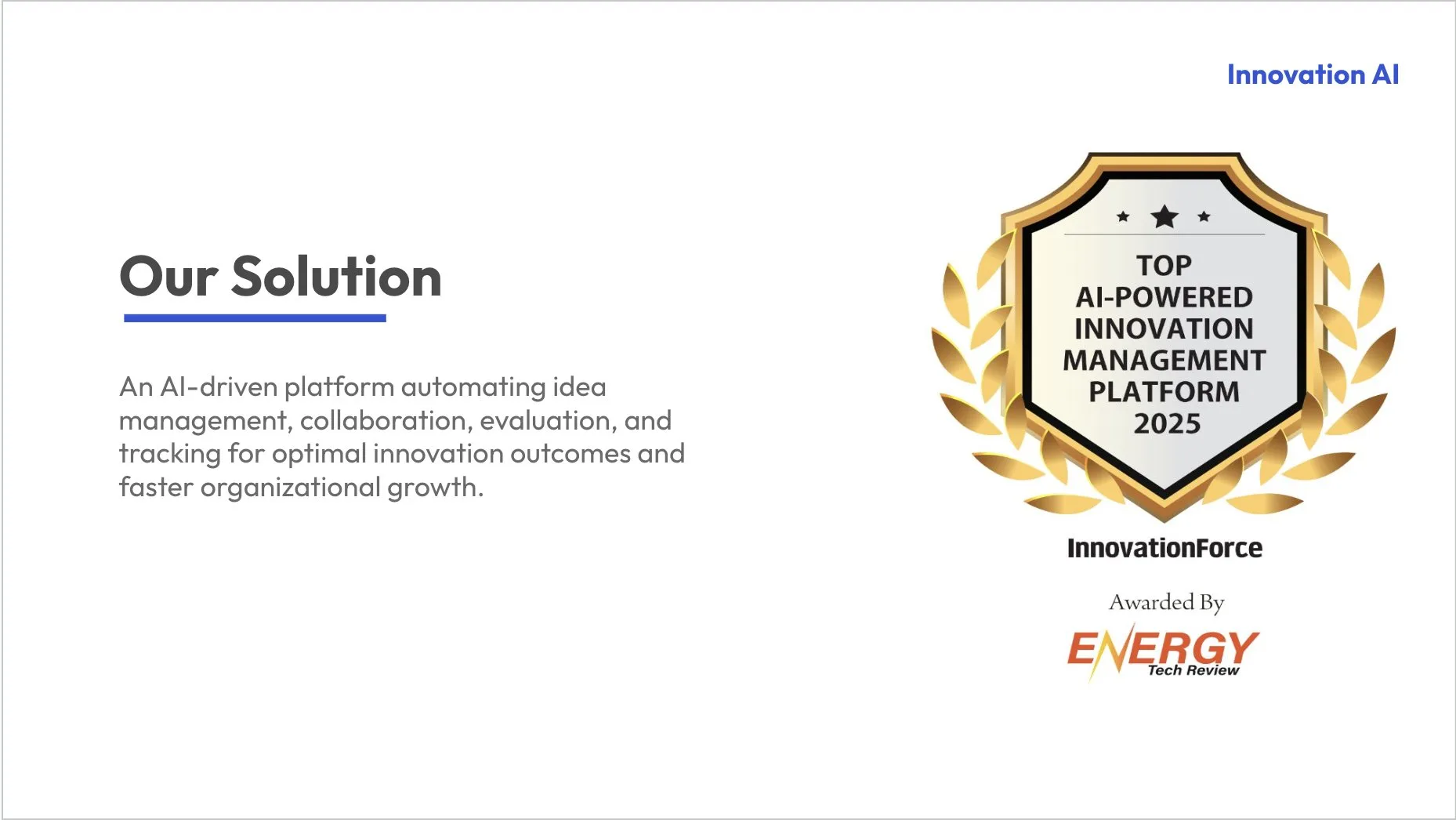
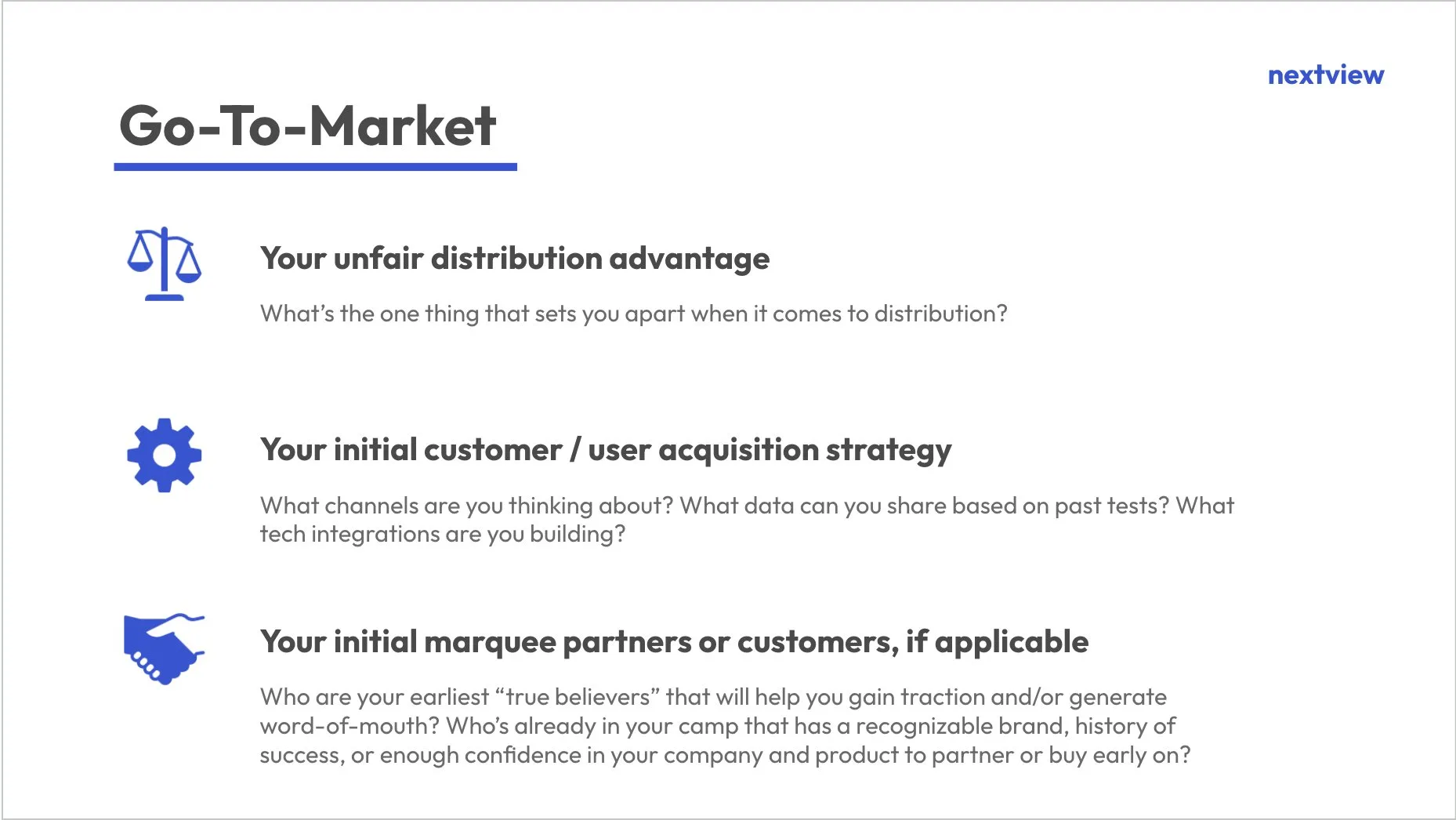
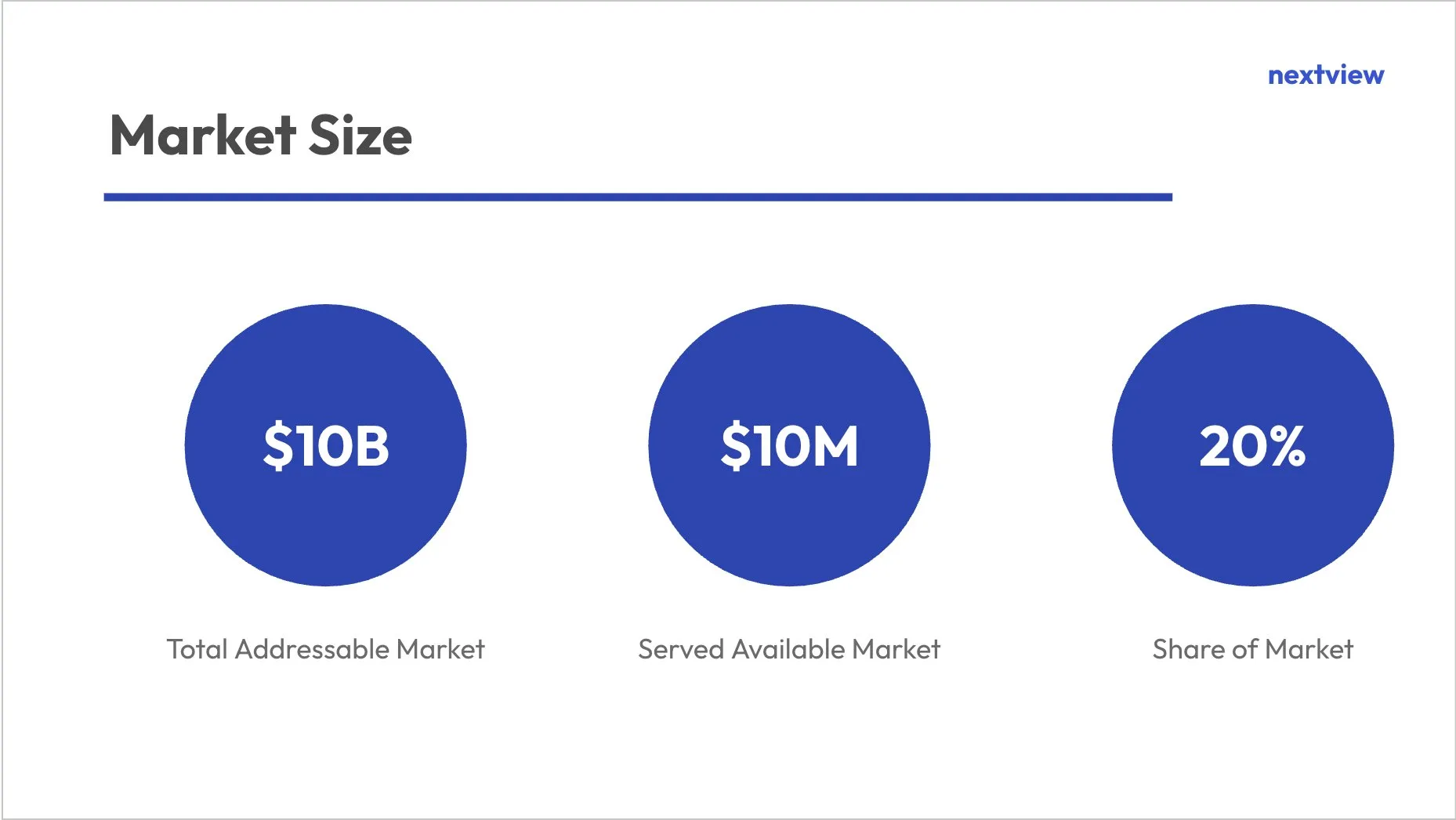
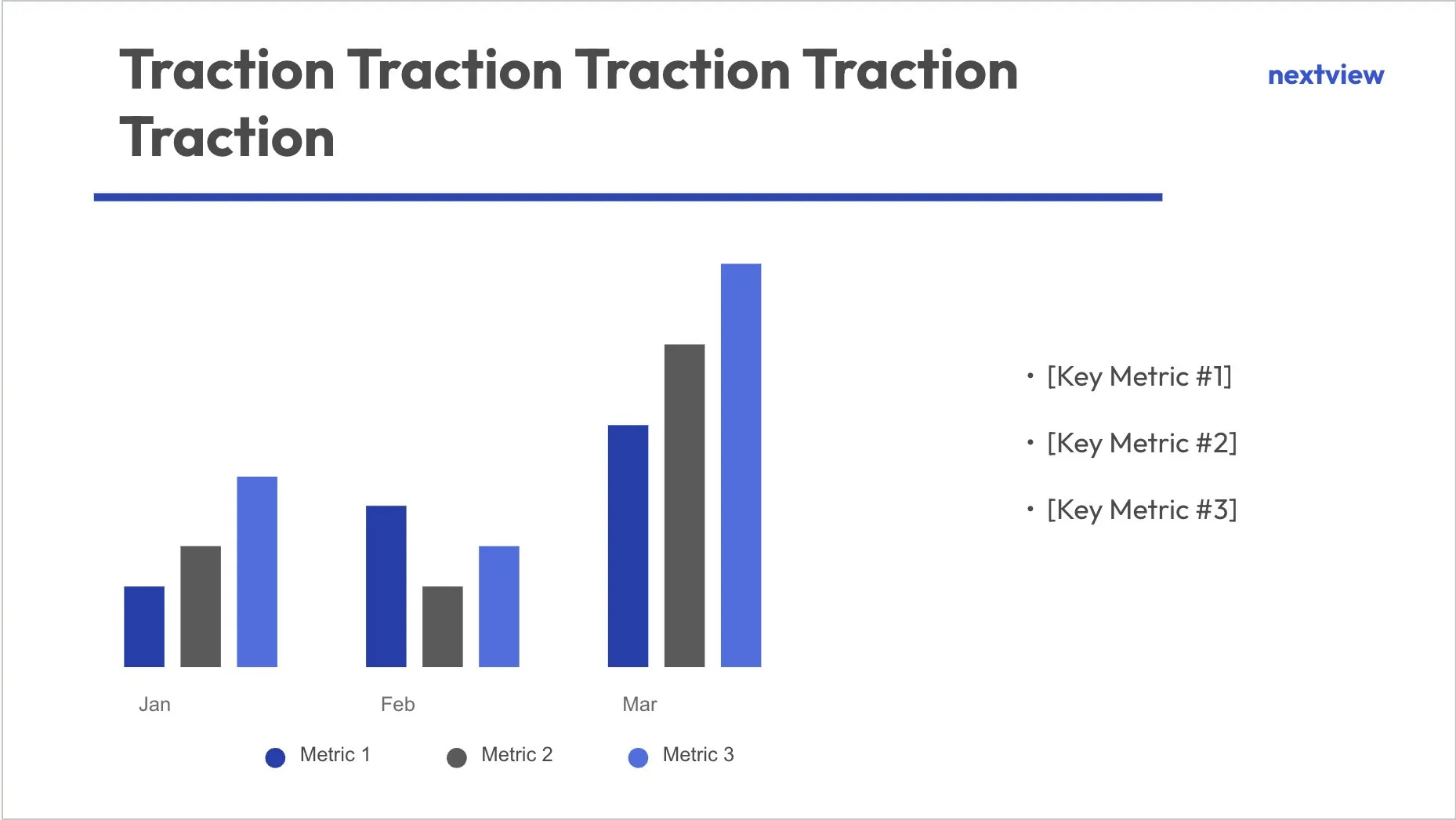
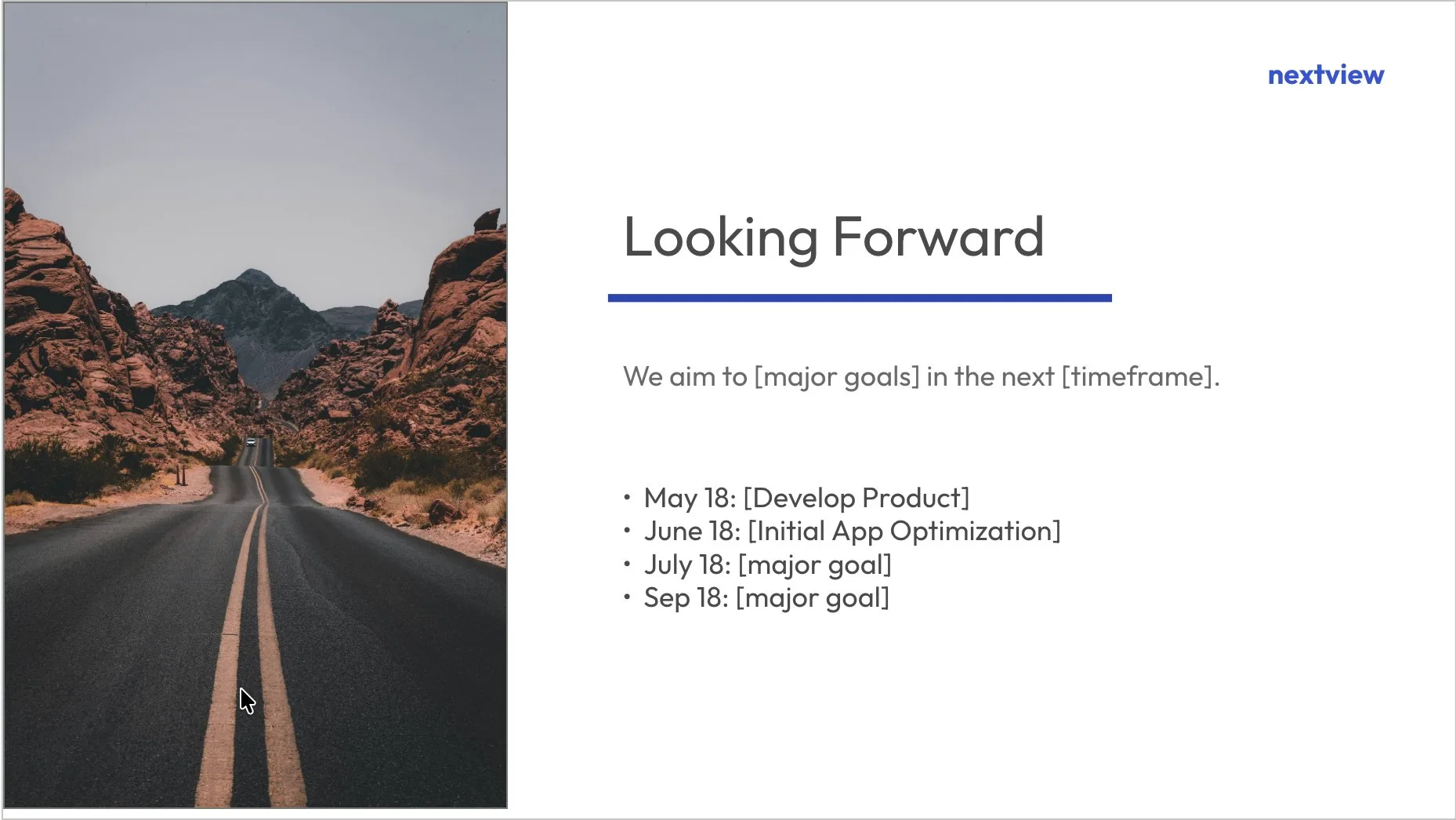
Start from a design you like
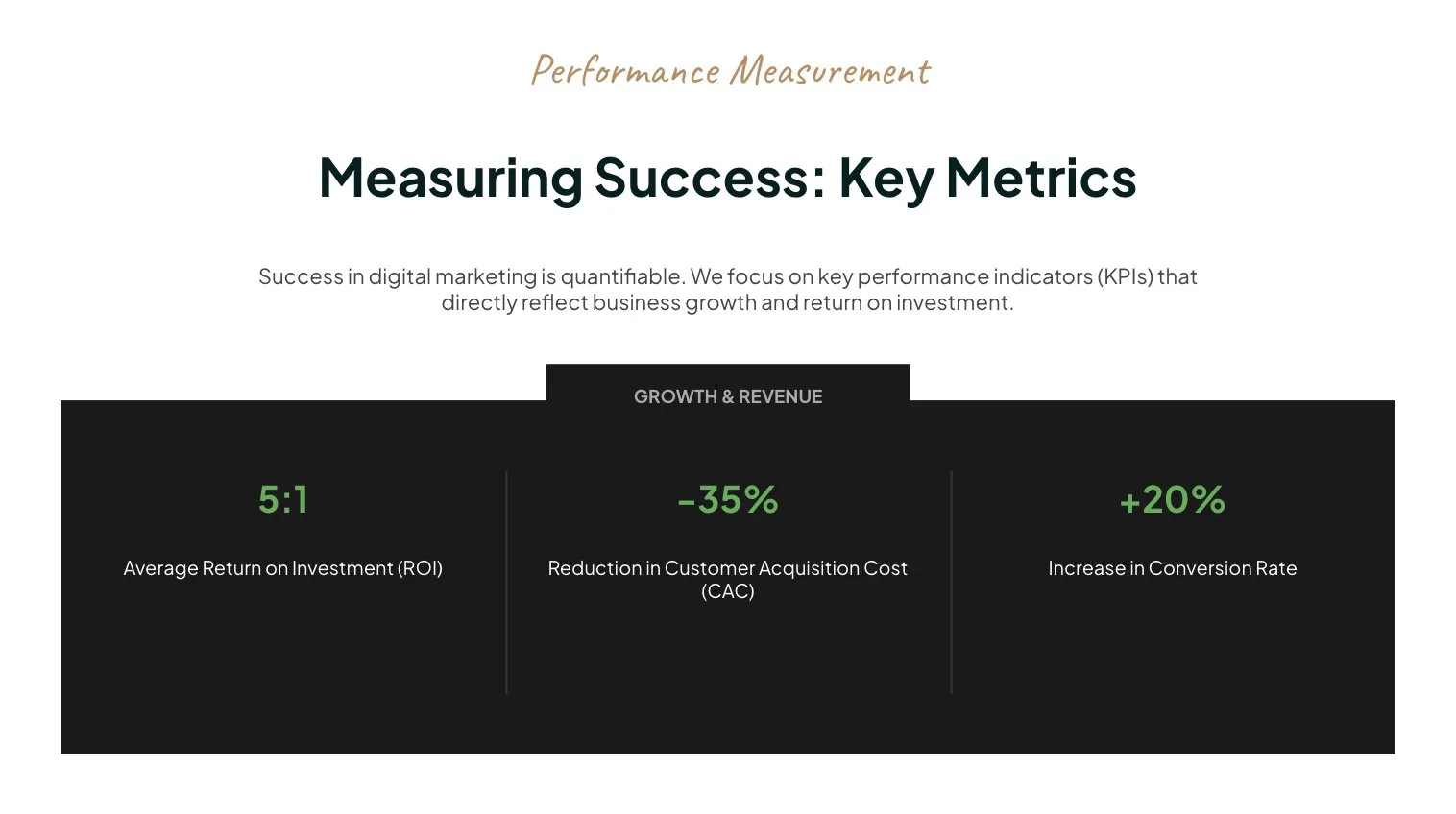
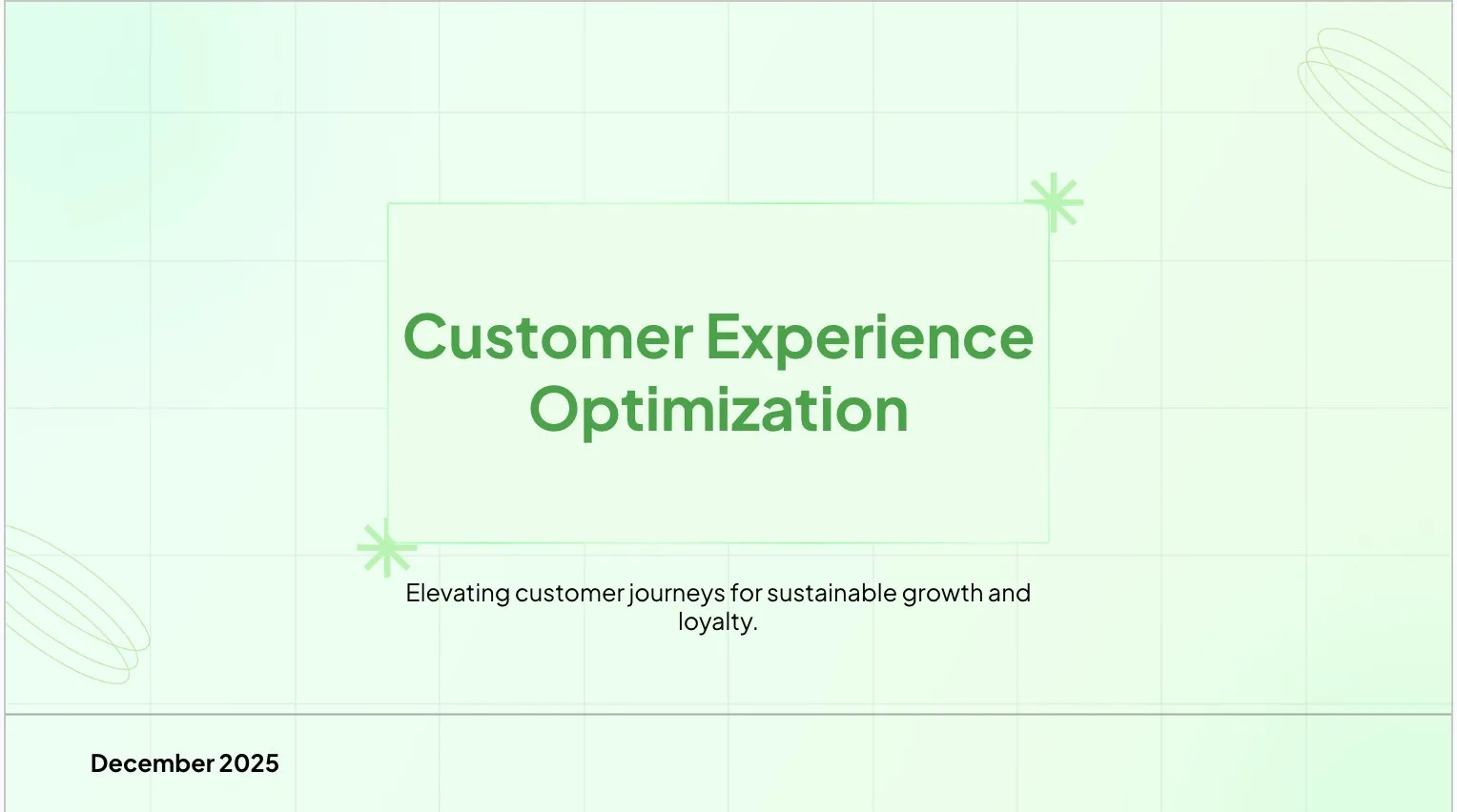
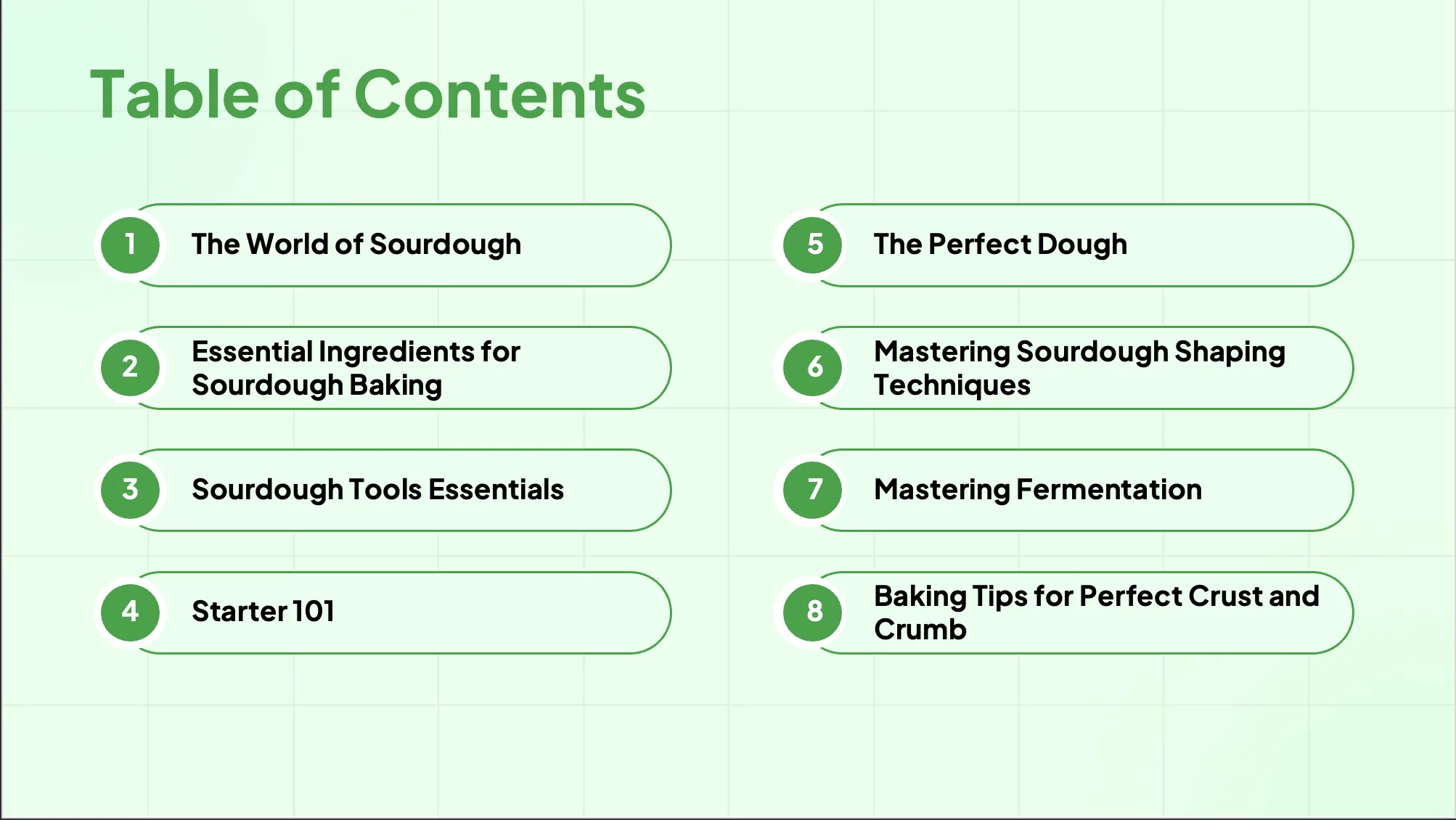
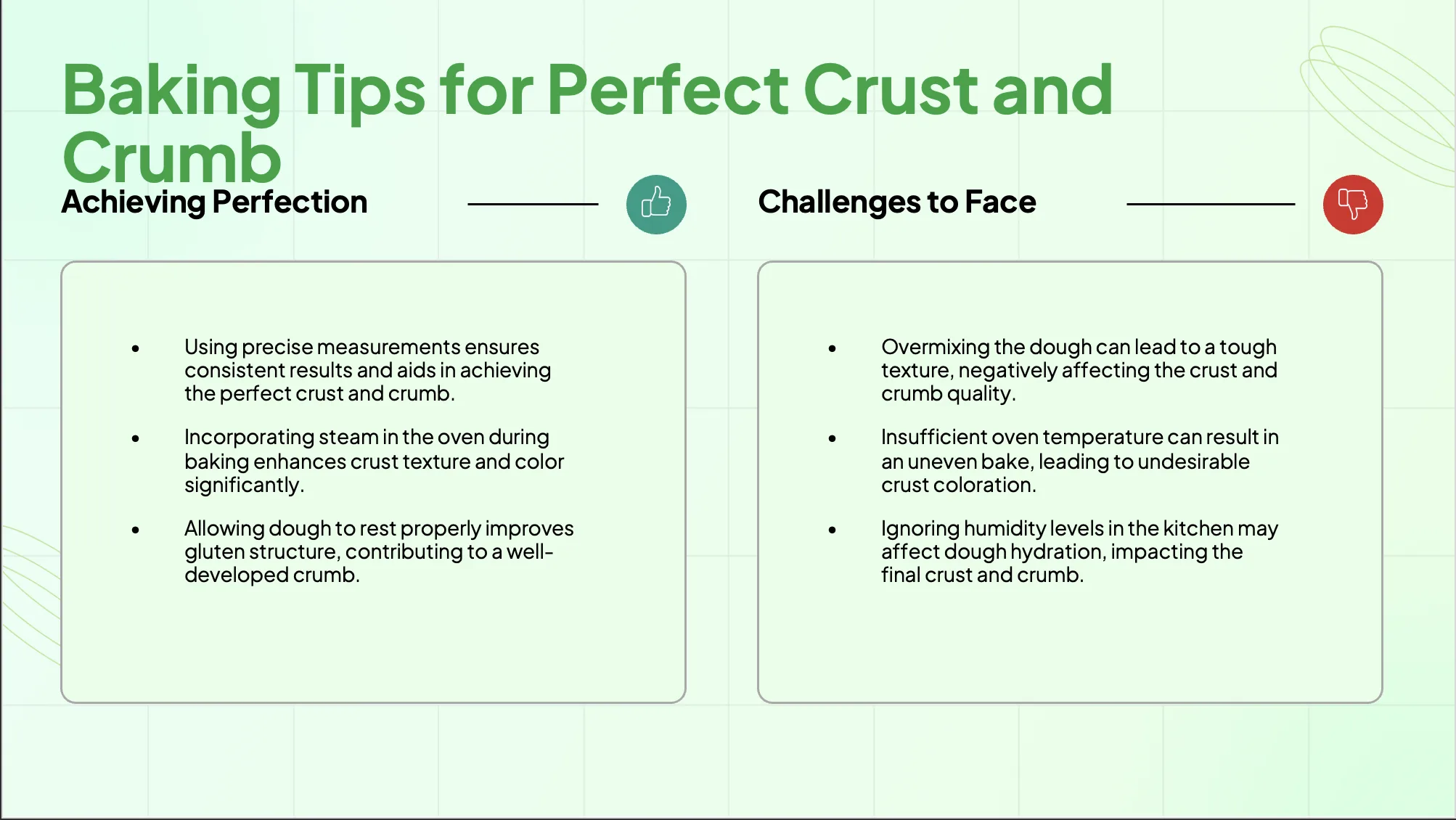
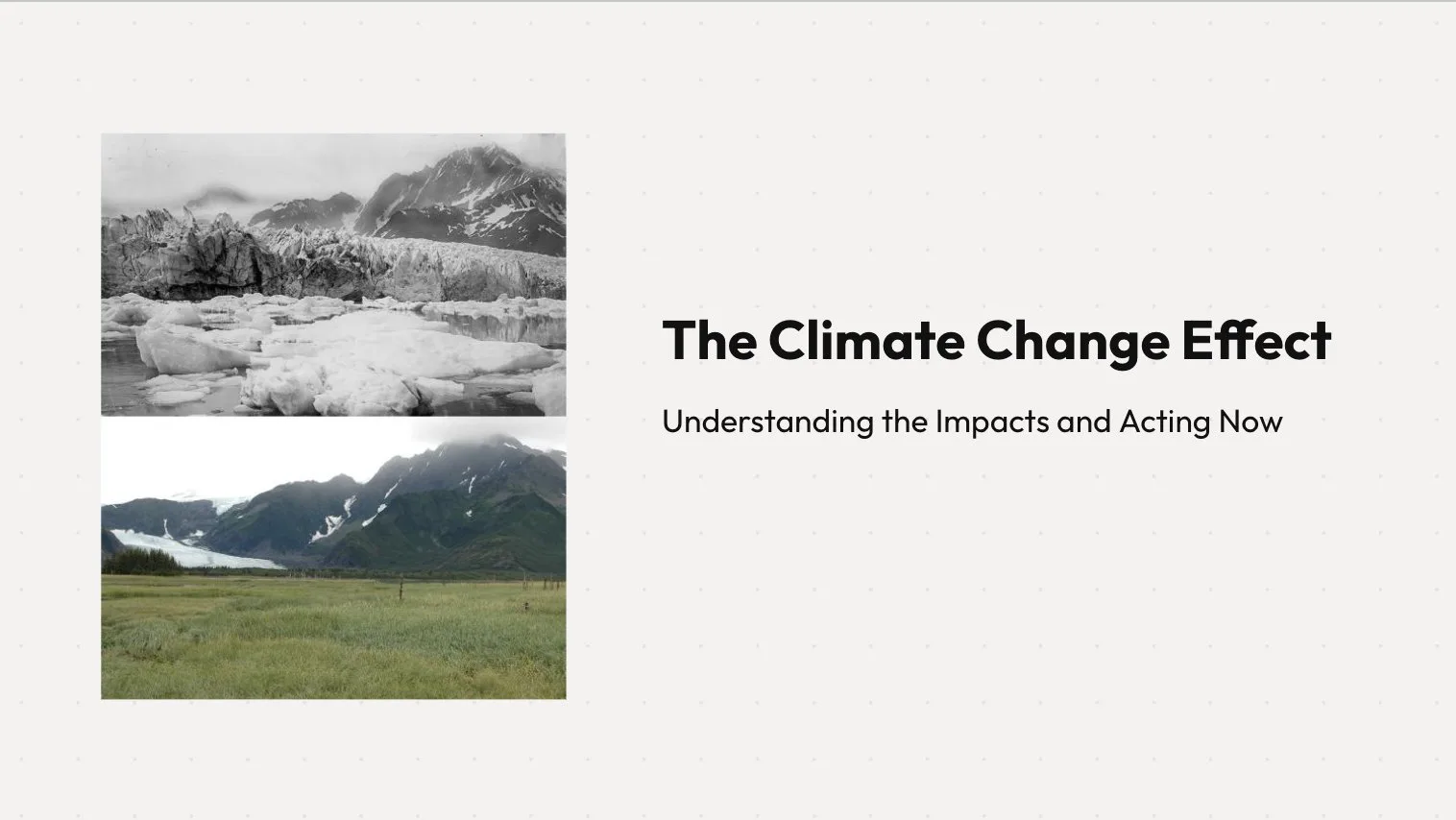
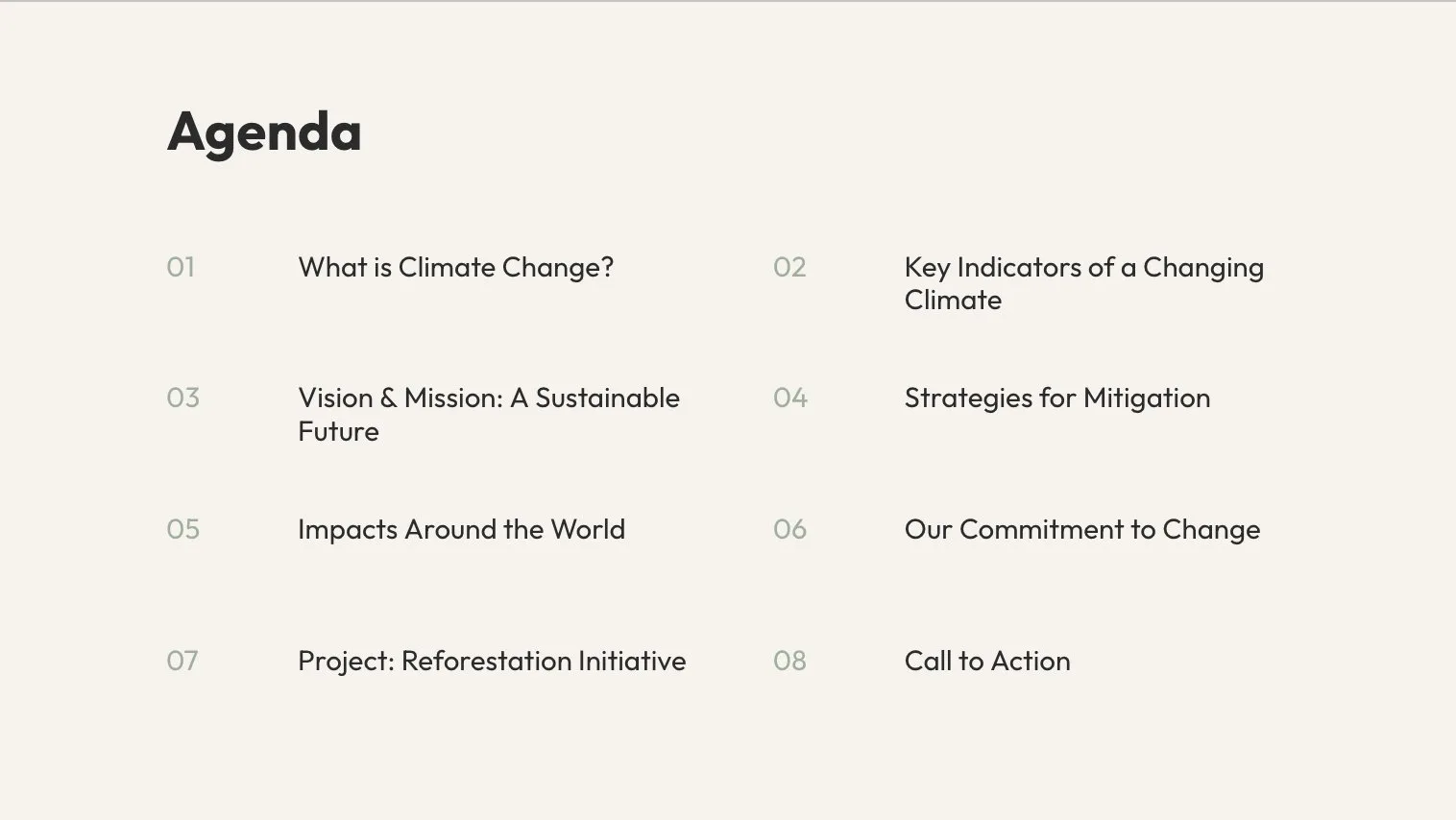
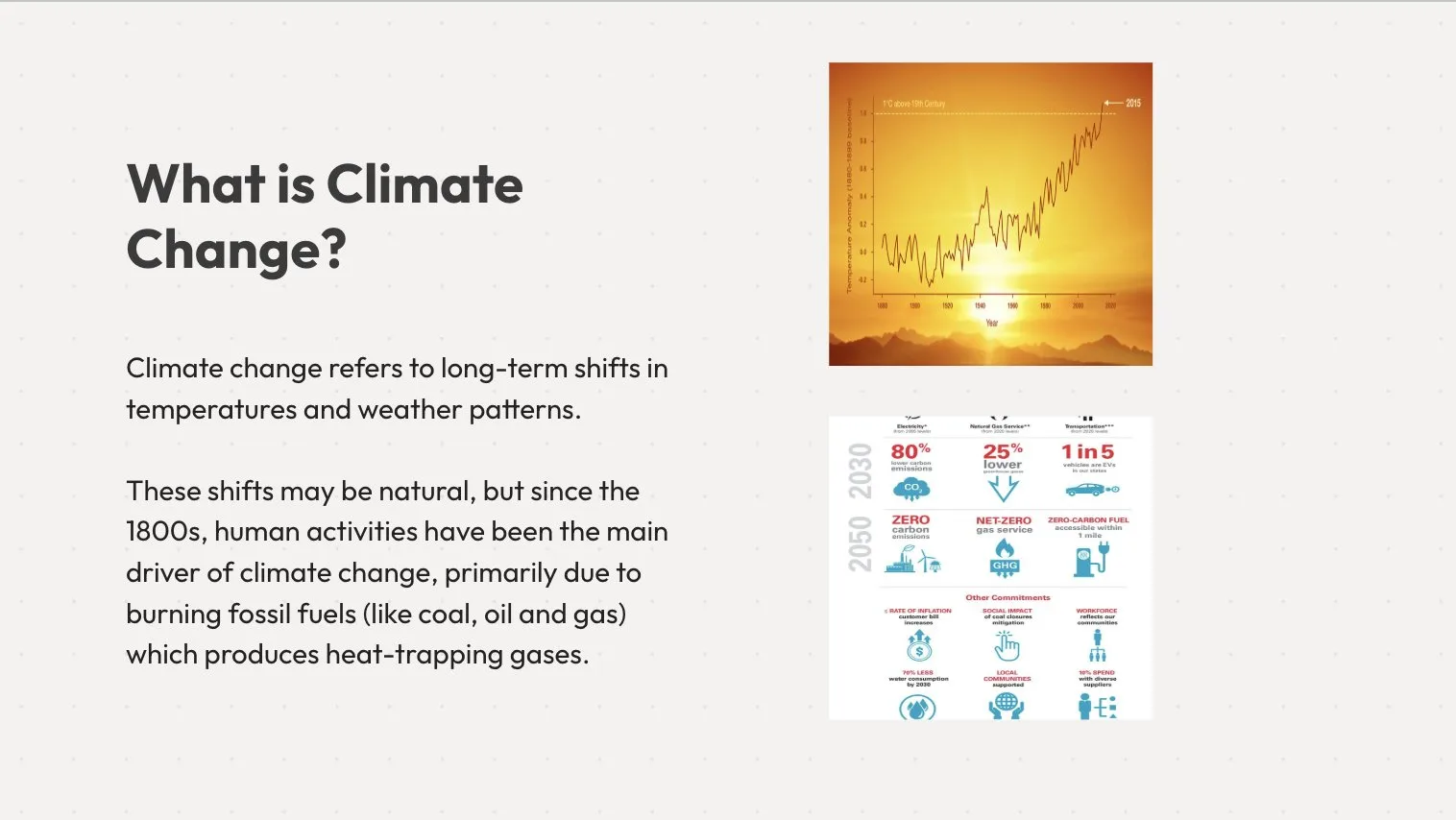
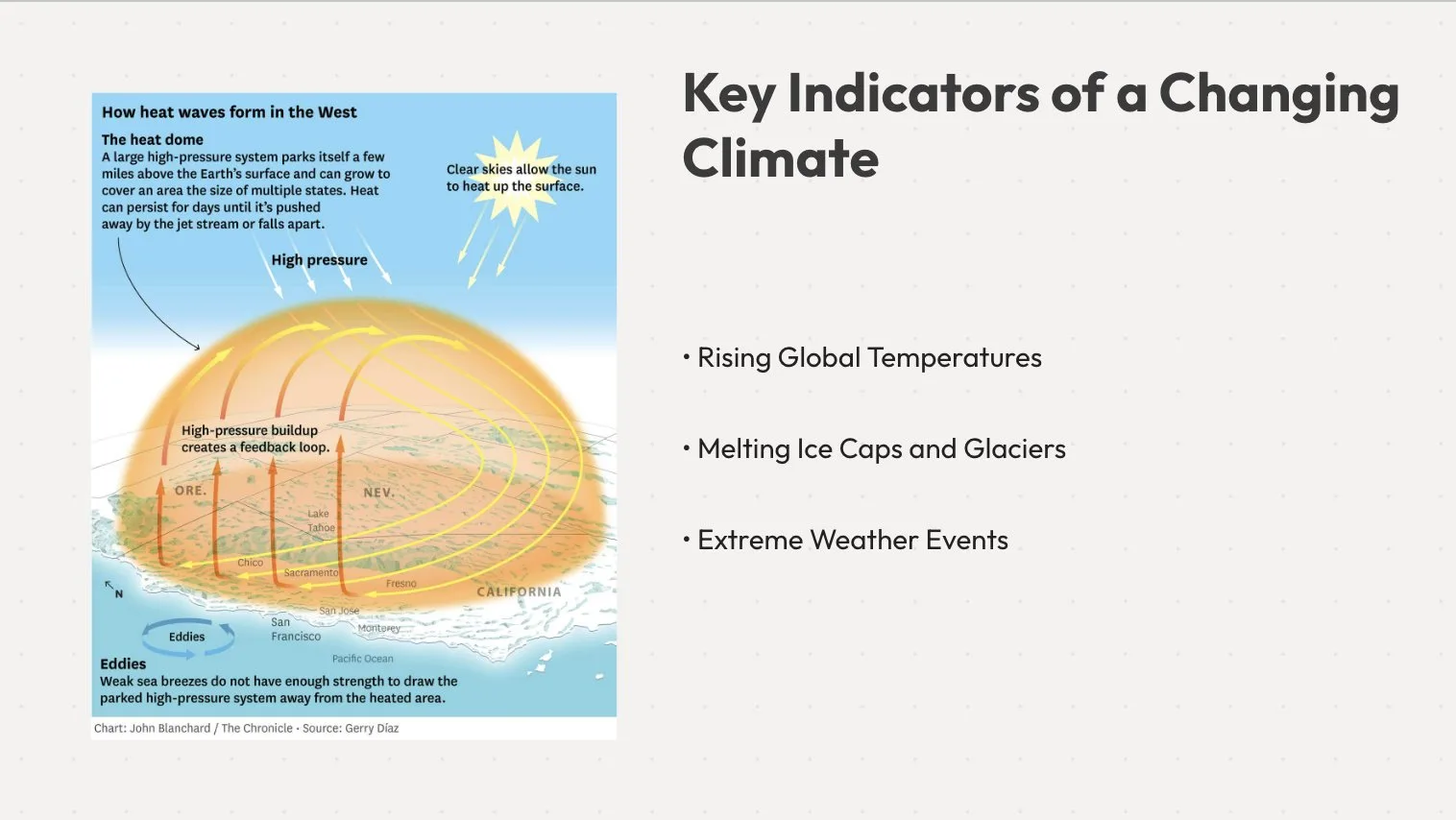
Pick a look, type your topic, and MagicSlides fills it in. Edit anything after.









Pricing
For students and occasional decks
For professionals who present weekly
For heavy, everyday use
Frequently asked questions
What languages are supported by MagicSlides AI PPT maker?
What do I actually receive after I purchase a license?
Can someone else order the license of AI Presentation Maker on my behalf?
How is support provided, and what does it include?
What constitutes a user in terms of pricing?
Does MagicSlides AI presentation maker work with both Google Slides and PowerPoint?
Is my data safe when I use the AI Presentation maker?
Can I customise the slides after the AI generates them?
Can I use AI PPT maker to update or improve an existing presentation?
Can't find an answer to your question related to AI Presentation Maker? Send an email to support@magicslides.app, and we'll be happy to help you.

Ready to Create Your Next Presentation?
Join 2.6M+ users. No credit card required.


